
Claude Code vs Cursor vs Codex - Best Coding Agent
A head-to-head comparison of Claude Code, Cursor, and OpenAI Codex CLI covering pricing, benchmarks, workflow differences, and which coding agent fits your stack.
 8 min read
Three AI coding tools are pulling in billions of dollars and reshaping how developers write software in 2026. Claude Code, Cursor, and OpenAI Codex each take a different approach to the same problem: making you ship code faster. Claude Code is a terminal-native agent with a 1M token context window. Cursor is an AI-first IDE built on VS Code. Codex runs tasks asynchronously in cloud sandboxes and delivers pull requests. The right choice depends on your workflow, not just the benchmark scores.
TL;DR
- Claude Code wins for deep multi-file refactoring and large codebase work thanks to its 1M token context and Agent Teams
- Cursor offers the smoothest daily coding experience with tab completion, visual diffs, and multi-model support at $20/month
- Codex excels at background tasks you can fire and forget, but its best features require the $200/month ChatGPT Pro plan
- All three score within a few points of each other on SWE-bench Verified (78-81%)
Head-to-Head Comparison
| Feature | Claude Code | Cursor | OpenAI Codex |
|---|---|---|---|
| Type | Terminal CLI + IDE extension | AI-native IDE (VS Code fork) | Terminal CLI + cloud app |
| Starting price | $20/mo (Pro) | $0 (free tier) / $20/mo (Pro) | $20/mo (Plus) |
| Power tier | $200/mo (Max 20x) | $200/mo (Ultra) | $200/mo (ChatGPT Pro) |
| Default model | Sonnet 4.6 | Auto (routes across models) | GPT-5.3 Codex |
| Context window | 1M tokens | ~120K (model-dependent) | 400K tokens |
| SWE-bench Verified | 80.8% (Opus 4.6) | Model-dependent | 78.0% (GPT-5.3 Codex) |
| Execution model | Synchronous, local | Synchronous, local | Async cloud sandboxes |
| Open source | No | No | Yes (Rust CLI) |
| Multi-model | Claude models only | GPT-5.2, Claude, Gemini, Grok | OpenAI models only |
Claude Code - The Context Window King
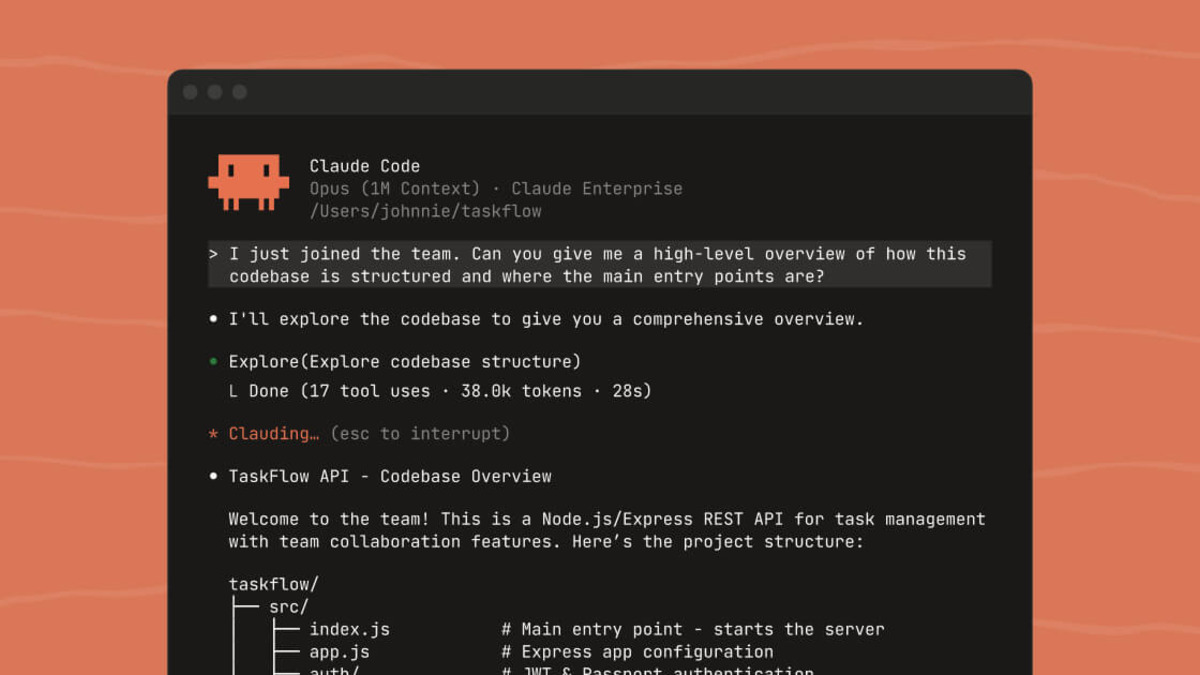 Claude Code's product page showing its terminal-native approach to AI coding.
Source: claude.com
Claude Code's product page showing its terminal-native approach to AI coding.
Source: claude.com
Claude Code runs in your terminal, reads your entire codebase, and edits files directly. There's no IDE to learn, no new UI to navigate. You type claude in your project directory and start talking to it.
The 1M token context window on Sonnet 4.6 is the biggest differentiator. Where other tools lose track of your codebase after a few files, Claude Code can hold entire monorepos in context. For large-scale refactoring - migrating a framework, updating an API across dozens of files, or auditing security across a codebase - nothing else comes close.
Agent Teams
Anthropic's Agent Teams feature (launched February 2026) lets you spawn sub-agents that each get their own context window. They share a task list with dependency tracking and can message each other. Think of it as giving Claude Code the ability to parallelize complex work the way a senior engineer delegates to a team.
Pricing breakdown
The $20/month Pro plan uses Sonnet 4.6 as its default model and handles most individual developer workflows. Heavy users hit rate limits within a few hours. The $100/month Max plan adds Opus 4.6 access and 5x the usage ceiling, while the $200/month Max 20x tier gives you 20x Pro limits.
On the API side, Sonnet 4.6 costs $3/$15 per million input/output tokens. Opus 4.6 runs $5/$25. One thing to watch: Claude Code consumes more tokens per task than Codex on equivalent work. Tests from MorphLLM showed 3-4x higher token usage on identical tasks, which matters if you're paying per token through the API.
Where it falls short
Claude Code only runs Claude models. If Anthropic has an outage or you want to compare outputs across providers, you're stuck. The token consumption is also a real cost consideration for teams running it through the API at scale.
Cursor - The IDE Developer Experience
 Cursor's AI-native IDE combines familiar VS Code workflows with agent capabilities.
Source: cursor.com
Cursor's AI-native IDE combines familiar VS Code workflows with agent capabilities.
Source: cursor.com
Cursor took VS Code, stripped it down, and rebuilt it as an AI-first editor. The result is the most polished daily coding experience of the three tools. Tab completion alone - which reads context around your cursor and predicts what you'll type next - can cut typing by 40-60% according to Cursor's own data.
The company hit $2 billion in annualized revenue by early 2026 with over 360,000 paying subscribers. That growth rate speaks to how sticky the product is once developers try it.
Multi-model flexibility
Cursor's strongest structural advantage is model routing. Auto mode picks the best model for each task, but you can manually select from Claude Opus 4.6, GPT-5.2, Gemini 3 Pro, and Cursor's own models. If one provider is slow or down, switch to another without leaving your editor.
In June 2025, Cursor moved from request-based to credit-based pricing. Every paid plan includes a monthly credit pool (equal to your plan price in dollars). Auto mode completions are unlimited. Manually selecting premium models draws from credits at API rates.
Pricing breakdown
The free Hobby plan includes 2,000 completions and 50 slow premium requests per month. Pro at $20/month gives 500 fast premium requests and unlimited standard completions. Pro+ at $60/month triples credits. Ultra at $200/month provides $400 in usage credits. Business runs $40/seat/month with admin controls.
Where it falls short
You're locked into Cursor's editor. If you prefer Vim, Emacs, or a JetBrains IDE, Cursor isn't an option. The credit system can also be confusing - it's not always clear how much a given interaction will cost until after it runs.
OpenAI Codex - The Async Background Worker
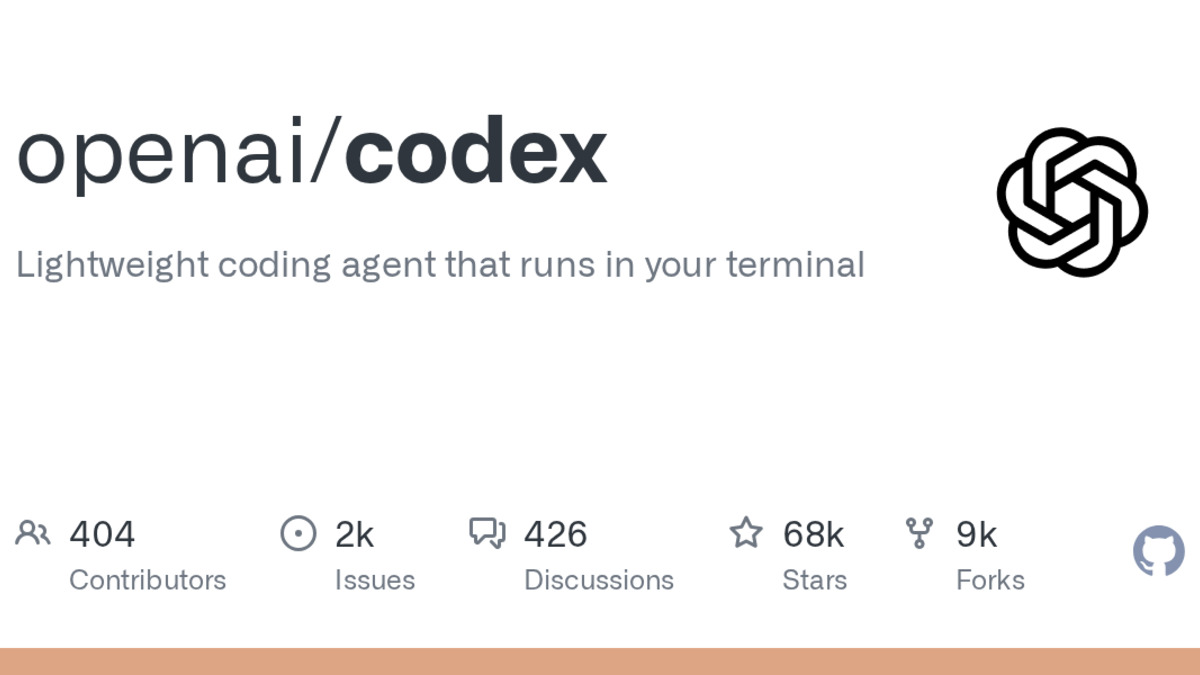 OpenAI Codex CLI's GitHub repository showing its open-source Rust codebase.
Source: github.com
OpenAI Codex CLI's GitHub repository showing its open-source Rust codebase.
Source: github.com
Codex takes a different approach completely. Instead of working alongside you in real time, it spins up a sandboxed cloud VM, works on your task independently, and delivers a pull request when it's done. You can assign work, close your laptop, and come back to finished code.
The Codex CLI is open source, built in Rust, and runs locally in your terminal. It supports MCP for connecting external tools, subagents for parallelizing work, and web search for pulling in documentation on the fly.
Benchmark performance
Codex scores 78.0% on SWE-bench Verified with GPT-5.3 Codex and leads Terminal-Bench 2.0 at 77.3% - a benchmark that tests real terminal workflows like building projects, debugging, and running tests. Claude Code scored 65.4% on Terminal-Bench 2.0, making Codex the stronger choice for terminal-heavy automation.
On SWE-bench Pro, the gap narrows: Codex hits 56.8% versus Claude Code's 55.4%.
Pricing breakdown
Codex CLI works with any OpenAI API key. The codex-mini model runs $1.50/$6 per million input/output tokens with a 75% prompt caching discount. For the full Codex cloud experience (async tasks, sandboxed VMs), you need a ChatGPT subscription: Plus at $20/month, Pro at $200/month for the highest limits.
Where it falls short
The async model means you can't iterate in real time the way you can with Claude Code or Cursor. Review cycles add friction. And the best Codex experience requires the $200/month ChatGPT Pro plan, which is a steep price if you don't use ChatGPT for other tasks.
Which Should You Pick?
Your workflow determines the right tool more than any benchmark.
Pick Claude Code if you work on large codebases, do a lot of multi-file refactoring, or need an agent that can hold your entire project in context. The 1M token window and Agent Teams make it the strongest choice for architectural work. Best for senior engineers and complex codebase navigation.
Pick Cursor if you want AI woven into your daily editing workflow. Tab completion, visual diffs, inline chat, and multi-model routing make it the smoothest experience for writing new code. Best for developers who live in their editor and want AI to feel native, not bolted on.
Pick Codex if you have repeatable tasks you want to delegate entirely. Test generation, documentation, routine feature work - anything you'd normally assign to a junior developer. The async model works well for teams running multiple tasks in parallel. Best for teams with well-defined task queues.
On a budget? Cursor's free tier is the most generous starting point. Claude Code and Codex both require $20/month minimum for meaningful use.
Honorable mentions
Windsurf (bought by Cognition AI for $250M) offers a strong free tier with unlimited tab completion and its SWE-1.5 model claims near-Claude-4.5 performance at 13x the speed. Pro starts at $15/month, making it the cheapest paid option. Worth trying if Cursor's pricing feels too steep.
GitHub Copilot added agent mode in 2026 with autonomous multi-step coding. Pro costs $10/month with 300 premium requests. Pro+ at $39/month unlocks all models including Claude Opus 4 and o3. It's the most affordable way to get multi-model AI coding, but the agent capabilities lag behind the three tools above.
FAQ
Is Claude Code better than Cursor for coding?
Claude Code handles large codebases and multi-file refactoring better due to its 1M token context. Cursor offers a smoother daily editing experience with tab completion and visual diffs. They solve different problems.
Can I use Codex CLI for free?
Codex CLI is open source, but you need an OpenAI API key. At minimum, you pay per-token API costs. The codex-mini model starts at $1.50 per million input tokens with prompt caching discounts.
Which tool has the best benchmark scores?
Claude Code (via Opus 4.6) leads SWE-bench Verified at 80.8%. Codex leads Terminal-Bench 2.0 at 77.3%. No single tool dominates every benchmark.
Do these tools work with my existing IDE?
Claude Code offers VS Code and JetBrains extensions plus a standalone terminal CLI. Cursor replaces your IDE completely. Codex CLI runs in any terminal and also has a macOS desktop app.
Is Cursor worth $20 per month?
For active developers writing code daily, Cursor Pro's tab completion and agent features pay for themselves in saved time within the first week. The free tier is solid for evaluation.
Can I switch between these tools?
Yes. Many developers use Cursor for daily coding and Claude Code for deep refactoring or codebase analysis. They aren't mutually exclusive, and your code stays in Git regardless of which tool you use.
Sources
- Claude Code Documentation
- Cursor Pricing and Models
- OpenAI Codex CLI on GitHub
- OpenAI Codex Pricing
- Codex vs Claude Code Benchmarks - MorphLLM
- SWE-bench Verified Leaderboard - Epoch AI
- Terminal-Bench 2.0 Hard Leaderboard - Artificial Analysis
- Cursor Surpasses $2B in ARR - TechCrunch
- Anthropic ARR Surges to $19 Billion - Yahoo Finance
✓ Last verified March 26, 2026

