
Best AI Tools for Teachers and Educators (2026)
A hands-on comparison of 10 AI tools built for teachers, covering tutoring, lesson planning, grading, and classroom productivity with verified pricing.
 9 min read
Teachers who use AI tools at least weekly save an average of 5.9 hours per week, according to Teaching Channel's 2026 survey. That's nearly a full workday reclaimed for actual teaching. I tested 10 AI platforms built specifically for educators to find out which ones deliver real time savings and which are just marketing fluff with a chatbot slapped on top.
TL;DR
- Best overall: MagicSchool AI offers 80+ purpose-built tools on a generous free tier, with paid plans starting at $8.33/month
- Khanmigo is free for teachers and provides the strongest Socratic tutoring experience for students at $4/month
- Google Gemini in Classroom ships free with every Workspace for Education account and handles lesson drafting, feedback, and audio lessons without leaving Google's ecosystem
Comparison Table
| Tool | Best For | Free Tier | Paid Price | Key Strength |
|---|---|---|---|---|
| MagicSchool AI | All-in-one planning | Yes (80+ tools) | $8.33/mo | Widest tool selection |
| Khanmigo | Student tutoring | Free for teachers | $4/mo (students) | Socratic method |
| Brisk Teaching | In-browser grading | Yes (23+ tools) | $99.99/yr | Chrome extension |
| Diffit | Differentiation | Yes | $14.99/mo | Reading level adjustment |
| Curipod | Interactive lessons | Yes (limited) | Custom | Polls, word clouds, AI feedback |
| SchoolAI | Student AI spaces | Yes (50 sessions/day) | Custom | Monitored student chatbots |
| Eduaide.AI | Resource generation | Yes (20 gens/mo) | $5.99/mo | 100+ content templates |
| Gradescope | Assessment grading | Limited | $1/student+ | AI answer grouping |
| Canva for Education | Visual content | 100% free | N/A | Design + AI built in |
| Google Gemini | Google Workspace AI | Free (all editions) | N/A | Deep Classroom integration |
Tutoring and Student Support
Khanmigo (Khan Academy)
Khanmigo doesn't hand students the answer. It asks them questions until they find it themselves. That Socratic approach matters because it mirrors what good tutoring actually looks like, and it's backed by Khan Academy's full K-12 content library in math, science, reading, writing, and computer science.
The tool is free for all teachers. For students and parents, it costs $4/month (or $44/year), and a single parent subscription covers up to 10 child accounts. Common Sense Media gave it 4 stars, higher than ChatGPT or Bard.
On the teacher side, Khanmigo produces lesson plans, rubrics, exit tickets, and quiz questions. It exports to Google Slides and Forms. Language support includes English, Spanish, Portuguese, and Hindi, with beta coverage for Arabic, Chinese, and several other languages.
 Khanmigo's interface pairs a chat-based tutor with Khan Academy's lesson content.
Source: khanmigo.ai
Khanmigo's interface pairs a chat-based tutor with Khan Academy's lesson content.
Source: khanmigo.ai
SchoolAI
SchoolAI takes a different approach. Instead of one tutor, teachers create "Spaces" - custom AI chatbots with specific guardrails and instructions. A biology teacher can spin up a Space that only discusses cellular respiration and stays on topic. Students interact with the AI while the teacher monitors everything through Mission Control.
The free tier includes access to 200,000+ community-created Spaces and 50 student sessions per day. Pro and Scale tiers (custom pricing) add unlimited sessions, usage dashboards, SIS rostering, and LMS integrations. The platform has reached over 1 million classrooms across 80+ countries.
Lesson Planning and Content Creation
MagicSchool AI
MagicSchool is the Swiss Army knife of AI education tools. It packs 80+ teacher tools and 50+ student tools into a single platform. Need a differentiated reading passage? There's a tool for that. Want to create a behavior intervention plan, level a text, or write a parent email? All covered.
The free tier is truly useful - you get access to every tool, the Raina chatbot, and student learning insights. The Plus plan ($12.99/month or $8.33/month billed annually) removes generation limits and unlocks advanced features. Enterprise pricing is custom for districts and includes SSO, LMS integrations, and admin dashboards.
 MagicSchool's dashboard organizes 80+ AI tools by task type for quick access.
Source: magicschool.ai
MagicSchool's dashboard organizes 80+ AI tools by task type for quick access.
Source: magicschool.ai
MagicSchool claims its yearly cost runs over 50% lower than both Microsoft Copilot and ChatGPT Plus subscriptions while including student usage. For budget-conscious schools, that comparison is worth checking against your district's specific needs.
Eduaide.AI
Eduaide focuses specifically on content generation with over 100 resource templates. Feed it a topic and standards, and it produces lesson plans, worksheets, assessments, and discussion prompts. The output isn't perfect - you'll still need to review and tweak - but it cuts planning time from hours to minutes.
The free tier gives you 20 generations per month. The Pro plan at $5.99/month (or $49.99/year) unlocks unlimited generations, one-click differentiation, and the Erasmus AI assistant. Schools and districts get custom volume pricing.
Diffit
Diffit solves one of teaching's most time-consuming problems: creating materials at different reading levels for the same content. Paste in a topic or text, and Diffit produces adapted versions at multiple reading levels with vocabulary support and comprehension questions.
The free version is quite capable. Individual teachers who need more can upgrade for $14.99/month. School and district plans use flat-rate annual pricing based on enrollment. Diffit is currently offering free early access for schools ordering for the 2026-27 school year.
Assessment and Feedback
Brisk Teaching
Brisk lives where teachers already work - inside Chrome. The browser extension integrates directly with Google Docs and Classroom, so you can generate feedback on student writing without switching platforms. Three feedback styles come free: Glow & Grow, Rubric Criteria, and Next Steps.
The free tier includes 23+ creation tools, an inspect writing feature, text leveling, and translation into 50+ languages. Educator Pro at $99.99/year adds a faster AI model, AI detection in the inspect writing tool, and slide upgrades. School and district plans are custom-priced.
What makes Brisk stand out is friction reduction. Teachers don't need to learn a new platform or copy-paste between tabs. If your school runs on Google Workspace, Brisk slots in without disrupting existing workflows.
Gradescope (Turnitin)
Gradescope handles the mechanics of grading at scale. Its AI groups similar student answers together, so instead of grading 150 individual responses, you grade clusters. Create a rubric once, and it applies consistently across the entire class.
The platform accepts paper-based exams (scanned), digital homework, bubble sheets, and programming assignments. It integrates with Canvas and other LMS platforms for direct grade transfer. Pricing starts at $1 per student for basic access, with a Standard Plan at $25/month for advanced analytics.
Gradescope isn't a generative AI tool - it won't write your rubrics for you. But for high-volume assessment in STEM courses, the time savings are sizable.
Classroom Productivity and Design
Google Gemini in Classroom
If your school already uses Google Workspace for Education, Gemini is the easiest entry point. It's free across all editions and baked directly into Classroom, Docs, Slides, Sheets, and Forms.
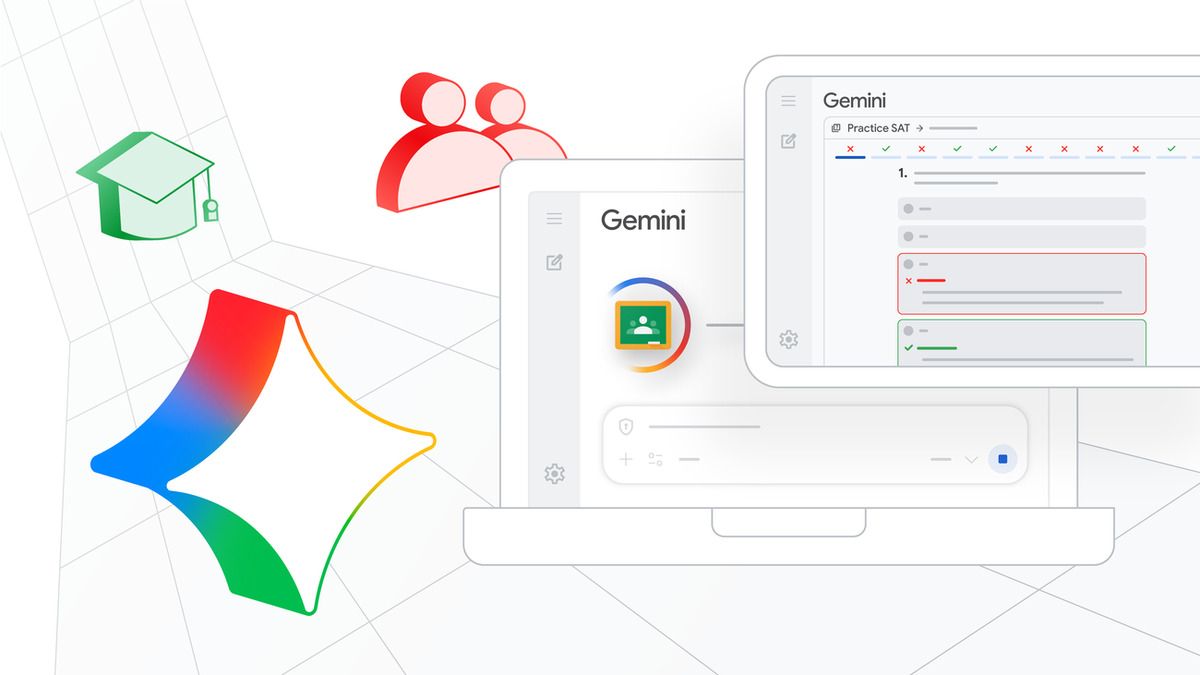 Google's BETT 2026 updates brought 30+ AI tools directly into Google Classroom.
Source: blog.google
Google's BETT 2026 updates brought 30+ AI tools directly into Google Classroom.
Source: blog.google
At BETT 2026, Google added Audio Lessons - podcast-style content that teachers can customize by grade level, topic, and learning objectives. The assignment feedback feature drafts personalized comments based on student work, grade level, and focus areas set by the teacher. The redesigned Classroom homepage now functions as an actionable dashboard with engagement metrics.
A key privacy detail: Gemini for Education operates as a "school official" under FERPA. Student data is contractually protected and never used for model training. For districts with strict data governance, that distinction matters. If you're interested in comparing the major AI chatbots behind these tools, we've covered the differences in detail.
Canva for Education
Canva for Education is 100% free for K-12 teachers, students, and qualified districts - including most premium features. The AI toolkit includes Magic Write for drafting lesson plans, Magic Activities for creating interactive content like Venn diagrams and thinking frameworks, and an AI image generator for custom educational visuals. If you also need to create presentations for class, Canva handles that too.
The platform includes LMS integrations, assignment sharing with students, and a video editor with captions. Canva also recently launched a free AI in the Classroom certification for teachers who want structured training on using these tools effectively.
Curipod
Curipod turns static slideshows into interactive lessons with polls, drawings, word clouds, and open-ended questions. The AI produces class-wide and individual student reports with participation insights.
The free plan includes limited weekly sessions and 3 standards-aligned test prep lessons. School and district plans (custom pricing) unlock unlimited usage, customizable AI feedback with personal rubrics, extended student responses up to 2,300 characters, and standards alignment across all 50 US states.
Best Picks Summary
Best overall for teachers: MagicSchool AI. The free tier alone covers most planning needs, and the paid plan is cheaper than a general-purpose AI subscription.
Best for student tutoring: Khanmigo. Free for teachers, $4/month for students, and the Socratic questioning approach is truly pedagogically sound.
Best for Google schools: Google Gemini in Classroom. Free, integrated, FERPA-compliant, and requires zero new platform adoption.
Best budget option: Brisk Teaching. The free Chrome extension handles grading and differentiation without leaving your browser. Teachers looking to learn more about AI-assisted learning can pair it with our guide.
Best for visual content: Canva for Education. Fully free for K-12, with AI creation tools included.
FAQ
Are AI tools safe to use in K-12 classrooms?
The tools listed here are designed for education and comply with FERPA and COPPA. MagicSchool, SchoolAI, Curipod, and Gemini all include student data protections. Always verify your district's specific policies before deploying.
Which AI tool is best for a teacher on a tight budget?
MagicSchool AI's free tier is the most generous, with 80+ tools at no cost. Brisk Teaching's free Chrome extension and Google Gemini (free with Workspace for Education) are also strong zero-cost options.
Can students use these tools directly?
Khanmigo, SchoolAI, and Curipod are designed for direct student interaction with teacher-set guardrails. MagicSchool also offers 50+ student-facing tools. Most include monitoring dashboards so teachers can track usage.
Do these tools replace human teachers?
No. Every tool on this list aims to handle repetitive tasks - planning, grading, differentiation - so teachers can spend more time on instruction and student relationships. The AI assists; it doesn't teach.
How do AI education tools handle student data privacy?
Most education-specific tools comply with FERPA, COPPA, and often GDPR. Gemini operates as a "school official" under FERPA. MagicSchool and SchoolAI are SOC2 certified. Always review each tool's data processing agreement before district-wide deployment.
Sources
✓ Last verified March 26, 2026

