
Best AI Tools for Journalists 2026
A data-driven comparison of six AI tools journalists are actually using in 2026, covering transcription, research, fact-checking, and writing.
 8 min read
AI is now woven into nearly every stage of the reporting workflow. According to a Reuters Institute survey, 49% of UK journalists use AI transcription or captioning tools at least monthly, and that number has climbed steadily each year. The practical question isn't whether to adopt AI - it's which tools actually deliver, and which ones cost more than they save.
TL;DR
- Google Pinpoint is the best free pick for document-heavy investigations - handles 200,000 files per collection at zero cost
- Otter.ai Pro at $8.33/month (billed annually) gives the best transcription-per-dollar for field journalists
- Perplexity Pro at $20/month pulls cited sources in real time, making it a faster starting point than a raw LLM for source discovery
This comparison covers six tools across four workflow categories: transcription, document research, source discovery, and editing/verification. I tested or reviewed documented benchmarks for each. Pricing is as of April 2026.
Transcription
Transcription was where AI first got into newsrooms, and the market is now crowded. Three tools stand out for journalists specifically.
Otter.ai
Otter.ai is the most common entry point for solo journalists and freelancers. The free tier gives 300 minutes per month - enough for occasional interviews. The Pro plan at $8.33/month (annual) or $16.99/month raises that to 1,200 minutes and allows 90-minute continuous recordings.
For field work, Otter's mobile app is its real advantage. You can record in-person interviews with a single tap, and transcripts sync across devices within seconds. Reported transcription accuracy from third-party reviews sits around 85% for clean audio and drops meaningfully with accented speech or ambient noise.
One limitation worth noting: Otter is mostly a meeting-intelligence tool. Its speaker labeling and AI summaries are tuned for board calls and standups, not press conferences or multi-source audio files. For those, you want something more purpose-built.
Trint
Trint is the newsroom-native option. It was built from the ground up for editorial workflows - collaborative highlighting, story-building directly from transcripts, and team annotation all ship in the base product. It supports over 40 languages with strong accuracy on broadcast-quality audio.
The tradeoff is cost. The Starter plan runs roughly $52/month per seat, and there's no permanent free tier - only a 7-day trial. For a team of three reporters that's over $1,800 per year, which puts it in a different budget category than Otter. The Advanced plan at around $60/month adds unlimited files for single users, while Enterprise pricing is custom.
The collaboration features genuinely matter for story teams. If three reporters are working a single investigation and need to annotate the same transcript in parallel, Trint solves that cleanly. Solo journalists will find it hard to justify the price.
Google Pinpoint
Pinpoint is the most underused tool in this comparison. It's completely free for verified journalists and handles up to 200,000 files per collection - documents, emails, images, audio files, and handwritten notes. It uses OCR and speech-to-text to make everything searchable across 15 languages.
The AI layer lets you ask questions across a collection ("which documents mention the contractor's license number?") and surface named entities - persons, organizations, locations - as filterable facets. For document-heavy investigations, this is the kind of capability that previously required either a large vendor contract or in-house engineering.
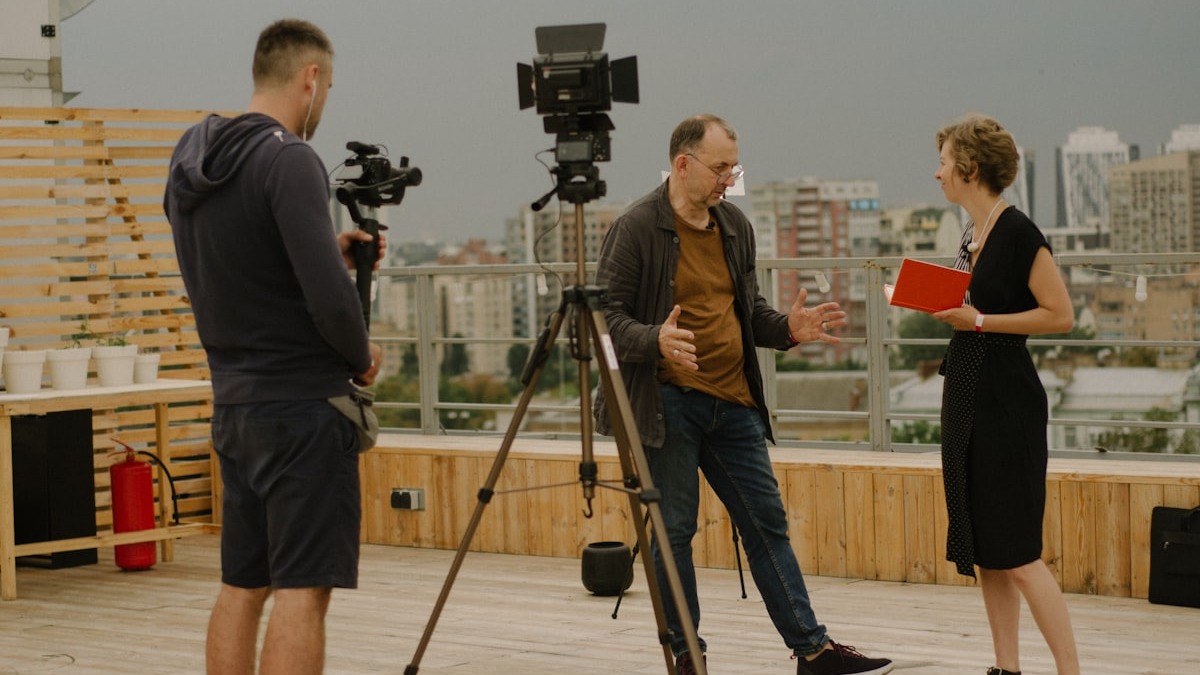 Journalists conducting field interviews generate audio that tools like Trint and Otter.ai can transcribe and make collaboratively editable.
Source: unsplash.com
Journalists conducting field interviews generate audio that tools like Trint and Otter.ai can transcribe and make collaboratively editable.
Source: unsplash.com
Accuracy on audio is reasonable for a free tool but trails Trint and Otter on difficult recordings. Pinpoint's real strength is search and organization, not raw transcription quality. If your workflow involves FOIA responses, leaked document sets, or large evidence archives, this is worth setting up even if you use a different tool for interview transcription.
Source Discovery and Research
The ability to quickly surface relevant sources - and know whether they're reliable - has become one of the most contested areas in the journalist toolkit. See our broader best AI research assistants and best AI deep research tools roundups for coverage beyond journalism-specific use cases.
Perplexity AI
Perplexity is a conversational search engine that returns cited answers rather than a list of links. For journalists, the key feature is that every claim in a response is linked to a source you can click and verify. This is fundamentally different from prompting a general-purpose LLM, where you get confident-sounding text with no citation trail.
The free plan limits Pro Search queries to roughly 5 per day. Pro at $20/month (or $200/year) gives unlimited searches and access to stronger underlying models including Claude, GPT-4, and Llama variants. The Enterprise plan runs $34/seat/month.
Journalists use Perplexity most effectively for three things: quickly building a source list on an unfamiliar beat, cross-referencing claims before an interview, and finding recent coverage of ongoing stories where a training cutoff would make a static LLM unreliable. It's faster than a manual search and more honest about its sources than most chatbots.
Limitations are real. Perplexity cites the sources it finds, but it can still summarize them inaccurately. Treat its output as a starting point, not a finished citation. The tool isn't a replacement for actually reading primary sources.
Google NotebookLM
NotebookLM takes a different approach to research: you upload your own documents - transcripts, PDFs, web clippings, notes - and the AI answers questions strictly from that corpus. It won't hallucinate external facts because it only operates on what you've given it.
For investigative work, this is powerful. Upload all the documents from a document dump and ask "what are the key financial relationships mentioned?" or "which names appear in both sets of records?" In independent testing, NotebookLM's hallucination rate on document-grounded questions was reported at around 13%, well below the 40%+ typical for general LLMs used without context.
NotebookLM is free for personal use. The Enterprise tier (part of Google Agentspace) is custom-priced and aimed at organizations that need SSO and compliance features.
The practical constraint is throughput. Uploading and organizing large document sets takes time, and the tool works best when you've already done initial triage. It pairs well with Pinpoint: use Pinpoint to search and filter a large collection, then load the relevant subset into NotebookLM for deeper analysis.
Editing and Writing
For AI writing tools the landscape is wide, but two tools specifically suit journalist workflows.
Descript
Descript sits blending transcription and multimedia production. You record or import audio or video, get an editable transcript, and can cut media by editing text - delete a sentence in the transcript and the corresponding audio or video disappears. For podcast journalists, video reporters, and anyone producing audio documentaries, this is a truly different kind of editing.
The 2026 pricing model changed from the 2025 version. Descript now uses a "media minute" model instead of transcription minutes, and AI features consume credits that replenish by plan tier. The Hobbyist plan costs $16/month (annual) or $24/month. Creator runs $24/month (annual) or $35/month. Business is $50/month (annual).
One honest note: in September 2025, Descript restructured its pricing so that features previously marketed as unlimited now consume metered AI credits. The same workflow that cost a podcaster $30/month in early 2025 can cost more in 2026 once credit usage is factored in. Budget accordingly.
The Studio Sound feature (AI audio cleanup) and automatic filler-word removal are legitimately useful for broadcast-quality output. The voice cloning and AI video generation features are less relevant for most news workflows.
Descript works best for journalists producing audio or video content - not as a general-purpose writing assistant.
Comparison Table
| Tool | Best For | Free Tier | Paid Starting Price | Key Limitation |
|---|---|---|---|---|
| Otter.ai | Field interview transcription | 300 min/mo | $8.33/mo (annual) | Accuracy drops on accented/noisy audio |
| Trint | Newsroom team collaboration | 7-day trial only | ~$52/seat/mo | High cost for solo journalists |
| Google Pinpoint | Document-heavy investigations | Free (verified journalists) | Free | Audio accuracy trails paid tools |
| Perplexity AI | Source discovery, quick research | 5 Pro searches/day | $20/mo | Still requires manual source verification |
| NotebookLM | Analyzing your own document sets | Free | Free (personal) | Requires manual document upload and prep |
| Descript | Podcast and video production | Limited free tier | $16/mo (annual) | Credit model makes costs less predictable |
Verification Tools - A Reality Check
AI-assisted fact-checking is still early. Tools like Full Fact AI and ClaimBuster can scan text for potentially checkable claims and flag known false statements in political speeches, but neither replaces editorial judgment. ClaimBuster uses NLP to score claim "check-worthiness" - useful for prioritizing which lines in a long speech to pursue, not for confirming accuracy.
The Reuters Institute noted in early 2026 that AI can't fact-check for journalists because the job requires consulting experts, cross-referencing primary documents, and calling people - things a language model can't do. AI tools in this space are triage aids, not verifiers.
Best Picks
Best overall for solo journalists: Otter.ai Pro at $8.33/month. Strong mobile app, solid accuracy on clean audio, and the price is low enough that it doesn't require budget approval at most outlets.
Best free tool: Google Pinpoint - especially for anyone working document-intensive investigations. No other tool in this comparison matches the combination of zero cost and 200,000-file capacity.
Best for research starting points: Perplexity Pro at $20/month. Cited answers from real-time web search are truly more useful for journalists than prompting a closed LLM.
Best for teams: Trint, if the budget exists. The collaborative transcript editing is purpose-built for editorial workflows in a way that generic meeting tools aren't.
Best for multimedia journalists: Descript Creator plan at $24/month. Text-based audio and video editing is a real workflow improvement for podcast and video reporters - just watch the credit consumption.
Sources
- Otter.ai Pricing Plans 2026
- Trint Pricing 2026 - Brasstranscripts
- Google Pinpoint: A research tool for journalists
- Perplexity AI Pricing 2026 - Screenapp
- Descript Pricing 2026 - Descript official
- AI and the Future of News 2026 - Reuters Institute
- Full Fact AI - AI-Powered Fact Checking
- NotebookLM vs ChatGPT 2026 - Neuronad
- 5 AI-powered fact-checking tools for journalists - IJNet
- Best Transcription Tools for Journalists 2026 - NovaScribe
✓ Last verified April 25, 2026

