
Best AI Tools for Developers in 2026
The best AI tools for developers in 2026 across coding, testing, documentation, and monitoring - with real pricing and adoption data.
 10 min read
Ninety-five percent of software engineers now use AI tools at least weekly, and 75% use AI for half or more of their work. Those numbers come from The Pragmatic Engineer's 2026 survey of 900 developers - and they represent a shift that happened faster than most engineering teams planned for. The tools changed, the workflows changed, and the stack a developer reaches for in 2026 looks nothing like it did in 2024.
TL;DR
- Claude Code is the most-used AI coding tool in 2026, overtaking GitHub Copilot and Cursor in under a year
- Cursor at $20/month Pro is the best IDE-integrated option for daily coding workflows
- GitHub Copilot still controls enterprise procurement but its June 2026 shift to usage-based billing changes the cost math
- The modern developer stack isn't just a coding assistant - it covers testing (Sentry with Seer), documentation (Mintlify), and monitoring (Datadog) too
The Four Layers of the AI Developer Stack
Developers don't just use one AI tool. Most use two to four, each covering a different phase of the development cycle. The categories that matter in 2026 are: code writing and editing, testing and QA, documentation, and debugging or monitoring. A tool that excels at one category often does nothing useful in another.
This article covers tools across all four. For a focused deep-dive specifically on coding assistants and their benchmark scores, see the best AI coding assistants 2026 roundup - this piece is deliberately broader.
AI Coding Assistants
Claude Code
Claude Code launched in May 2025 and became the most-used AI coding tool in eight months. The Pragmatic Engineer survey found 46% of developers name it their most-loved tool, ahead of Cursor at 19% and GitHub Copilot at 9%. That's an unusual trajectory for any developer product, let alone one that competes with GitHub's distribution advantage.
The tool runs in the terminal. You give it tasks, it reads files, writes changes, runs tests, and iterates. The 200,000-token context window on subscription plans means it can hold most codebases entirely in memory - no manual file-passing, no context fragmentation across multi-file edits.
Pricing on the subscription side: Pro at $20/month is the entry point for individual developers. Max plans start at $100/month for 5x usage and $200/month for 20x. Teams use Claude Teams at $25/user/month. The Max tier is where Claude Code access sits; Pro includes it but with tighter usage limits. For API-driven workflows, the Batch API cuts costs 50% on async workloads, and prompt caching can reduce repeated context costs by up to 90%.
Claude Code's rise from zero to #1 in 8 months is the fastest climb any developer AI tool has made - and smaller companies moved first: 75% of startups now default to it over alternatives.
Claude Code performs best on multi-file reasoning and production-grade refactors. Where it's weaker: real-time autocomplete inside an editor, since it's a terminal tool rather than an IDE extension. Most teams pair it with a separate editor-based assistant for the inline experience.
Cursor
Cursor crossed $2 billion in annualized revenue by March 2026. It's built on VS Code, which means it inherits the editor's extension ecosystem while adding AI that's deeply integrated into the IDE itself - not bolted on. Tab completions are unlimited on Pro. The agent mode (Composer 2) handles multi-file tasks and shows diffs for approval at each step.
Pro costs $20/month with a $20 monthly credit pool for frontier model access. Choosing Auto mode is unlimited; manually selecting Claude Opus or GPT-5.x draws from your credits. Pro+ at $60/month gives three times the credit pool. Ultra at $200/month is for heavy background-agent usage. Business is $40/user/month with shared team rules, admin controls, and centralized billing.
The .cursor/rules/ system is truly useful for teams. You commit scoped instruction files to your repo - enforce TypeScript strict mode, require tests, ban deprecated APIs - and every developer on the team gets consistent AI behavior without configuring anything. The rules survive context resets.
Cursor is a VS Code fork, which means JetBrains, Neovim, and other editor users are out. See the Cursor vs Windsurf 2026 comparison if your team uses multiple editors - Windsurf has better multi-IDE support.
GitHub Copilot
GitHub Copilot remains the default choice at large enterprises, driven by Microsoft's procurement relationships and the fact that it requires no editor switch. It works where developers already are: VS Code, Visual Studio, JetBrains, Neovim, and the GitHub web editor.
Current pricing: Free tier covers 2,000 code completions per month and 50 premium requests. Pro is $10/month or $100/year. Pro+ is $39/month for heavier frontier model access. Business is $19/user/month; Enterprise is $39/user/month and adds custom model fine-tuning on your codebase.
One significant change coming on June 1, 2026: GitHub is shifting all Copilot plans to usage-based billing. Every plan will include a monthly allotment of GitHub AI Credits based on the plan price, with billing calculated from actual token consumption. Plan prices aren't changing, but developers who use high-context frontier models aggressively will see effective costs increase. The community reaction has been mixed - some teams will pay less, teams that push the limits will pay more.
Copilot's survey numbers are lower in developer satisfaction (9% "most loved" in the Pragmatic Engineer survey), but procurement decisions at large companies don't always follow developer preference. The tool is solid, works well across editors, and is what most enterprise developers will use regardless of what they'd personally choose.
Gemini Code Assist
Gemini Code Assist from Google targets GCP shops and JetBrains users. Standard is $22.80/user/month, Enterprise is $54/user/month. Enterprise adds codebase customization on private repositories and integration with Apigee for API operations.
One important change to note: Google announced that Gemini Code Assist will stop serving requests for individual, Google AI Pro, and Google AI Ultra tiers on June 18, 2026. Individual developers who want to continue will need to move to a team or enterprise plan. This limits Gemini Code Assist to an organizational offering, not a personal tool.
It still makes sense for teams already deep in the Google Cloud ecosystem. For multi-cloud or non-GCP shops, the pricing gap versus Cursor and Copilot is harder to justify.
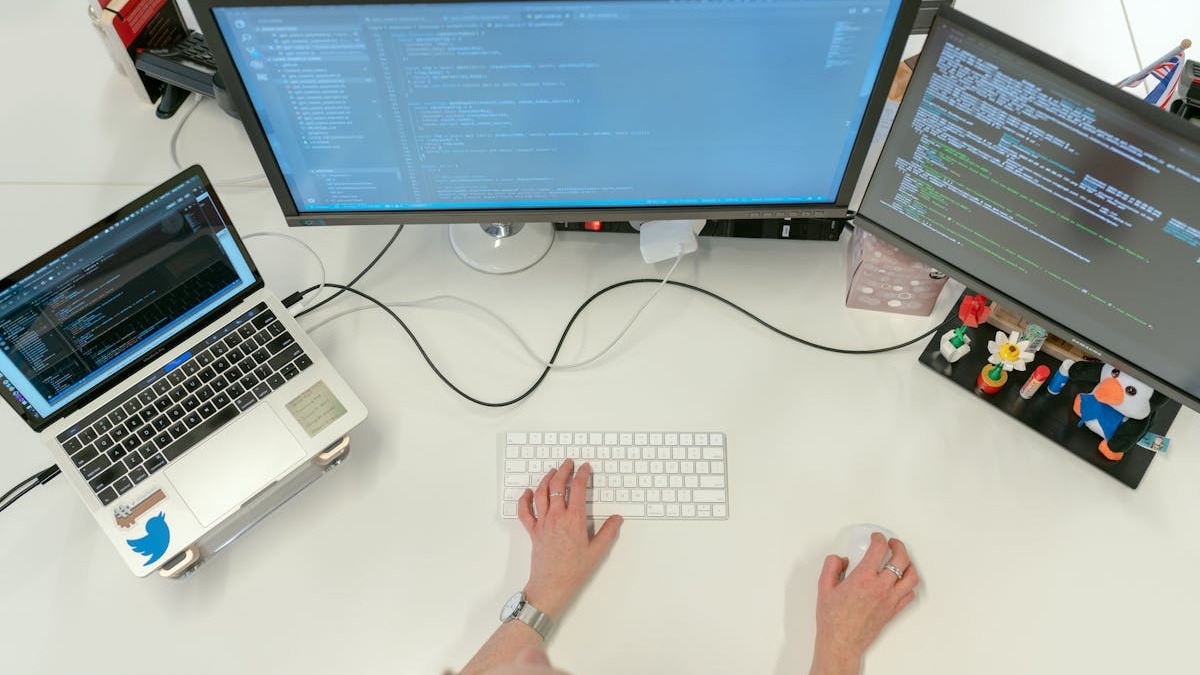 Most developers in 2026 pair a terminal agent like Claude Code with an IDE-integrated assistant like Cursor for coverage across both interactive and autonomous workflows.
Source: unsplash.com
Most developers in 2026 pair a terminal agent like Claude Code with an IDE-integrated assistant like Cursor for coverage across both interactive and autonomous workflows.
Source: unsplash.com
AI Testing and QA
The testing layer is where most teams have the largest gap between what AI could help with and what they've actually configured. Test generation is one of the highest-return uses of AI in software development - it's repetitive, pattern-driven, and easy to verify once output exists.
Sentry added an AI debugging agent called Seer to its platform. Seer does root-cause analysis automatically on new errors, suggests fixes, and surfaces related issues. For teams already using Sentry for error tracking and session replay, Seer reduces the time from "error appeared in prod" to "PR opened" significantly. Sentry's core strength is application-level error tracking with session replay and intelligent issue grouping - it works best for web and mobile applications where user session context matters.
CloudBees Smart Tests uses machine learning to predict which tests are most likely to catch bugs in a given code change, then runs only that subset rather than your full suite. On large codebases where full test runs take 20-40 minutes, targeted test selection changes the PR review cycle meaningfully.
The practical recommendation for most teams: add Seer to Sentry if you're already on that platform, and assess Smart Tests if your CI pipeline is slow enough that test time is a bottleneck.
AI Documentation Tools
Documentation is consistently the most-neglected part of software development, and it's also where AI provides the clearest ROI with the least friction. The tooling here is narrower than in coding assistants but more differentiated.
Mintlify is the strongest documentation platform for software teams right now. It supports docs-as-code with Git sync, creates API references from OpenAPI specs, outputs llms.txt for AI-readable indexing, and includes built-in retrieval and chat. For teams that want one platform covering developer docs, API references, AI agent readability, and analytics, Mintlify's product direction is clearly built for 2026 AI-first workflows.
ReadMe focuses on API documentation specifically, with interactive API explorers, API key pre-filling, and developer dashboards. Its Agent Owlbert feature adds AI-assisted writing and documentation audits against a style guide. ReadMe also supports llms.txt and MCP server generation. For teams whose primary documentation need is an API reference with interactive testing, ReadMe is more purpose-built for that experience.
The decision between them usually comes down to: Mintlify if you want a complete docs site with AI readability built in; ReadMe if your primary deliverable is a polished API reference portal for external developers.
AI Debugging and Monitoring
Datadog and Sentry both have AI features, but they solve different problems and most teams use both. Sentry handles application-level error tracking - it's where you go when something broke for a specific user. Datadog handles infrastructure observability - it's where you go when something is slow or down at scale. Both now include AI-assisted outlier detection and root-cause analysis layers.
Sentry is generally easier to set up and costs less for teams focused on error tracking. Datadog's advantage is in correlating APM data with infrastructure metrics, container monitoring, and log management across microservices. For a small team shipping a web app, Sentry with Seer is usually enough. For teams operating distributed systems or microservices at scale, Datadog's full observability picture is harder to replace.
 AI-powered observability tools like Sentry's Seer reduce the time from error detection to root-cause identification - a meaningful improvement on codebases where bug volumes outpace manual triage.
Source: unsplash.com
AI-powered observability tools like Sentry's Seer reduce the time from error detection to root-cause identification - a meaningful improvement on codebases where bug volumes outpace manual triage.
Source: unsplash.com
Pricing Comparison
| Tool | Free Tier | Individual | Team |
|---|---|---|---|
| Claude Code | No | Pro $20/mo, Max $100/mo | Teams $25/user/mo |
| Cursor | Limited | Pro $20/mo, Pro+ $60/mo | Business $40/user/mo |
| GitHub Copilot | 2K completions, 50 premium req/mo | Pro $10/mo, Pro+ $39/mo | Business $19/user/mo |
| Gemini Code Assist | No (individual tier ending June 18) | Ending June 18 | Standard $22.80/user/mo, Enterprise $54/user/mo |
| Sentry | Yes (limited) | From $26/mo | From $80/mo |
| Mintlify | Yes | Starter from $150/mo | Growth plan from $500/mo |
Sources: Official pricing pages, May 2026
Who Should Use What
For individual developers: Claude Code at $20/month Pro handles complex multi-file work in the terminal. Pair it with Cursor Pro at $20/month for inline IDE assistance. GitHub Copilot Free covers basic autocomplete for free if you want a third layer at no additional cost.
For small teams (5-20 developers): Cursor Business at $40/user/month gives team-level rule sharing and centralized billing. Claude Code's Teams plan at $25/user/month adds a second layer for complex tasks. Add Sentry with Seer for error tracking from the start.
For large enterprises: GitHub Copilot Business or Enterprise fits enterprise procurement patterns. Datadog for infrastructure observability. Gemini Code Assist Enterprise works for GCP-heavy shops. Be aware of the June 1 usage-based billing change on Copilot and model the actual cost for your usage patterns before committing.
For teams with an existing backlog of autonomous work - dependency upgrades, migration scripts, test generation at scale - Devin complements the interactive tools with async delegation. See the Devin vs Cursor 2026 comparison for the cost model.
The most common pattern in 2026 isn't picking one tool. It's running Claude Code or Cursor for daily coding, Sentry for production monitoring, and Mintlify for documentation. The stack has become composable, and the cost of running two or three AI tools has dropped enough that most teams don't treat it as a budget decision anymore.
GitHub Copilot's usage-based billing change on June 1, 2026 is the one concrete decision point coming up fast for teams on Copilot plans. Run your token consumption numbers against the new credit model before the switch goes live.
Sources
- AI Tooling for Software Engineers in 2026 - The Pragmatic Engineer
- Claude Code Usage Statistics 2026 - SerpSculpt
- Claude Code Pricing 2026 - SSD Nodes
- Cursor Pricing 2026 - Vantage
- GitHub Copilot Plans and Pricing - GitHub Docs
- GitHub Copilot Moving to Usage-Based Billing - GitHub Blog
- Gemini Code Assist Overview - Google Cloud Docs
- Gemini for Google Cloud Pricing
- Best AI Documentation Tools 2026 - Mintlify
- Sentry vs Datadog 2026 - Better Stack
- 27 AI Tools for Developers in 2026: Tested and Ranked
✓ Last verified May 21, 2026

