
Best AI Tools for Designers in 2026: May Update
The best AI tools for designers in May 2026, including Google Stitch's I/O launch, Midjourney V8.1, Figma AI credits, and Adobe Firefly pricing.
 8 min read
Google Stitch shipped a streaming design agent with real-time multiplayer editing on May 20, 2026 - the day before this article published. Midjourney released V8.1 on April 30, making it 4-5x faster with native 2K resolution. Figma shifted to a credit-based AI model in March. Design tools moved fast this spring, and most existing comparisons are running on March data or older.
TL;DR
- Google Stitch is now free and adds live streaming AI - the most significant new entrant in design tools since Figma
- Midjourney V8.1 is the current quality leader for image generation, now with native 2K and faster generation
- Adobe Firefly is still the safest choice for commercial work due to its licensed training data
- Figma's credit-based AI pricing is now live; heavy AI users on large teams will see costs compound fast
What Changed in Spring 2026
The biggest shift is at the UI design layer. Google launched Stitch at Google I/O 2026 with a complete overhaul: a streaming AI agent that renders components onto the canvas in real time as you type, multiplayer collaboration, and an Agent Manager that tracks a project's full design history across parallel directions. The entire platform remains free while in Google Labs. Figma charges $15/seat/month at the Professional tier and $55/seat/month at Organization. That pricing gap is going to force a real comparison for teams weighing both.
At the image generation layer, Midjourney V8.1 landed April 30 and changed the calculus on speed. Earlier versions made you wait 15-20 seconds per generation. V8.1 runs 4-5x faster with native 2K output and significantly better text rendering in images - a historically weak point for diffusion models.
For teams that haven't revisited their tool stack since early 2026, these two changes are the ones worth acting on. Everything else is gradual. See the earlier best AI tools for designers and creatives roundup for the March 2026 state and a fuller list of niche tools.
UI/UX Design Platforms
Google Stitch
Stitch is currently the most interesting tool in this space, partly because it's free and partly because the I/O 2026 update is truly new rather than a feature increment.
The streaming agent is the core change. Previous Stitch used a turn-based model: you typed a prompt, waited, got a result. The new version renders components onto the canvas continuously as you type. Layouts reflow before you finish the sentence. For iterative work - adjusting layout, swapping components, exploring variations - that feedback loop changes the experience meaningfully.
Multiplayer editing arrived in the same update. Teams can now work in Stitch simultaneously, which removes the main workflow blocker for collaborative UI design. The Agent Manager logs the full project history and lets teams branch into parallel design directions, which is useful when clients can't decide between two visual approaches.
The caveats: Stitch is still in Google Labs. No SLA, no enterprise support, no guarantee of pricing stability when it exits beta. The 350 standard generations per month (200 in Pro mode via Gemini 2.5 Pro) should cover individual designers and small teams, but high-volume production studios will hit limits.
Google launched Stitch's streaming agent at I/O 2026 on May 20 - a turn-based tool became a real-time canvas in a single update. Figma charges $15/seat for roughly the same core workflow.
Figma AI
Figma remains the professional standard for team-based UI/UX work. The AI layer is now credit-based across all plans: the free Starter tier gets 150 credits per day with a 500 credit monthly cap. Professional ($20/full seat/month) gets 3,000 monthly credits. Organization ($55/full seat/month) gets 3,500; Enterprise ($90/full seat/month) gets 4,250.
The credit system applies to AI generation features - image editing, background removal, resolution boost, component generation via Figma Make. Standard design operations (frames, layouts, prototyping) don't consume credits. For teams using AI occasionally, the Professional tier is fine. Teams using AI for every component in a large design system will need to model their actual consumption against the credit tiers carefully.
The Figma-to-code workflow is where it still beats Stitch. Figma AI can export component context via MCP to coding agents, aligning produced code with your design system. That handoff pipeline is mature and tested; Stitch's SDK is new. For product teams doing regular design-to-engineering handoffs, that matters more than generation speed.
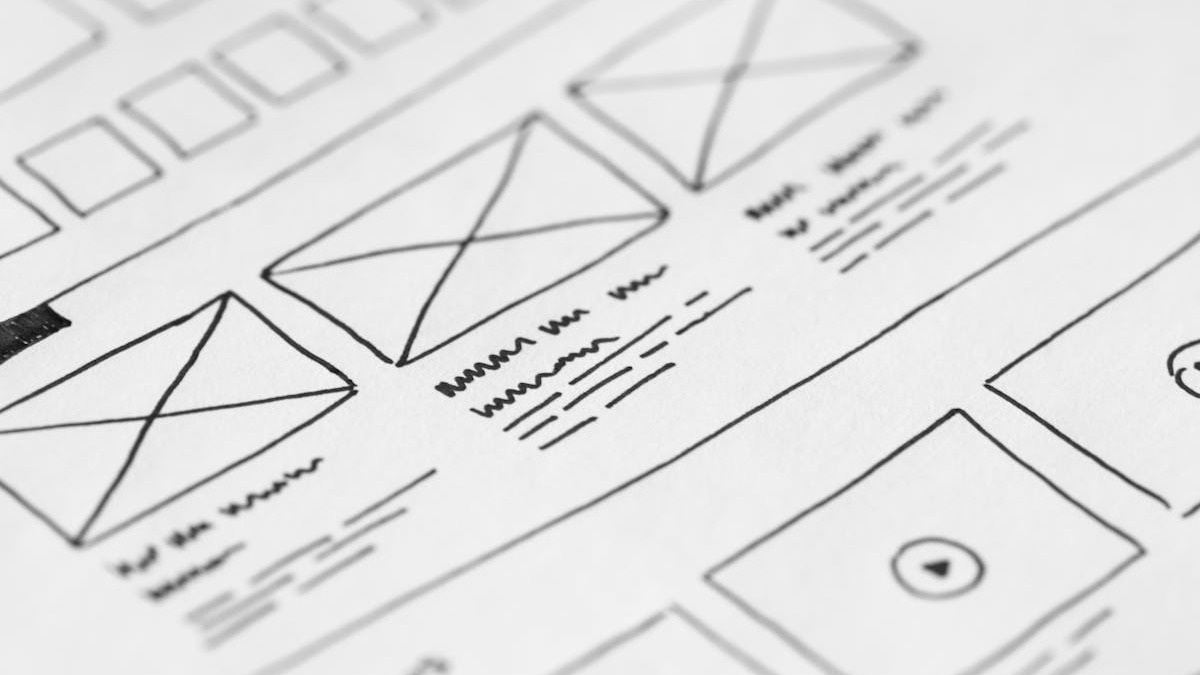 Figma's credit-based AI pricing arrived in March 2026. Professional teams with heavy AI use should model credit consumption before committing to the tier.
Source: pexels.com
Figma's credit-based AI pricing arrived in March 2026. Professional teams with heavy AI use should model credit consumption before committing to the tier.
Source: pexels.com
Image Generation
Midjourney V8.1
Midjourney V8.1 is the current quality leader for concept art, mood boards, and visual exploration. The V8 release in early 2026 introduced 5x faster generation, native 2K resolution via the --hd flag, better text rendering, and a revamped style reference system for maintaining visual consistency across a series.
V8.1 (April 30) refined the model further: sharper small-detail retention, better multi-object scene composition, and more coherent treatment of lighting across complex prompts. It can also animate generated images into video clips, from 5 seconds up to 21 seconds.
Pricing: Basic $10/month (200 image generations, no Relax mode), Standard $30/month (unlimited Relax mode after 15 Fast GPU hours), Pro $60/month (Stealth mode for private generation), Mega $120/month. Annual billing saves 20%. No free tier.
The Standard plan at $30/month is the community consensus for working designers. Unlimited Relax mode means you can queue overnight generation jobs without counting images, which changes how you can use it for research phases. The 15 Fast GPU hours cover interactive sessions at the pace most designers actually work.
For the full Midjourney vs FLUX comparison with prompt-by-prompt results, see Midjourney vs FLUX 2026.
Adobe Firefly
Adobe's differentiation in 2026 is its training data. Firefly trains exclusively on Adobe Stock and licensed content, which means every output comes with IP indemnification. For agencies and studios with clients in regulated industries, that protection is operationally significant - it removes a layer of legal review that other generators require.
The standard pricing: Free (limited credits), Standard $9.99/month, Pro $19.99/month (4,000 premium credits). Standard and Pro unlock unlimited standard generations; premium credits apply only to video, audio translation, and partner model outputs. Integration with Photoshop (Generative Fill), Illustrator (vector generation), and Premiere Pro (background removal, style transfer) means outputs don't require extra export steps.
The quality gap between Firefly and Midjourney is real. Firefly's outputs tend toward the aesthetically conservative side - reliable and commercially safe, less likely to produce the unexpected results that make Midjourney valuable for creative exploration. For client deliverables with IP requirements, Firefly wins. For concept development and exploration, Midjourney remains stronger.
Canva Magic Studio
Canva targets non-designers and teams producing high-volume content at social media scale. The AI layer (Magic Studio) is included at Pro ($15/month) with 500 credits per month. Teams costs $30/user/month.
The value is in the workflow, not the generation quality. Canva's templates, Brand Kit, and export pipeline handle the mechanical parts of content production - Magic Write, Magic Eraser, Dream Lab image generation, and background removal are all integrated into the same interface without context switching. For marketing teams producing 50 social graphics a week, that workflow is more efficient than exporting from Midjourney and compositing in Photoshop.
It's worth being clear about the tradeoff: Canva's image generation quality sits below Midjourney and Firefly. If output quality matters more than volume and workflow efficiency, Canva is the wrong choice. If you're managing a brand template library at scale, it's one of the more practical options.
 Image generation tools serve different needs: Midjourney for creative exploration and concept work, Adobe Firefly for commercially safe client deliverables, Canva for high-volume templated content.
Source: pexels.com
Image generation tools serve different needs: Midjourney for creative exploration and concept work, Adobe Firefly for commercially safe client deliverables, Canva for high-volume templated content.
Source: pexels.com
Pricing Comparison
| Tool | Free Tier | Individual | Team |
|---|---|---|---|
| Google Stitch | Yes (350 gen/mo) | Free (in Google Labs) | Free (in Google Labs) |
| Figma AI | 500 credits/mo | Pro $20/full seat/mo | Org $55/full seat/mo |
| Midjourney V8.1 | No | Basic $10/mo, Standard $30/mo | Pro $60/mo, Mega $120/mo |
| Adobe Firefly | Yes (limited) | Standard $9.99/mo, Pro $19.99/mo | Teams plan (annual only) |
| Canva Magic Studio | Yes (limited) | Pro $15/mo | Teams $30/user/mo |
Which Tool Fits Which Workflow
For UI/UX teams already on Figma: Stay on Figma and add Google Stitch for fast prototyping and exploration. The two tools complement each other - Stitch for early iteration, Figma for handoff and production. Stitch is free while in Google Labs.
For concept art and visual exploration: Midjourney V8.1 Standard at $30/month. The Relax mode and speed improvements in V8.1 make it practical for sustained creative work rather than just quick tests.
For agency work with IP requirements: Adobe Firefly Pro at $19.99/month, or rely on the Photoshop/Illustrator integration if you're already on Creative Cloud. The indemnification is the product.
For marketing and brand content at scale: Canva Pro at $15/month covers most social and template work without requiring design skills across the team.
For freelancers working across multiple categories: Midjourney Standard plus Canva Pro covers most scenarios at $45/month combined. Add Firefly Standard at $9.99 if you have commercial clients with IP requirements.
The one watch item: Google Stitch's pricing when it exits Google Labs. The tool now does enough of what Figma does that the price point will matter. If it lands anywhere under $10/user/month, teams will seriously assess switching at least part of their workflow.
Sources
- Google Stitch at I/O 2026: Streaming Agent and Multiplayer Editing - TechTimes
- Google Stitch Review 2026 - Moda
- Figma Pricing 2026 - Costbench
- Updates to AI Credits in Figma - Figma Blog
- Midjourney V8.1 Review: HD by Default, 5x Faster - FelloAI
- Midjourney Pricing 2026 - Nesyona
- Adobe Firefly Pricing 2026 - Toolcolumn
- Adobe Firefly Plans - Adobe
- Canva AI Pricing 2026 - GPTPrompts
- Best AI Design Tools 2026 - Muz.li
✓ Last verified May 21, 2026

