
Best AI Database Management Tools 2026
A hands-on comparison of the best AI-powered database management tools in 2026 - from query assistants to schema migration platforms - covering pricing, features, and honest trade-offs.
 9 min read
Database work has always been a mix of careful craft and repetitive grunt work. Writing the same JOIN patterns, tuning slow queries, reviewing migration diffs at 11pm before a deploy - none of that actually requires creativity, yet it eats hours every week. AI-native tooling is finally starting to change that, and the options have grown fast enough that the category now needs a proper sorting.
TL;DR
- Best overall pick: Chat2DB covers the most ground - natural language to SQL, 24+ database types, ER diagrams, and team collaboration - at $19.8/month billed annually
- Best free/open-source pick: DBeaver Community with its free AI SQL generation is hard to beat for solo developers who already have an OpenAI or Gemini key
- Key differentiator: Query assistants (Chat2DB, DataGrip AI) help you write SQL faster; DevSecOps platforms (Bytebase) handle the riskier work of managing schema changes safely across environments
This comparison covers six tools across three distinct categories: AI-powered SQL clients, text-to-SQL query assistants, and database DevSecOps platforms. Each category solves a different problem, and conflating them leads to bad buying decisions.
For related context, see our comparisons of best AI SQL tools and best AI data analysis tools.
Category 1 - AI-Powered SQL Clients
These are the tools you actually sit in for hours. They combine traditional database GUI features with AI co-pilots that understand your schema.
Chat2DB
Chat2DB started as an internal Alibaba project, open-sourced it, and has since built a paid cloud layer on top. The GitHub repo has grown into one of the most-starred database tools in the ecosystem.
The core differentiator is breadth. Chat2DB supports 24+ database types including MySQL, PostgreSQL, Oracle, MongoDB, Snowflake, Redis, ClickHouse, CockroachDB, and more - more than any other tool on this list. Natural language to SQL uses schema context from your actual connected database, not a generic model, which means it knows your table names and joins them correctly.
Other striking features: ER diagram generation, data import/export in CSV, XLSX, and SQL formats, a visual dashboard builder, and team collaboration with fine-grained permissions. Security is handled through local data storage, AES/RSA encryption, SSH tunneling, and SQL auditing.
| Plan | Price | Key limits |
|---|---|---|
| Free | $0 | Limited connections, no AI features |
| Professional | $19.8/month (annual) or $39.8/month | Unlimited connections, AI services |
| Team | Custom | Team management, RBAC |
The Professional plan includes a 30-day free trial. At $19.8/month annually it's the best price-to-capability ratio in the AI SQL client space.
Watch out for: The interface can feel crowded for simple queries. If you just need a fast, minimal client, it's overkill.
DataGrip with AI Assistant
JetBrains DataGrip is the database IDE that professional DBAs actually use day-to-day, and the 2026.1 release added an AI agent mode that's genuinely useful rather than bolted on.
The AI Assistant integrates deeply with DataGrip's existing schema introspection. When you chat with it, it automatically attaches your data source context and schema, so queries it generates reference your actual table structure. The 2026.1 release added AI agent mode - a step up from single-turn query generation toward multi-step interactions that can implement fixes, refactor queries, and generate test data.
JetBrains recently restructured AI pricing separately from the IDE:
| Plan | Price |
|---|---|
| DataGrip (individual) | $99/year ($9.90/mo) |
| DataGrip (org) | $229/year ($22.90/mo) |
| JetBrains AI Free | $0 (3 cloud credits/30 days) |
| JetBrains AI Pro | $10/month |
| JetBrains AI Ultimate | $30/month |
The Free AI tier is truly limited at 3 cloud credits per month. Practically speaking, useful daily AI use requires at least the AI Pro add-on at $10/month, putting the real cost at about $20/month for individuals.
Watch out for: Licensing is confusing. You pay for DataGrip separately from the AI Assistant. Budget for both.
Beekeeper Studio
Beekeeper Studio takes a different angle: the core SQL client is completely free with no sign-up required. You get MySQL, PostgreSQL, SQLite, SQL Server support, a Data Browser, visual Schema Explorer, import/export, and SSH tunneling - all at $0. The AI Shell, which connects your database to ChatGPT, Claude, or Gemini for query assistance, is included in paid plans.
The pricing structure is unusual. The community edition is perpetually free and open-source. The Ultimate paid tier starts at a very different scale - enterprise contracts begin around $4,999/month, oriented toward large teams needing fleet management and SSO.
For individuals and small teams, Beekeeper Studio's free tier is the easiest way to get a solid open-source SQL client with optional AI integration through whatever LLM provider you already use. You bring your own API key, so there's no additional per-query cost from Beekeeper.
Watch out for: The AI features in free tier are limited. The jump from free to enterprise pricing is steep with little in between.
Category 2 - Text-to-SQL and Query Assistants
These tools sit outside the IDE and focus on turning plain English into SQL. Useful for non-technical analysts, or for developers who want a web interface rather than a desktop app.
Vanna AI
Vanna 2.0 launched in late 2025 as a complete architectural rewrite. The old approach of a simple NL-to-SQL API got replaced by an agent-based architecture with user-aware components: identity flows through every layer, user context is automatically available in tool calls and SQL queries, and every query gets logged for compliance.
The enterprise-grade features are real. Row-level security filters queries based on user permissions, group-based access control, and thorough audit logging for compliance teams. This is the version for regulated industries where you need an audit trail for every data access.
Vanna offers a free open-source version with an enterprise product. The self-hosted open-source route works well for engineering teams who want to train it on their schema and run it internally. Pricing for the managed service isn't publicly listed - you need to contact sales.
Watch out for: Vanna requires training on your specific schema and query patterns. Setup takes time. Out-of-the-box accuracy on cold schemas is lower than marketed.
Aiven AI Database Optimizer
Aiven's play is different from the others: it's not a query assistant, it's an autonomous performance manager. The AI Database Optimizer continuously monitors your PostgreSQL or MySQL workloads, identifies slow queries, and produces optimized rewrites. It also recommends index changes based on actual query frequency and data volume.
Security is a real feature here. The optimizer analyzes only schema metadata - it doesn't read your actual data rows. This makes it viable for compliance-sensitive environments.
Currently the AI Optimizer is in Early Availability and included free with any Aiven for PostgreSQL service. Base Aiven service pricing starts at $290/month, which covers managed PostgreSQL/MySQL hosting plus the optimizer. If you're already using Aiven for managed databases, the AI layer costs nothing extra right now.
| What it does | Price |
|---|---|
| Managed PostgreSQL/MySQL | From $290/month |
| AI Database Optimizer | Free during Early Availability |
Watch out for: This is Aiven's tool for Aiven customers. If you're running your own Postgres on AWS RDS or self-hosted, it doesn't apply.
Category 3 - Database DevSecOps Platforms
Schema migrations are where real damage happens. This category handles the workflow around changing database schemas safely, with review processes, audit trails, and GitOps integration.
Bytebase
Bytebase is the most complete platform for managing database schema changes across teams. The pitch is GitHub for databases: change requests go through review workflows, get approved before execution, and every change is logged with a full audit trail.
Concrete features: GitOps integration with native GitHub and GitLab support, 200+ SQL lint rules for automated review, column-level data masking for sensitive fields, fine-grained RBAC, and rollback support for migrations. The tool supports PostgreSQL, MySQL, MongoDB, Snowflake, Redis, ClickHouse, and more.
| Plan | Price |
|---|---|
| Free | $0 (limited features) |
| Pro | $20/user/month |
| Enterprise | Custom |
The Pro plan at $20/user/month is on the affordable end for workflow tooling in this space. For a team of five DBAs, that's $100/month for structured schema change management with audit trails - cheaper than one incident caused by an unreviewed migration.
Bytebase is also open-source which means self-hosting is an option for teams with stricter data residency requirements.
Watch out for: Bytebase is process-heavy by design. If your team runs migrations casually from the CLI without review, adoption requires a culture shift, not just a tool change.
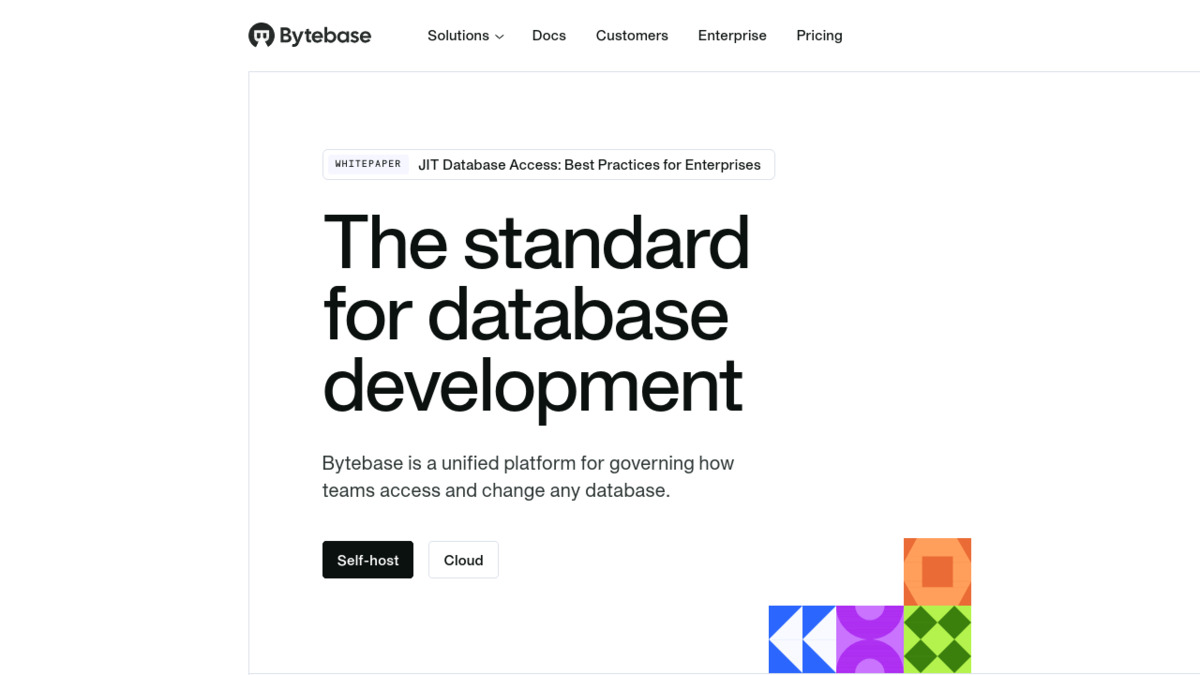 Bytebase homepage showing its database DevSecOps platform positioning - the tool wraps schema migrations in structured review workflows.
Source: bytebase.com
Bytebase homepage showing its database DevSecOps platform positioning - the tool wraps schema migrations in structured review workflows.
Source: bytebase.com
Pricing Comparison
| Tool | Free tier | Paid entry | Best for |
|---|---|---|---|
| Chat2DB | Yes (limited) | $19.8/mo (annual) | Teams needing multi-DB coverage |
| DataGrip + AI | 3 credits/mo | $99/yr + $10/mo AI | Professional DBAs |
| Beekeeper Studio | Full client, free | $4,999/mo enterprise | Developers wanting open-source |
| Vanna AI | Open-source | Contact sales | Enterprises needing audit trails |
| Aiven AI Optimizer | Free (with Aiven) | $290/mo (hosting) | Aiven PostgreSQL/MySQL customers |
| Bytebase | Yes (limited) | $20/user/month | Teams managing schema migrations |
Cross-Cutting Observations
Schema awareness is the real differentiator. Tools that connect directly to your database and introspect the schema produce far better SQL than tools that require you to paste the schema manually. Chat2DB and DataGrip both do live schema introspection. Browser-based tools that require schema uploads are a step slower.
MCP is becoming a real integration layer. Several tools have started adopting the Model Context Protocol for connecting AI models to live databases. AI2SQL has published documentation on MCP for databases, and it's a reasonable bet that schema-aware AI tools will increasingly standardize on MCP as the connection protocol over the next 12 months.
Performance optimization vs. query generation are different products. Aiven's optimizer and tools like Chat2DB address different layers. An optimizer analyzes your query patterns at the database engine level and suggests index changes. A query assistant helps you write new queries faster. You likely need both, and they don't substitute for each other.
The most expensive database incident is the one caused by a migration that nobody reviewed. Bytebase's value isn't in AI features - it's in making "unreviewed schema change" structurally harder to do.
Recommendations by Use Case
Solo developer or small team: DBeaver Community is free and has solid AI SQL generation through your existing LLM API key. Pair it with Bytebase Free for migration tracking if you're running a production database.
Data analyst team without SQL expertise: Chat2DB Professional at $19.8/month (annual) gives your analysts natural language query access across whatever databases you use. The 30-day trial covers enough time to confirm whether it helps.
Professional DBA or data engineering team: DataGrip with AI Pro is the most powerful combination for people who live in a database IDE. The schema-aware AI agent mode in 2026.1 is a meaningful upgrade over the prior chat interface. Budget around $120/year for DataGrip plus $120/year for AI Pro.
Enterprise with compliance requirements: Vanna 2.0's row-level security and audit logging address the governance problems that simpler tools skip. Expect a procurement process rather than a self-serve signup.
Teams on Aiven for managed databases: The AI Database Optimizer is free during Early Availability. Turn it on, run it for a week, and act on the index recommendations. There's no reason not to.
Sources
- Chat2DB pricing and features
- Chat2DB GitHub repository
- DataGrip AI Assistant features
- JetBrains DataGrip pricing
- DataGrip 2026.1 release notes
- Beekeeper Studio pricing
- Aiven AI Database Optimizer launch blog
- Aiven pricing page
- Bytebase pricing
- Bytebase GitHub repository
- Vanna AI 2.0 announcement
- Top text-to-SQL query tools comparison - Bytebase
✓ Last verified April 25, 2026

