
Raindrop Workshop Gives AI Agents a Local Debugger
Raindrop's MIT-licensed Workshop streams every token and tool call from your AI agent to a local browser dashboard, then lets Claude Code write and fix evaluations automatically.
 Updated
7 min read
Updated
7 min read
You shipped an AI agent last week. It worked fine in testing - three tools, clean responses, nothing obviously broken. Then it hit a real workflow and started behaving strangely halfway through a run. You opened the terminal. Scrolled through 3,000 lines of JSON. Found nothing useful - just tokens streaming to stdout and no real picture of the decision tree underneath.
That's the problem Raindrop is solving with Workshop, an open-source MIT-licensed local debugger for AI agents that launched May 14.
TL;DR
- Workshop is a free, MIT-licensed local debugger that streams every token, tool call, and span from AI agents to a browser UI at
localhost:5899 - Integrates with Claude Code and Cursor as a MCP server, letting your coding agent read traces, write evaluations, fix failures, and re-run automatically
- Supports 13+ frameworks including LangChain, LangGraph, CrewAI, Pydantic AI, Vercel AI SDK, Anthropic SDK, and OpenAI Agents SDK across TypeScript, Python, Go, and Rust
- Single-command install:
curl -fsSL https://raindrop.sh/install | bash - Built by Raindrop AI, which raised a $15M Lightspeed-backed seed round in December 2025
Why Terminal Logs Stop Scaling
Building AI agents isn't like debugging a web server. A web server throws a stack trace and you fix it. An agent fails because a tool returned an ambiguous result three steps back, which cascaded into a bad routing decision two steps later, and the actual error surfaced five steps after that. By the time you see a failure, the cause is buried under nested spans.
The standard approach is print-based logging - dump the prompt, dump the tool calls, grep the output. That works until your agent runs sub-agents, fires parallel tool calls, or chains 50+ steps together. At that scale, terminal output becomes noise.
Workshop runs as a local daemon that captures OpenTelemetry-compatible spans and streams them to a browser interface with no polling and no latency gap. The UI shows the full span tree in real time - LLM calls, tool invocations, inputs, outputs, timings, token counts, and cost - as the run happens.
"Building good agents is hard. We spent months in the dark."
- Early Workshop user, via raindrop.ai
How Workshop Is Built
The Daemon and the MCP Server
Workshop has two parts. The daemon is the trace collector - it runs in the background, listens for instrumented agent traffic, and persists everything to a local SQLite database (.db file). The browser UI reads from that database and renders the span tree live.
The MCP server is what makes Workshop more than a passive viewer. Workshop exposes its trace data as a MCP tool, so any MCP-capable coding assistant can call it directly. When Claude Code connects to Workshop's MCP server, it can query "what happened in this trace?" and get a structured response - not a wall of JSON to skim manually.
That closes a loop that previously required multiple manual steps:
- Instrument your agent and trigger a run
- Workshop captures the full span tree
- Claude Code reads the traces via MCP
- Claude Code generates evaluations against your codebase
- Claude runs the agent again with the new evals
- Where assertions fail, it patches the code
- Re-runs until all evals pass
Brian Rhindress, an AI engineer at GC.AI - an early Workshop adopter - put it this way: "Our coding agent is in the loop while the run is still happening."
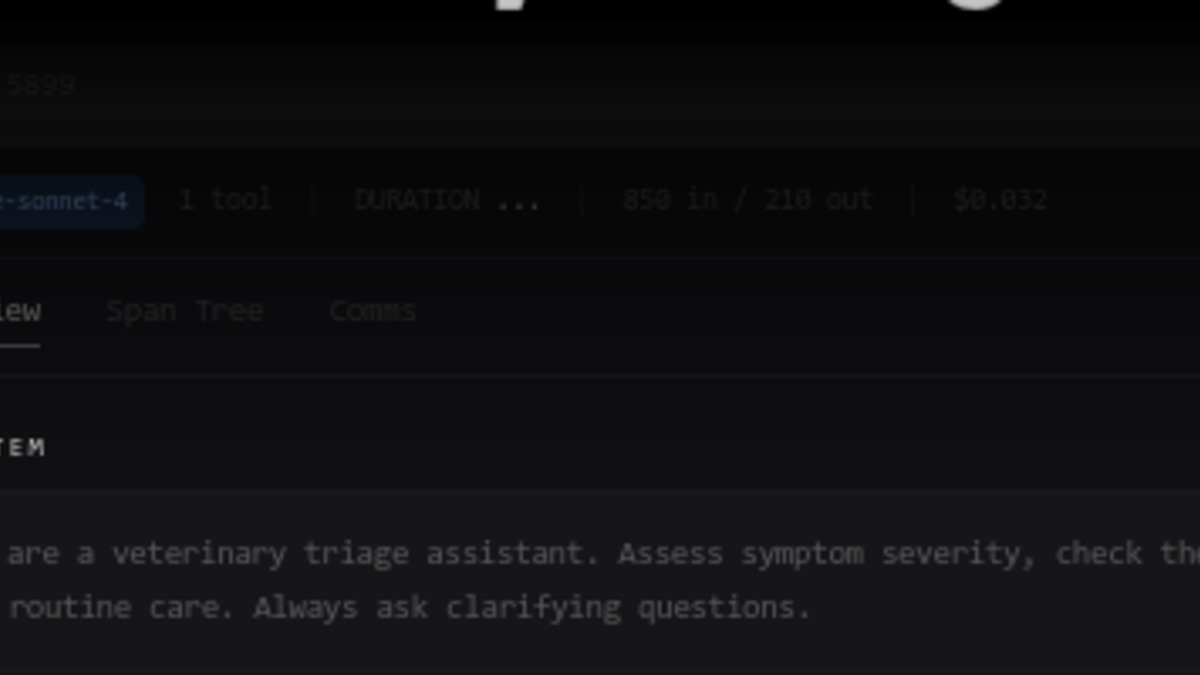 The Workshop trace detail panel shows model, tool count, token usage, cost per run, and a three-tab view across Overview, Span Tree, and Comms.
Source: raindrop.ai
The Workshop trace detail panel shows model, tool count, token usage, cost per run, and a three-tab view across Overview, Span Tree, and Comms.
Source: raindrop.ai
Installation and Setup
Getting started is a single command:
curl -fsSL https://raindrop.sh/install | bash
After installing, you run /instrument-agent inside Claude Code or Cursor and Workshop handles the wiring automatically. For manual setup from source:
git clone https://github.com/raindrop-ai/workshop
bun install
bun run dev
The daemon starts at http://localhost:5899 by default. Port and database location are configurable via environment variables.
Replay
The third component worth calling out is trace replay. Workshop can scaffold HTTP endpoints that accept a captured trace as input and replay it against your local agent code. If a production run fails, you export the trace, point Workshop's replay at your local codebase, and reproduce the failure without hitting live APIs again. That matters for cost - no unnecessary LLM calls - and for isolation - same input, different code path.
Framework and Language Support
Workshop's instrumentation covers a broad surface for a tool this early in its life:
| Category | Supported |
|---|---|
| Languages | TypeScript, Python, Go, Rust |
| AI frameworks | Vercel AI SDK, Anthropic SDK, OpenAI Agents SDK, LangChain, LangGraph, CrewAI, Mastra, Pydantic AI, DSPy, Google ADK, Strands, Agno, Deep Agents |
| Cloud providers | AWS Bedrock, Azure OpenAI, Vertex AI |
| Coding agents | Claude Code, Cursor, Devin |
If you're already using one of the major AI agent frameworks, there's a good chance Workshop works out of the box. The SQLite backend also makes traces portable - you can pass a .db file to a teammate who runs their own local Workshop instance.
 Workshop is free, MIT-licensed, and positions itself as the missing piece between printf debugging and full cloud observability.
Source: github.com/raindrop-ai
Workshop is free, MIT-licensed, and positions itself as the missing piece between printf debugging and full cloud observability.
Source: github.com/raindrop-ai
Where This Fits
Raindrop raised a $15M Lightspeed-backed seed in December 2025 and has been building toward a full observability platform for production agent traffic. Workshop is the local development companion to that - the idea being that developers should have the same visibility during dev that they get from Raindrop's cloud product when deployed.
That framing places Workshop upstream of agent sandbox tools like E2B and Modal, which handle execution environments. Workshop doesn't replace those - it sits at the observability layer, focused on trace visibility rather than execution isolation or security.
The Notion Developer Platform's recent MCP-native agent orchestration launch is exactly the kind of environment Workshop is designed for. Agents running inside new frameworks could route trace data through Workshop for local debugging, though Raindrop hasn't announced any framework-specific integrations yet.
Anthropic's push toward extended agentic workflows with Claude Managed Agents also lines up with Workshop's MCP-first design. Building the eval loop around Claude Code is not accidental - it's a bet that Claude Code stays central to how professional agent developers work.
Where It Falls Short
Workshop solves the immediate problem well. But it has real gaps worth naming before you build a workflow around it.
Team trace sharing is manual. The SQLite backend is local by design, which is good for privacy and data sovereignty, but sharing traces requires passing .db files around by hand. No built-in diff between two runs, no shared trace library, no team workspace.
The self-healing eval loop requires a MCP-capable IDE. The automatic eval-write-fix cycle is the flagship feature, but it only works if you're running Claude Code or Cursor. If you're using a different editor, you still get the trace viewer - which is useful - but lose the automated loop.
Multi-process agent tracing isn't documented. Workshop instruments individual agents well, but distributed multi-agent systems where sub-agents run in separate processes are not clearly addressed. As agent complexity grows, single-process instrumentation will start to show its limits.
No automatic local-to-production parity checks. Workshop shares SDK primitives with Raindrop's production monitoring product, but comparing local behavior against production baselines is manual. There's no flag that tells you "this trace would have looked different in prod."
For most developers building agents today, none of those gaps are blockers. The core loop - instrument, run, inspect, fix - works cleanly, it's MIT-licensed, and it installs in under a minute. As agent complexity increases, observability infrastructure stops being optional. Workshop is a solid starting point for the local half of that problem.
The code is on GitHub.
Sources:
- Workshop product page - raindrop.ai
- Workshop GitHub repository - github.com
- Raindrop AI blog - raindrop.ai
- Workshop documentation - raindrop.ai
Last updated

