
OpenAI Ships Codex Desktop App for Windows Devs
OpenAI's Codex desktop app hits the Microsoft Store with native Windows sandboxing, PowerShell agents, WinUI skills, and multi-agent parallel execution - no WSL required.
 6 min read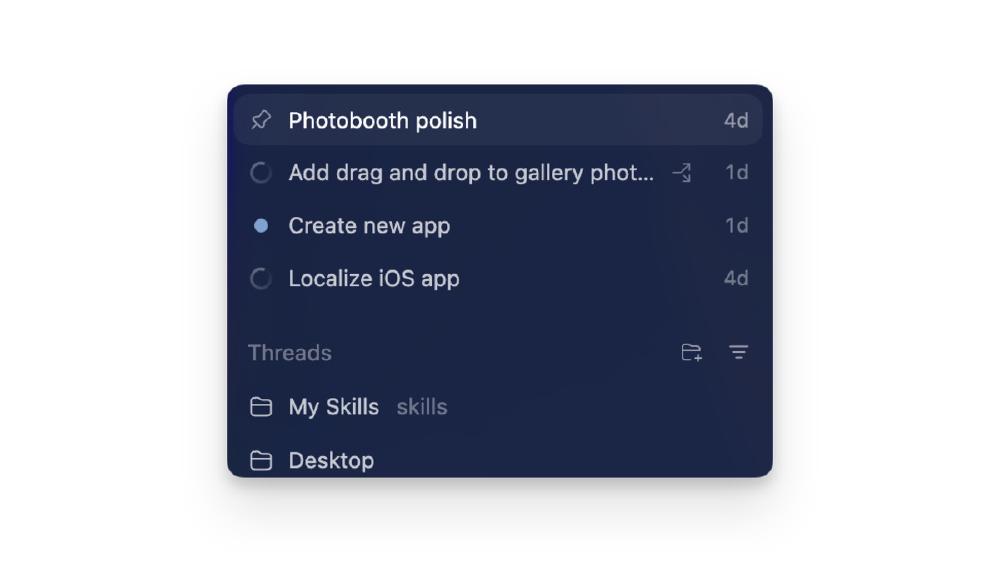
OpenAI released the Codex desktop app for Windows on March 4, one month after the macOS version hit one million downloads in its first week. The app is available now through the Microsoft Store and winget, and it works with every ChatGPT tier - Free, Go, Plus, Pro, Business, Enterprise, and Edu.
The headline feature: native Windows sandboxing that runs agents directly in PowerShell without requiring WSL or a virtual machine. The sandbox code is open source on GitHub.
TL;DR
- Codex desktop app now on Windows via Microsoft Store and
winget - Native sandbox uses restricted tokens, filesystem ACLs, and a dedicated sandbox user - no WSL needed
- Default agent runs in PowerShell with optional WSL project support
- Ships with Windows-specific skills for WinUI and .NET development
- Available to all ChatGPT plan tiers including Free
- 500,000+ developers were on the Windows waitlist; weekly users now at 1.6 million
The Windows Sandbox - Not WSL, Not a VM
How It Works
The biggest technical decision here is running the sandbox natively on Windows instead of falling back to WSL. OpenAI built a custom isolation layer that uses OS-level controls: restricted tokens limit what the agent process can do, filesystem ACLs block writes outside the working directory, and a dedicated Windows Sandbox User account runs all agent commands. Network access is gated through Windows Firewall rules that block unauthorized connections by default.
This matters because WSL has always been the escape hatch for developer tools that were really designed for Linux. OpenAI is explicitly saying they built this for Windows-native workflows - PowerShell, .NET, WinUI - not as a cross-platform afterthought.
# Install via winget
winget install --id 9PLM9XGG6VKS

# Or grab it directly from the Microsoft Store
# Default agent runs in PowerShell with sandbox enabled
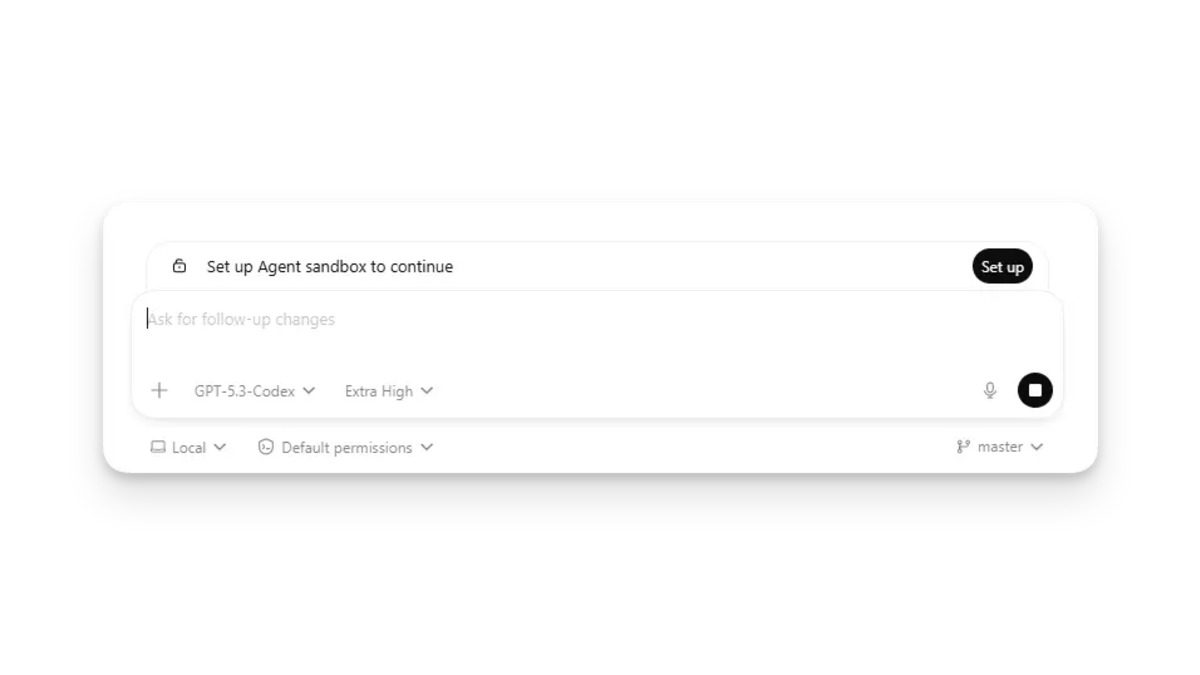 The Windows sandbox setup screen - Codex configures restricted tokens and filesystem ACLs without requiring WSL or Docker.
Open Source Sandbox
The sandbox implementation is published on GitHub alongside the rest of the Codex CLI. Anyone can audit the isolation boundaries, which is important given that these agents execute arbitrary code on your machine. For a deeper comparison of how Codex stacks up against other CLI coding agents, the sandbox approach is a meaningful differentiator - most competitors either skip sandboxing completely or delegate to Docker.
What Ships in the Box
Multi-Agent Parallel Execution
The app lets you run multiple agents simultaneously across different projects. Each thread gets its own worktree, so agents can work on separate branches without conflicts. A left sidebar tracks all active threads with status indicators and approval prompts when agents need human sign-off.
This is the same multi-agent system that got a ground-up rebuild in Codex 0.105.0 last week, now wrapped in a native desktop UI instead of a terminal.
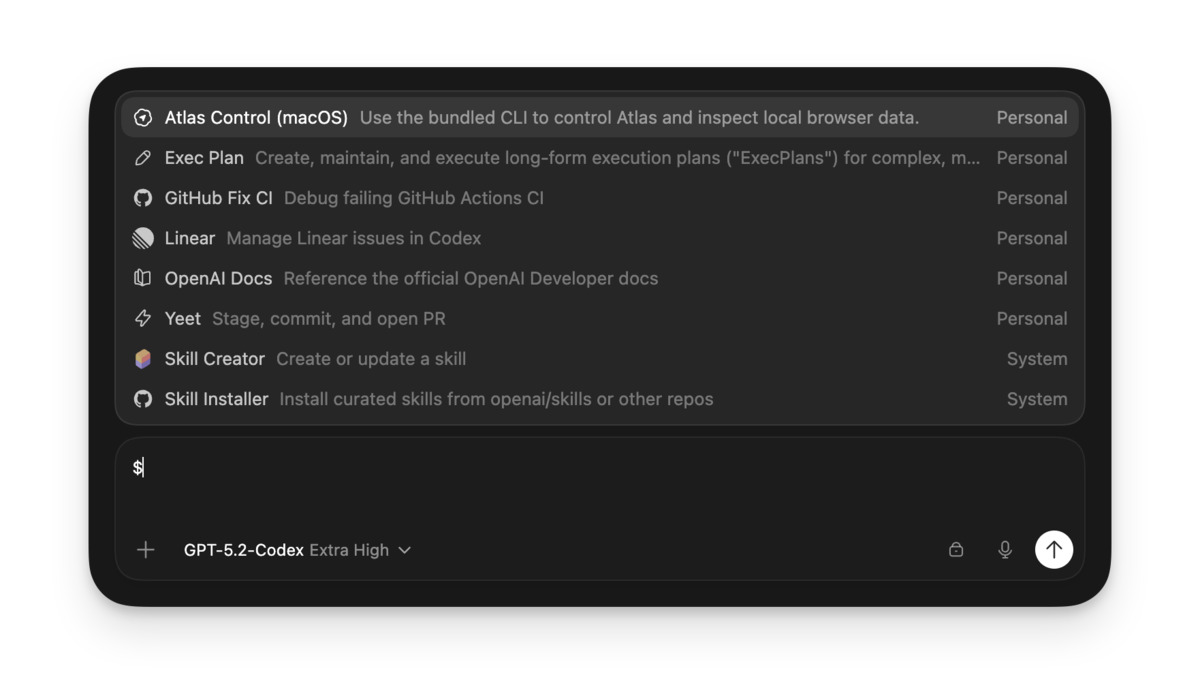 The Skills selector in the Codex desktop app - WinUI and .NET skills ship alongside the standard coding toolkit.
Skills and Automations
Skills connect agents to external tools and workflows. The Windows release includes a WinUI skill for building Windows App SDK applications and .NET SDK integration for ASP.NET and other .NET workloads. JetBrains IDE support is available for Rider, IntelliJ, PyCharm, and WebStorm.
Automations let you schedule recurring tasks - run a test suite, check for dependency updates, lint a codebase - and have results show up in your inbox without manually prompting the agent each time.
Git Integration
Built-in diff review, inline commenting, chunk-level staging, and commit - all without leaving the app. Worktree support means each agent thread can operate on an isolated branch, reducing the risk of merge conflicts when multiple agents touch the same repo.
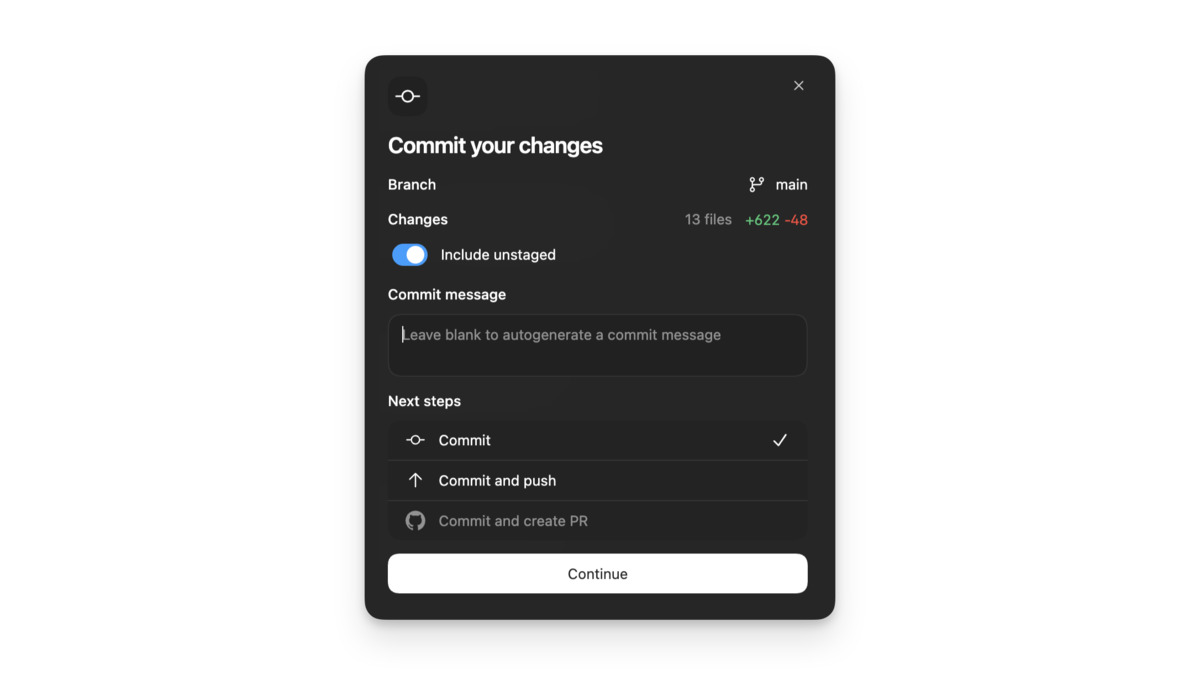 Built-in Git diff review panel - stage or revert individual chunks and commit without leaving the app.
Configuration and Setup
Terminal Options
The default shell is PowerShell, but you can switch to Command Prompt, Git Bash, or WSL from settings. Existing sessions need a restart after changing the terminal. One gotcha: PowerShell execution policies may block script execution out of the box. You'll need to run Set-ExecutionPolicy -ExecutionPolicy RemoteSigned to unblock it.
WSL Hybrid Mode
If your project lives in WSL, you can switch the agent type to WSL in settings. OpenAI recommends storing projects on your Windows filesystem and accessing them through /mnt/<drive>/... for reliability. Windows and WSL use separate config directories (%USERPROFILE%\.codex vs ~/.codex), so syncing settings requires either manual copying or setting the CODEX_HOME environment variable.
| Feature | Native Windows | WSL Mode |
|---|---|---|
| Default shell | PowerShell | bash/zsh |
| Sandbox | Windows Sandbox (restricted tokens) | Linux sandbox |
| Skills | WinUI, .NET SDK | Standard Linux toolchain |
| Config path | %USERPROFILE%\.codex | ~/.codex |
| Recommended for | .NET, WinUI, PowerShell projects | Node, Python, Go projects |
The Numbers
OpenAI says weekly Codex users have tripled since early 2026, reaching 1.6 million. The macOS app crossed one million downloads in its first week. Over 500,000 developers were on the Windows waitlist before this launch.
According to Stack Overflow's 2025 developer survey, 49.5% of developers use Windows professionally and 56.7% personally. OpenAI's framing is straightforward: half of all developers were locked out of the desktop experience until now.
The app competes directly with Anthropic's Claude Code and Google's Antigravity in the desktop coding agent space. As we noted in our Codex app review, the multi-agent architecture is its strongest differentiator - but whether that advantage holds depends on how reliably the Windows sandbox performs under real workloads.
Where It Falls Short
Free Tier Quotas
Codex is available on the Free plan, but AI agents burn through tokens fast. Free users will hit limits quickly on anything beyond trivial tasks. Plus ($20/month) and Pro ($200/month) get higher quotas, but even paid users report running out mid-session on complex projects.
No Full Visual Studio Integration
There's VS Code support and JetBrains support, but no plugin for full Visual Studio (Professional/Enterprise). For .NET developers who live in Visual Studio rather than VS Code, that's a gap - especially given the Windows-native positioning.
Early Sandbox Maturity
The Windows sandbox is new. OpenAI's own GitHub discussions show it's still being tested and refined with community feedback. Edge cases around elevated permissions, antivirus interference, and enterprise group policies are still being worked out.
The Windows release fills the most obvious gap in Codex's platform story. Whether the native sandbox approach proves more reliable than WSL-based alternatives is the question that matters most - and that'll take a few weeks of production use to answer.
Sources:
