
MacBook Neo: Apple's iPhone Chip Lands in a $599 Mac
Apple's cheapest Mac ever packs the A18 Pro iPhone chip with a 16-core Neural Engine - but its 60 GB/s memory bandwidth puts a hard ceiling on what local models you can actually run.
 7 min read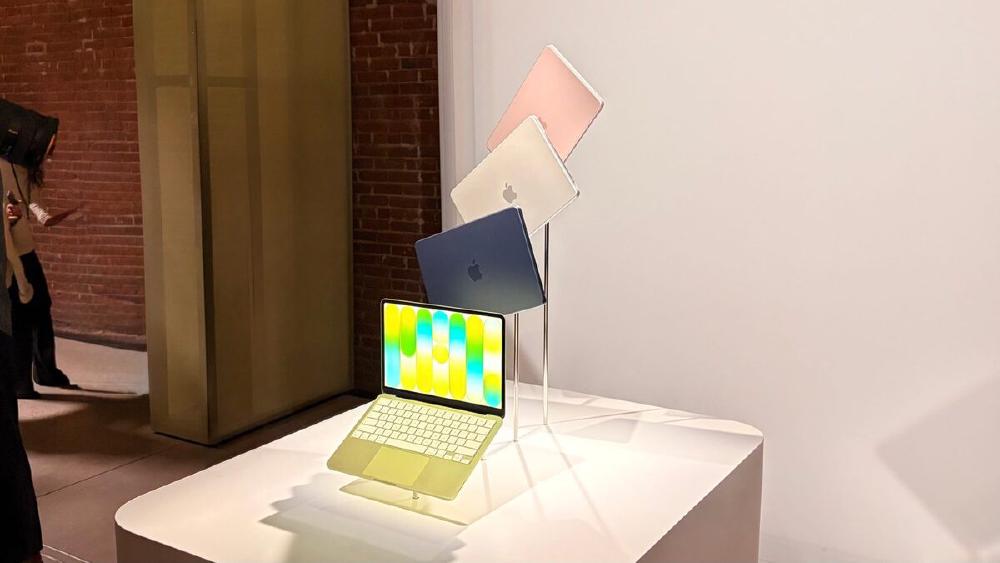
Apple just put a phone chip in a laptop and called it the future of accessible AI. For $599, you can now own a Mac with a 16-core Neural Engine - the same chip that powered the iPhone 16 Pro. The question isn't whether the MacBook Neo is impressive hardware at that price. It is. The question is what it can actually do for local AI inference, and where that phone silicon starts to show its limits.
Key Specs
| Spec | Value |
|---|---|
| Chip | Apple A18 Pro (iPhone 16 Pro chip) |
| Neural Engine | 16-core, 35 TOPS |
| Memory bandwidth | 60 GB/s |
| Unified memory | 8GB (no upgrade option) |
| Display | 13-inch Liquid Retina, 2408x1506 |
| Battery | Up to 16 hours |
| Starting price | $599 ($499 education) |
| Ships | March 11, 2026 |
Under the Hood
The A18 Pro: A Phone Chip in a Mac for the First Time
This is the headline that matters to infrastructure watchers. Apple has never shipped a Mac with an iPhone chip before. The M-series - from M1 through M5 - was designed from the ground up for the Mac, with higher core counts, more memory bandwidth, and the option to scale to 128GB or more of unified memory. The A18 Pro is the opposite: engineered for a 6.3-inch glass slab, optimized for battery efficiency and thermal constraints measured in milliwatts.
The result is a chip with a 2-performance-core, 6-efficiency-core CPU and a 5-core GPU. That GPU core count matters for inference: the M5 Pro and M5 Max pack Neural Accelerators into every GPU core on top of the dedicated Neural Engine. The A18 Pro has no such redundancy - its 16-core Neural Engine is the primary AI compute unit, with the GPU playing a secondary role.
Apple claims the MacBook Neo is up to 3x faster on on-device AI workloads than the fastest Intel Core Ultra 5 competitor at a similar price. That claim is accurate in the narrow domain where it was measured: Apple Intelligence tasks. Those are small, heavily-optimized pipelines running on-device - Writing Tools, Live Translation, photo cleanup - not general-purpose transformer inference.
The Neural Engine: What 35 TOPS Actually Buys You
The A18 Pro's Neural Engine peaks at 35 trillion operations per second (TOPS). For context, the M5's Neural Engine hits the same 35 TOPS figure. But the M5 also adds Neural Accelerators in its GPU cores, effectively multiplying AI throughput beyond what the Neural Engine alone can deliver.
Where the A18 Pro diverges most sharply is memory bandwidth: 60 GB/s. The M1 - Apple's four-year-old entry Mac chip - already offered 68.25 GB/s. The M5 delivers 153 GB/s. The M5 Pro, used in the 14-inch and 16-inch MacBook Pros, hits 273 GB/s.
Memory bandwidth isn't a footnote for LLM inference. It's the bottleneck. Transformer models spend most of their inference time moving weights from memory to compute units. The faster that data transfer, the higher your tokens-per-second rate. The A18 Pro's 60 GB/s ceiling will throttle generation speed on any model that stresses it.
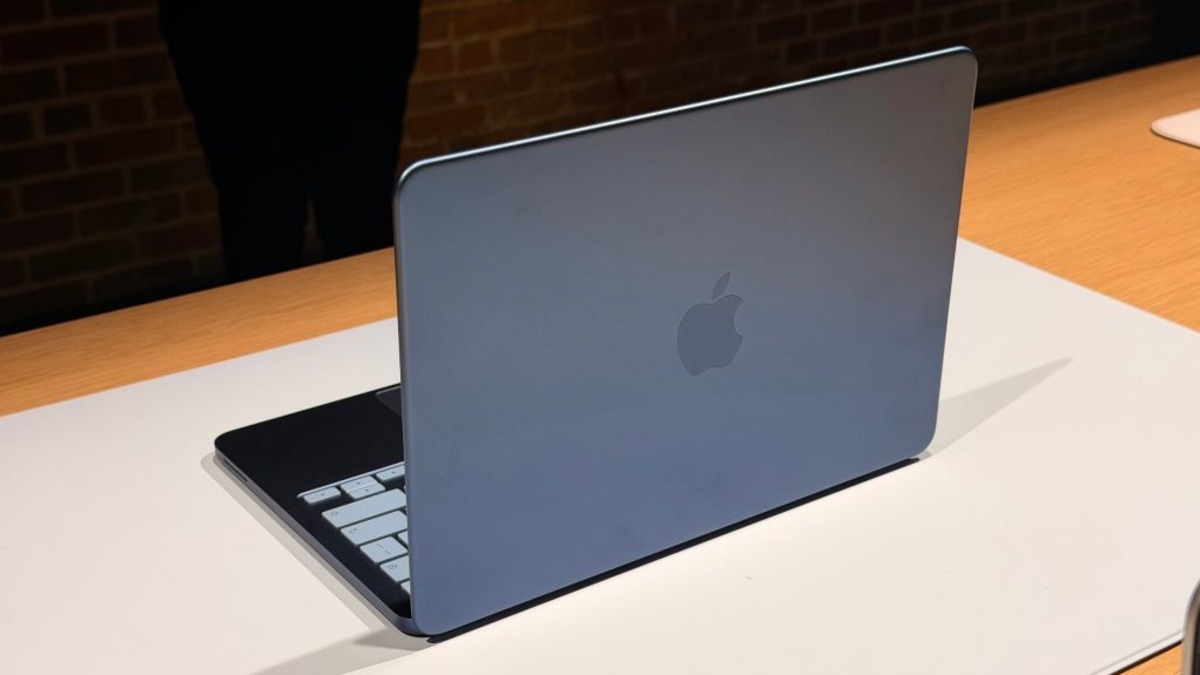 MacBook Neo launches in four colors: blush, indigo, silver, and citrus. The colorful design targets students and first-time Mac buyers.
Local AI in Practice
What Models Actually Fit in 8GB
The MacBook Neo ships with 8GB unified memory, and there is no upgrade path - Apple made that ceiling explicit. With the operating system, background processes, and headroom for application state, you have roughly 5-6GB of working space for a model.
That headroom maps cleanly to models in the 7B parameter range with 4-bit quantization. A Q4_K_M quantized Llama-3.2-7B weighs around 4.7GB. Qwen3.5-9B at Q4_K_M is about 5.5GB - tight but possible with careful memory management. Anything at 13B or above is a hard no.
For daily use, the realistic sweet spot is the 3B-7B range: Llama 3.2 3B, Phi-4 Mini, Gemma 3 4B, or Qwen 3.5 4B. These run well inside the memory budget and leave enough headroom to keep a browser and a few tabs open.
Running Models With Ollama
Ollama supports the A18 Pro out of the box via Metal acceleration. The setup process is identical to any other Apple Silicon Mac:
# Install Ollama
brew install ollama

# Pull a model that fits in 8GB (safe choice)
ollama pull llama3.2:3b

# Or push it to the limit with 7B
ollama pull qwen3.5:7b

# Set memory limits explicitly if you hit swapping
OLLAMA_MAX_LOADED_MODELS=1 ollama serve
The key configuration detail is OLLAMA_MAX_LOADED_MODELS=1. With 8GB unified memory, loading even two small models simultaneously will trigger macOS to start swapping to the SSD, which wrecks performance. Keep one model loaded at a time.
Token generation benchmarks on similar 8GB A-series hardware (iPhone 16 Pro, iPad Pro M4 at 8GB) suggest you can expect 20-35 tokens per second on a 4B model and 10-18 tokens per second on a 7B model. Not fast, but usable for interactive chat. For comparison, a M1 Mac Mini - which you can now find for around $500 used - creates roughly 25-40 tokens per second on the same 7B model thanks to its higher memory bandwidth, despite the A18 Pro's newer process node.
Compatibility at a Glance
| Model | Size (Q4_K_M) | Fits in 8GB? | Expected tok/s |
|---|---|---|---|
| Llama 3.2 3B | ~2.0 GB | Yes (comfortable) | 30-45 |
| Phi-4 Mini 4B | ~2.5 GB | Yes (comfortable) | 25-38 |
| Qwen3.5 4B | ~2.7 GB | Yes (comfortable) | 25-38 |
| Llama 3.2 7B | ~4.7 GB | Yes (tight) | 15-22 |
| Qwen3.5 9B | ~5.5 GB | Marginal | 10-16 |
| Llama 3.1 13B | ~8.0 GB | No | - |
| Any 20B+ | 12GB+ | No | - |
Where It Falls Short
The Bandwidth Ceiling Is Real
The A18 Pro's 60 GB/s memory bandwidth is the single biggest limitation for anyone treating the MacBook Neo as a local AI workstation. The math is straightforward: a 7B model with 4-bit quantization has roughly 3.5GB of weights. At 60 GB/s, the theoretical maximum throughput for a single forward pass is around 17 tokens per second if the model saturates the bus. Real-world numbers will be lower.
This isn't a critique of the MacBook Neo's price-to-performance ratio. At $599, nothing else at this price point comes close for AI-specific tasks. But users comparing it to a M-series Mac should understand they're not getting M1-class LLM throughput. As we've covered with Mac Mini setups for local inference, older M-series hardware frequently outperforms newer A-series chips specifically because of bandwidth.
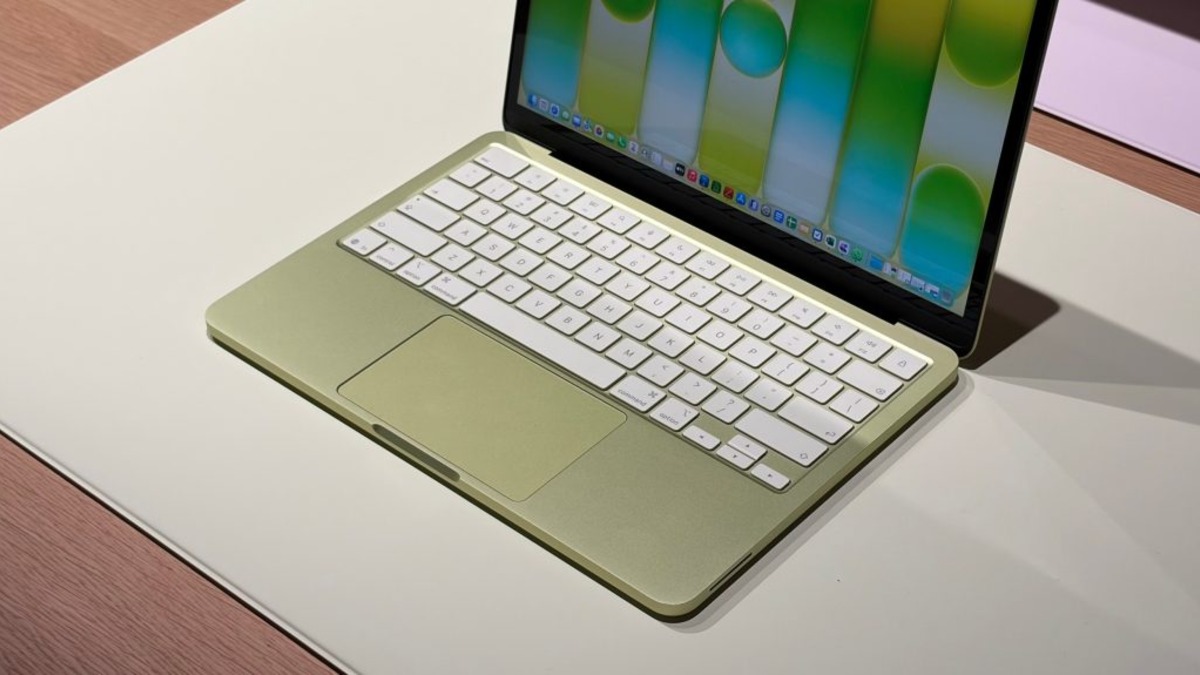 The A18 Pro packs a 16-core Neural Engine in a chip originally designed for the iPhone 16 Pro. Apple is using it in a Mac for the first time.
No MagSafe, One USB 3 Port
On the connectivity side, the MacBook Neo ships with two USB-C ports, but only one supports USB 3 speeds. The other maxes out at USB 2 (480 Mbps). There's no MagSafe charging port, no SD card slot, and no headphone jack on the right side - the single audio jack is on the left. For a developer running local models who also wants to connect an external drive, a hub is not optional.
Apple Intelligence: Not Fully There at Launch
Apple Intelligence features on the MacBook Neo depend on software support that continues to ship incrementally. At launch on macOS Tahoe 26, Writing Tools, image cleanup, and Live Translation are available. Some of the more advanced agent-style features are coming in macOS Tahoe 26.4, which is currently in its second developer beta. Users buying now for full Apple Intelligence capabilities should expect a software gap at launch.
Not a Replacement for M-Series Developer Workflows
The absence of MPS (Metal Performance Shaders) parity with M-series chips affects some Python ML frameworks. PyTorch's MPS backend works with A-series chips via Metal, but performance is optimized for M-series GPU architecture. Developers running training loops or fine-tuning jobs - even tiny LoRA runs - will find the A18 Pro noticeably slower per dollar than a used M2 Mac Mini at a similar price. For inference-only workloads, the gap is smaller.
The MacBook Neo is exactly what it claims to be: the best $599 Mac Apple has ever built, with genuine on-device AI capability for the models that fit inside 8GB. Apple Intelligence tasks run fast and privately. Small local models work well. The Neural Engine is real hardware, not a marketing label.
What it isn't is a replacement for M-series silicon in serious local AI workloads. The 60 GB/s memory bandwidth gap is a hardware constraint no software update will fix. If you're buying the MacBook Neo to run Llama 3.2 3B offline or to use Writing Tools without sending data to a server, it'll do exactly that. If you're eyeing it as a local inference box for 13B models or a lightweight fine-tuning rig, look at a used M2 Mac Mini instead - you'll get more headroom and higher bandwidth for a similar price.
Sources:
