
Switching from LangChain to CrewAI
A practical guide to migrating from LangChain to CrewAI, covering concept mapping, code examples, tool compatibility, and common pitfalls.
 10 min read
TL;DR
- You can switch, and CrewAI's role-based agent model is easier to learn than LangChain's chain composition
- Existing LangChain tools work inside CrewAI with a thin wrapper class
- CrewAI has 46.9k GitHub stars and strong momentum, but LangChain's ecosystem (100k+ stars, 750+ integrations) is still larger
- Medium difficulty - expect 1-2 days for a typical project, longer for complex LangGraph workflows
Why People Switch
LangChain is the most widely used AI orchestration framework, with over 100,000 GitHub stars and roughly 200,000 daily PyPI downloads. It can do almost anything. That flexibility comes with a cost: deep abstraction layers, dependency bloat, and a learning curve that frustrates even experienced developers.
A recurring complaint from the community is that LangChain's high-level constructs obscure what's actually happening under the hood. The framework pulls in dozens of extra libraries for basic features, and its documentation has historically lagged behind rapid API changes. Octomind, a test automation company, published a detailed post explaining why they dropped LangChain completely, citing over-abstraction and weak trust boundaries.
CrewAI takes a different approach. Instead of chains and expression languages, you define agents with roles, goals, and backstories, then assign them tasks within a crew. The framework has grown to 46,900+ GitHub stars since its launch and was built from scratch as a standalone Python framework - not a LangChain wrapper. For teams building multi-agent systems where each agent has a clear job, CrewAI's mental model clicks faster.
The trade-off is real, though. LangChain (especially LangGraph) offers finer control over execution flow, durable state management, and deeper production tooling through LangSmith. If your project needs complex conditional branching or long-running workflows with checkpointing, you'll miss those capabilities in CrewAI.
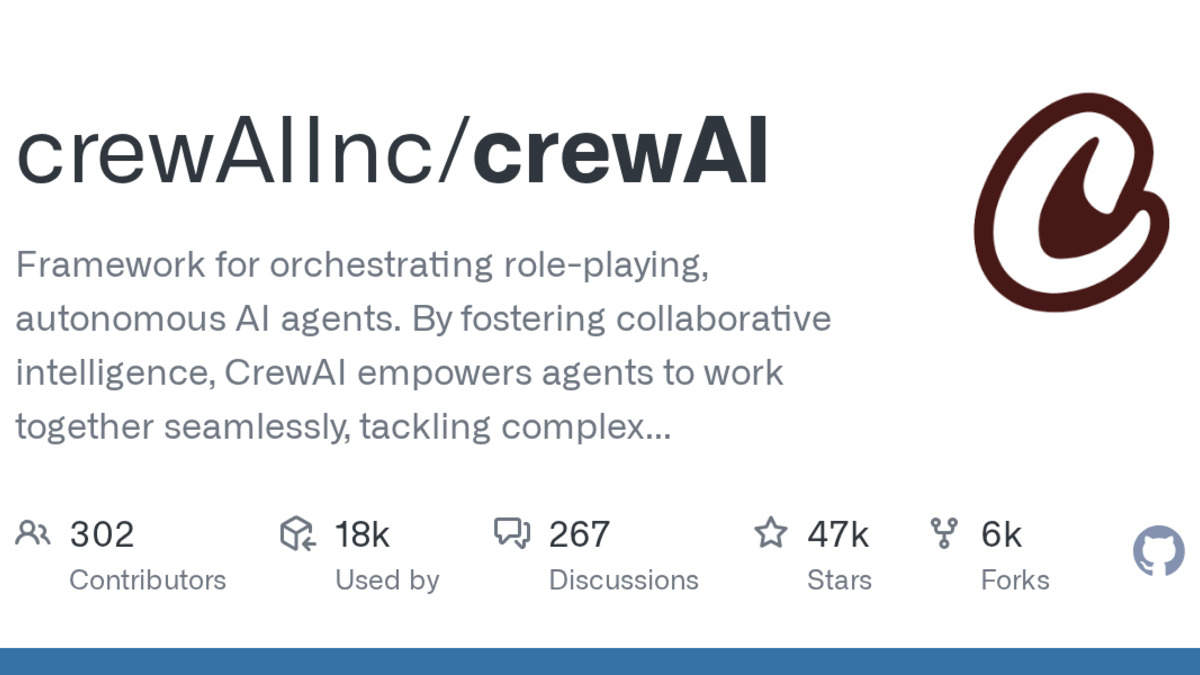 CrewAI's GitHub repository, one of the fastest-growing agent frameworks in 2026.
Source: github.com
CrewAI's GitHub repository, one of the fastest-growing agent frameworks in 2026.
Source: github.com
Feature Parity Table
| Feature | LangChain | CrewAI | Notes |
|---|---|---|---|
| Agent definition | Class-based with tools list | Role, goal, backstory + tools | CrewAI's approach reads like a job description |
| Orchestration | LCEL pipe syntax / LangGraph | Crew with sequential, hierarchical, or parallel process | Direct equivalent |
| Tool ecosystem | 750+ built-in integrations | 30+ native tools + LangChain compatibility | CrewAI can wrap any LangChain tool |
| Memory | ConversationBufferMemory, etc. | Short-term, long-term, entity memory built in | CrewAI memory is simpler to configure |
| Observability | LangSmith (traces, evals, dashboards) | CrewAI Cloud tracing + third-party (SigNoz) | LangSmith is more mature |
| State management | LangGraph checkpointing | Crew-level context sharing | LangGraph is stronger here |
| RAG support | Full pipeline (loaders, splitters, retrievers) | Via tools or LangChain integration | LangChain has deeper RAG support |
| Streaming | SSE via LCEL | Supported in Crew execution | Both work |
| Deployment | LangServe, LangGraph Cloud | CrewAI Cloud, self-hosted | Both offer hosted options |
| Pricing (framework) | Open source (MIT) | Open source (MIT) + paid Cloud plans from $99/mo | Framework code is free for both |
| MCP support | Community integrations | Native MCP and A2A protocol support | CrewAI has first-party MCP |
Concept Mapping
Understanding how LangChain concepts translate to CrewAI is the first step. The mental models are different enough that a direct 1:1 mapping doesn't always apply.
Chains become Tasks
In LangChain, a chain is a sequence of operations piped together with LCEL. In CrewAI, the equivalent unit of work is a Task - a specific job assigned to an agent with a description, expected output, and optional tools.
Agents stay Agents (but gain personality)
Both frameworks have agents, but CrewAI agents carry a role, goal, and backstory that shape how the LLM approaches the work. LangChain agents are more generic tool-calling wrappers.
Pipelines become Crews
A LangChain pipeline (or LangGraph graph) maps to a Crew in CrewAI. The crew defines which agents handle which tasks and in what order (sequential, hierarchical, or parallel).
Tools stay Tools (mostly)
This is the smoothest part of the migration. CrewAI can use LangChain tools directly through a wrapper class, so your existing tool implementations don't need a full rewrite.
Code Examples
Basic Agent - Before and After
LangChain:
from langchain.agents import create_tool_calling_agent, AgentExecutor
from langchain_openai import ChatOpenAI
from langchain.tools import Tool
from langchain_core.prompts import ChatPromptTemplate

llm = ChatOpenAI(model="gpt-4o")

tools = [
    Tool(
        name="search",
        func=lambda q: "search results for: " + q,
        description="Search the web for information"
    )
]

prompt = ChatPromptTemplate.from_messages([
    ("system", "You are a research assistant."),
    ("human", "{input}"),
    ("placeholder", "{agent_scratchpad}")
])

agent = create_tool_calling_agent(llm, tools, prompt)
executor = AgentExecutor(agent=agent, tools=tools, verbose=True)
result = executor.invoke({"input": "Find recent AI funding news"})
CrewAI:
from crewai import Agent, Task, Crew
from crewai_tools import SerperDevTool

researcher = Agent(
    role="Research Analyst",
    goal="Find and summarize recent AI funding news",
    backstory="Experienced tech journalist covering venture capital",
    tools=[SerperDevTool()],
    verbose=True
)

research_task = Task(
    description="Find the three largest AI funding rounds this month",
    expected_output="A bullet-point summary with company names and amounts",
    agent=researcher
)

crew = Crew(agents=[researcher], tasks=[research_task])
result = crew.kickoff()
The CrewAI version is shorter and reads more naturally. You describe who the agent is and what it should accomplish rather than wiring together prompts, executors, and scratchpads.
Multi-Agent Workflow
LangChain (LangGraph):
from langgraph.graph import StateGraph, START, END
from typing import TypedDict

class ResearchState(TypedDict):
    topic: str
    research: str
    report: str

def research_node(state):
    # Call LLM with researcher prompt
    return {"research": "findings..."}

def writer_node(state):
    # Call LLM with writer prompt using research
    return {"report": "final report..."}

graph = StateGraph(ResearchState)
graph.add_node("researcher", research_node)
graph.add_node("writer", writer_node)
graph.add_edge(START, "researcher")
graph.add_edge("researcher", "writer")
graph.add_edge("writer", END)

app = graph.compile()
result = app.invoke({"topic": "AI safety trends"})
CrewAI:
from crewai import Agent, Task, Crew, Process

researcher = Agent(
    role="Senior Research Analyst",
    goal="Gather comprehensive data on the given topic",
    backstory="PhD researcher with 10 years in AI policy"
)

writer = Agent(
    role="Technical Writer",
    goal="Turn research findings into a clear report",
    backstory="Former journalist who specializes in making technical topics accessible"
)

research_task = Task(
    description="Research current AI safety trends and key developments",
    expected_output="Detailed notes with sources",
    agent=researcher
)

writing_task = Task(
    description="Write a 500-word report based on the research",
    expected_output="A polished report suitable for a general audience",
    agent=writer
)

crew = Crew(
    agents=[researcher, writer],
    tasks=[research_task, writing_task],
    process=Process.sequential
)

result = crew.kickoff()
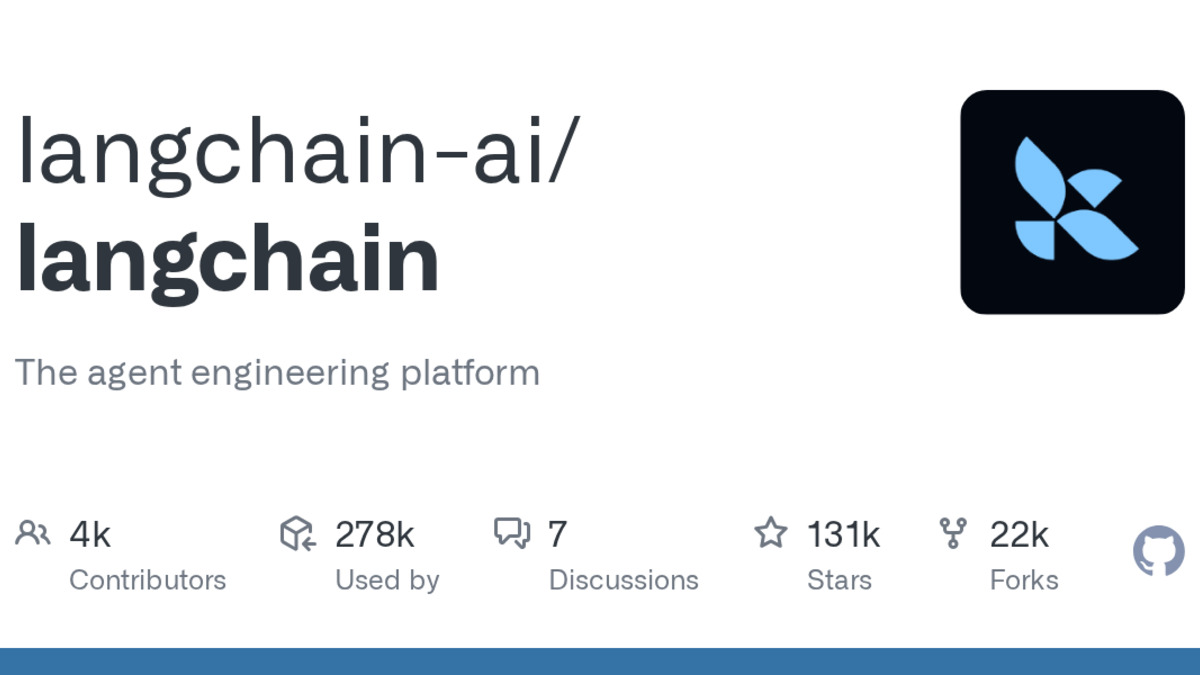 LangChain remains the largest AI framework by ecosystem size, with over 100,000 GitHub stars.
Source: github.com
LangChain remains the largest AI framework by ecosystem size, with over 100,000 GitHub stars.
Source: github.com
Using LangChain Tools in CrewAI
You don't have to rewrite your LangChain tools. CrewAI provides a wrapper pattern:
from crewai.tools import BaseTool
from langchain_community.utilities import GoogleSerperAPIWrapper
from pydantic import Field

class SearchTool(BaseTool):
    name: str = "Search"
    description: str = "Search the web for current information"
    search: GoogleSerperAPIWrapper = Field(
        default_factory=GoogleSerperAPIWrapper
    )

    def _run(self, query: str) -> str:
        try:
            return self.search.run(query)
        except Exception as e:
            return f"Error: {str(e)}"
This wrapper inherits from CrewAI's BaseTool while calling the LangChain utility underneath. Any LangChain tool can be adapted this way.
What You Gain
Faster prototyping. CrewAI's role-based model means less boilerplate. Most teams report getting a working multi-agent system running in hours rather than days.
Readable code. Agent definitions with role, goal, and backstory are self-documenting. New team members understand the system without reading framework docs first.
Native MCP and A2A support. CrewAI has first-party support for the Model Context Protocol, letting agents connect to external data sources and services.
Built-in memory. Short-term, long-term, and entity memory work out of the box without importing separate memory classes.
Lower dependency footprint. CrewAI installs fewer packages than a typical LangChain project, which simplifies Docker images and CI pipelines.
What You Lose
LangGraph's control flow. Complex conditional branching, cycles, and durable execution checkpoints don't have a CrewAI equivalent. If your workflow needs to pause, resume from a checkpoint, or handle complex state transitions, you'll need to build that yourself.
LangSmith observability. LangSmith's tracing, evaluation datasets, and custom dashboards are more mature than CrewAI Cloud's monitoring. Third-party tools like SigNoz offer a CrewAI dashboard template, but the ecosystem is younger.
Ecosystem breadth. LangChain's 750+ integrations cover nearly every vector database, model provider, and data loader. CrewAI's native tool set is smaller, though the LangChain tool wrapper fills many gaps.
Cost predictability for multi-agent runs. CrewAI's multi-agent model means multiple LLM calls per task. Running three agents sequentially on a single job triples your token spend compared to a single-agent LangChain chain. Monitor costs carefully during migration.
Step-by-Step Migration
Audit your LangChain project. List every chain, agent, tool, and memory component. Note which pieces use LangGraph-specific features (state graphs, checkpoints, conditional edges).
Map agents first. Convert each LangChain agent into a CrewAI Agent with a clear role, goal, and backstory. This is usually straightforward.
Port tools using the wrapper. For each LangChain tool, create a CrewAI
BaseToolsubclass that calls the original tool'srun()method. Test each tool individually.Convert chains to tasks. Each chain or pipeline step becomes a CrewAI Task with a description and expected output. Assign tasks to the appropriate agents.
Assemble crews. Group related agents and tasks into Crew objects. Choose
Process.sequentialfor pipelines that ran in order, orProcess.hierarchicalif you had a manager agent delegating work.Handle memory. If you used LangChain's
ConversationBufferMemoryor similar, enable CrewAI's built-in memory by settingmemory=Trueon the Crew. For persistent storage, configure the memory backend.Test and compare outputs. Run both implementations side by side on the same inputs. Check for quality regressions, especially in multi-step reasoning tasks.
Set up monitoring. If you relied on LangSmith, set up CrewAI Cloud's tracing or integrate a third-party observability tool before going to production.
For a broader comparison of agent frameworks, including AutoGen and OpenAI's Agents SDK, see our framework roundup. If you're also considering LlamaIndex as an alternative, we have a separate LangChain to LlamaIndex migration guide.
Known Gotchas
LangGraph workflows don't translate directly. If your LangChain project uses LangGraph with conditional edges, cycles, or checkpointing, there's no 1:1 CrewAI equivalent. You'll need to redesign those flows using CrewAI's sequential, hierarchical, or parallel process types.
Token costs multiply with multi-agent crews. Each agent in a crew makes separate LLM calls. A three-agent crew processing one request costs roughly 3x what a single LangChain chain would. Budget accordingly.
Some LangChain tools need wrapper adjustments. While the BaseTool wrapper works for most tools, some LangChain tools with complex input schemas may throw validation errors. Test each wrapped tool before launching.
CrewAI's
verbose=Trueoutput is noisy. During development it's helpful, but in production you'll want to pipe logs to a structured logging system rather than stdout.Memory persistence differs. LangChain memory classes offer fine-grained control (buffer, summary, entity). CrewAI's memory is simpler but less configurable. If you relied on specific memory strategies, test that the built-in memory meets your needs.
No LCEL equivalent. If your team invested heavily in LangChain Expression Language for composing prompts and parsers, that syntax doesn't exist in CrewAI. You'll use standard Python instead, which is arguably clearer but means rewriting those compositions.
FAQ
Can I use LangChain tools inside CrewAI?
Yes. Wrap any LangChain tool in a CrewAI BaseTool subclass that calls the original tool's run method. Most tools work without modification.
Will my LangGraph workflows run in CrewAI?
Not directly. LangGraph's state graphs, conditional edges, and checkpointing have no CrewAI equivalent. You'll need to redesign those flows.
Is CrewAI ready for production?
CrewAI Cloud offers deployment, tracing, and monitoring features. Many companies run it in production, though LangChain's ecosystem is more battle-tested.
How much does the migration cost in developer time?
Simple projects (single agent, few tools) take a day. Complex LangGraph workflows with custom state management may take a week or more to redesign.
Can I run LangChain and CrewAI side by side?
Yes. Both are Python packages that coexist in the same environment. You can migrate incrementally, moving one workflow at a time.
Does CrewAI support all LLM providers?
CrewAI supports OpenAI, Anthropic, Google, Ollama, and other providers through its LLM configuration. Coverage is slightly narrower than LangChain's 750+ integrations.
Sources:
✓ Last verified March 26, 2026

