
Multimodal AI Explained - A Beginner's Guide
Multimodal AI can see, hear, and read at once - here's how it works and why it matters for everyday users.
 9 min read
You've probably noticed that modern AI assistants can do things that feel almost magical. Upload a photo of your fridge, and ChatGPT tells you what to cook for dinner. Send a voice note, and Gemini transcribes and summarizes it. Paste a chart image, and Claude breaks down the numbers for you.
A year ago, most AI tools could only handle text. Today, the best ones process text, images, audio, and video - all at once, all in the same conversation. That shift has a name: multimodal AI.
TL;DR
- Multimodal AI processes multiple types of input - text, images, audio, and video - instead of just one
- Most major AI assistants (ChatGPT, Gemini, Claude) are now multimodal to varying degrees
- Takes about 10 minutes to understand; no technical background required
What Does "Multimodal" Actually Mean?
"Modal" refers to a type of data, or a channel of communication. Humans are naturally multimodal: when someone shows you a photo and describes it at the same time, your brain combines what you see and what you hear into one coherent understanding. You don't process the image separately from the words.
Traditional AI worked the opposite way. An image recognition system could look at a photo but couldn't read the caption underneath it. A text chatbot could answer your question but couldn't look at the document you were trying to ask about. Each system was locked into one channel.
Multimodal AI breaks down those walls. A multimodal model can receive a photo, a block of text, and a spoken question all at once, then produce a single coherent response that takes all three into account.
The word you'll see in technical writing is "modalities." The main ones are:
| Modality | What it means |
|---|---|
| Text | Written words, code, documents |
| Image | Photos, screenshots, charts, diagrams |
| Audio | Voice, music, sound effects |
| Video | Moving images, screen recordings |
Some models handle all four. Others handle two or three. The capabilities vary a lot depending on which tool you're using.
Why It Matters - A Simple Analogy
Think about how you'd explain a problem to a colleague. You wouldn't just send a wall of text. You'd share your screen, point at something, maybe say "see this part here?" That combination of showing and telling is exactly what multimodal AI makes possible with a machine.
Before multimodal AI, using an AI assistant for complex tasks meant translating everything into text first. You'd describe the chart, type out the error message, paraphrase the video you watched. That's extra work, and it introduces mistakes. Multimodal AI lets you skip the translation step.
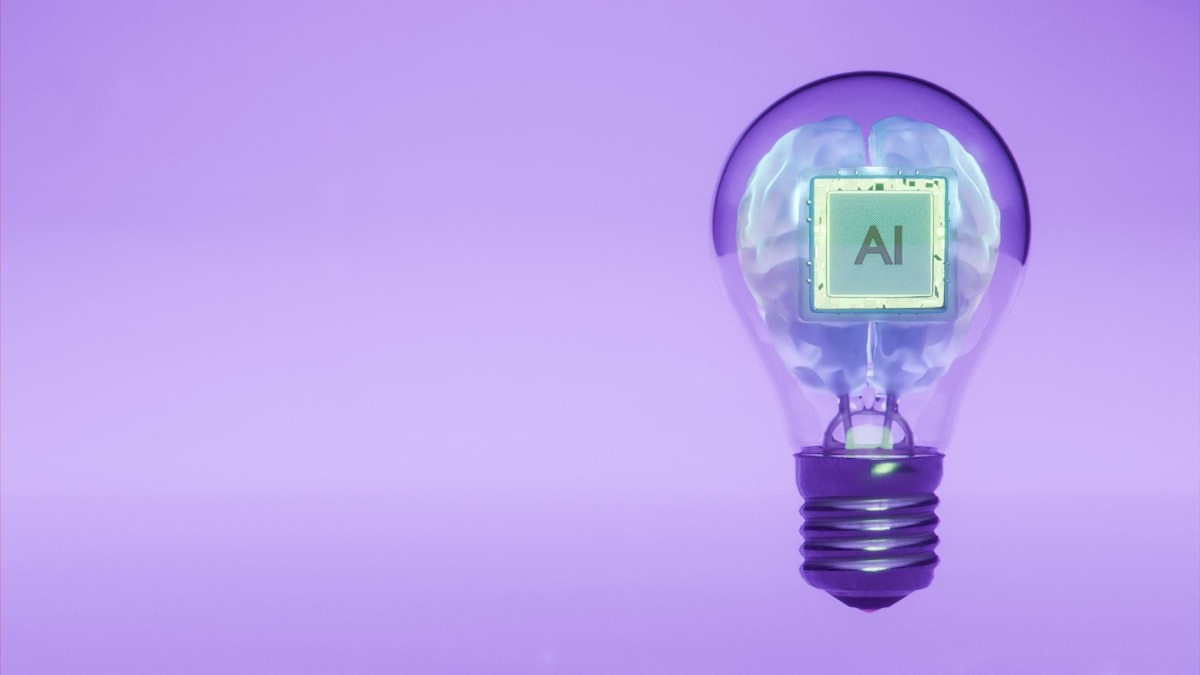 Multimodal AI combines multiple streams of information into one unified understanding, much like the human brain.
Source: unsplash.com
Multimodal AI combines multiple streams of information into one unified understanding, much like the human brain.
Source: unsplash.com
How Does It Work Under the Hood?
You don't need to know the engineering details to use multimodal AI, but a basic mental model helps.
When you type a message to a text-only AI, your words get converted into numbers that the model can process. Think of it like a very detailed numerical fingerprint for each word and phrase.
Multimodal AI does the same thing - but for images, audio, and video too. A photo gets converted into a numerical fingerprint. A sound clip gets converted into a numerical fingerprint. The model then looks at all these fingerprints together and finds the relationships between them.
So when you upload a screenshot of an error message and ask "what does this mean?", the model is comparing the fingerprint of your image with the fingerprint of your question, and producing an answer that makes sense given both.
This is why multimodal AI is better at answering questions about images than a text-only model that's just had the image described to it. The original visual information is present, not a secondhand description of it.
The underlying technology - the process of turning different types of data into a shared numerical space - is related to what engineers call embeddings, if you want to read further.
Which AI Tools Are Multimodal Today?
Most of the major AI assistants have some level of multimodal capability. The details matter, though.
ChatGPT (OpenAI)
ChatGPT can handle text, images, and documents natively. You can upload a PDF, a spreadsheet, or a photo and ask questions about it directly. For audio, you can use the voice feature to speak your questions, and ChatGPT will respond in kind - though it doesn't process standalone audio files like MP3s. The maximum upload size is 512MB per file.
Gemini (Google)
Gemini has among the broadest multimodal capabilities of any publicly available model. It can process text, images, audio, and video in a single conversation. According to Google's documentation, it can handle up to 2 hours of video and 19 hours of audio in one context window. That's useful for tasks like summarizing a long meeting recording or analyzing a YouTube video.
Claude (Anthropic)
Claude accepts text and images. It's especially strong at reading documents - PDFs, tables, structured layouts - and extracting meaning from them accurately. It doesn't currently support audio files directly. For a deeper look at Claude's capabilities, see our Claude Sonnet 4.6 profile.
The right tool depends on what modalities you need. If you're mostly working with documents and images, any of the three will serve you well. If you need audio or video processing, Gemini is the clear choice right now.
 Voice-based AI is one of the most visible multimodal applications - combining audio input with text understanding and spoken output.
Source: unsplash.com
Voice-based AI is one of the most visible multimodal applications - combining audio input with text understanding and spoken output.
Source: unsplash.com
Real-World Uses You Can Try Today
Multimodal AI isn't just a technical feature. It opens up practical tasks that weren't possible with text-only tools.
Reading charts and graphs
Paste an image of a chart from a report or article. Ask the AI to explain what the trend shows, what the key numbers are, or what conclusions you could draw. This saves a lot of time compared to manually describing the visual to a text-only model.
Getting feedback on designs
Upload a screenshot of a website, a slide, or any visual you've created. Ask for honest feedback on clarity, layout, or messaging. Designers use this regularly; it's also useful for anyone who puts together presentations.
Document analysis
Upload a contract, a lease, or any lengthy document. Ask specific questions: "What is the termination clause?" or "Are there any fees not mentioned in the summary?" Claude and ChatGPT are both good at this. See our prompt engineering basics guide for tips on how to ask these questions effectively.
Transcribing and summarizing
Record a voice note or a short meeting clip. Upload it to Gemini and ask for a summary with action items. This works well for personal notes or short team check-ins.
Translating images with text
Upload a photo of a sign, a menu, or a handwritten note in another language. Ask the AI to translate it. This is one of those features that used to require a dedicated app; now it's built into general-purpose AI tools.
Accessibility support
Multimodal AI can describe images for visually impaired users, create transcripts from audio, and translate visual content into text. These aren't niche features - they're practical tools for millions of people.
What Multimodal AI Still Gets Wrong
Multimodal AI is powerful, but it's not infallible. A few things to watch for:
Hallucinations can compound. All AI models sometimes produce plausible-sounding but incorrect information - a problem known as AI hallucination. In multimodal models, an error in processing one type of input can ripple through the rest of the response. If the model misreads a number in your chart, the written analysis will be wrong too.
Images are not always read accurately. Small text, low contrast, complex diagrams, and unusual fonts can trip up even the best models. Always double-check numeric details and anything you'd act on.
Privacy implications are real. When you upload an image or audio clip to an AI service, that data is sent to and processed by the company's servers. Avoid uploading documents or photos that contain personal, medical, or confidential information unless you've reviewed the service's privacy policy.
Not all modalities are equal. A model might be excellent at image analysis but mediocre at audio transcription, or vice versa. Test with your specific use case before relying on it for anything important.
Multimodal AI doesn't remove the need for your judgment. It removes the friction of translating between formats.
A Note on the Bigger Picture
Multimodal AI is part of a broader shift toward AI systems that interact with the world more like people do. When AI can see, hear, and read at the same time, it can handle tasks that are closer to what we actually do at work - reviewing a presentation, listening to a customer call, or looking at a technical diagram.
This is why AI models with strong multimodal capabilities are increasingly central to tools in fields like healthcare, education, and customer support. In healthcare, for example, AI can analyze medical scans with patient records - combining visual and text data in ways that used to require separate specialist systems working in sequence.
If you want to see how multimodal capabilities factor into choosing between AI tools, our how to choose an LLM guide walks through that decision in practical terms.
FAQ
Do I need a paid subscription to use multimodal AI?
Basic image input is available on free tiers of ChatGPT and Gemini. Audio and video processing usually require a paid plan. Claude's free tier includes image uploads.
Can I upload any type of file?
Common formats - PDF, JPG, PNG, MP4, MP3 - are supported by most tools. Obscure formats may not work. Check the tool's help page for a full list.
Is multimodal AI the same as AI image generation?
No. Multimodal AI can understand and describe images as an input. Image generation tools (like DALL-E or Midjourney) produce images as an output. Many modern AI tools do both, but they're distinct capabilities. See our best AI image generators roundup for a look at dedicated image generation tools.
How do I get the best results when uploading images?
Use clear, well-lit images. Crop to show only the relevant portion. Add a specific question - "what does the red line represent?" gets a better answer than "what is this?"
Are there privacy risks to uploading photos?
Yes. Photos often contain metadata (location, device info) and visual details (faces, identifying features) that you may not want to share. Read the privacy policy of the tool you're using and remove metadata from sensitive images before uploading.
Which model is best for multimodal tasks?
Gemini leads on video and audio. Claude leads on structured document analysis. ChatGPT is a solid all-rounder. The best choice depends on your specific task.
Sources:
- What is multimodal AI? - IBM
- What is Multimodal AI? - Splunk
- Multimodal AI: Complete overview - SuperAnnotate
- 8 Best Multimodal AI Model Platforms Tested - index.dev
- AI File Upload Guide: ChatGPT, Claude, Gemini - Explore AI Together
- Multimodal AI - What is it and pros/cons - DigitalDefynd
- Gemini Embedding 2 launch - Google Blog
- In 2026, AI will move from hype to pragmatism - TechCrunch
- Multimodal input processing in AI chatbots - Data Studios
✓ Last verified March 26, 2026

