
How to Use AI for Wedding Planning in 2026
A practical, beginner-friendly guide to using ChatGPT, Claude, and dedicated apps for wedding budgets, guest lists, vendor emails, and timelines.
 7 min read
Weddings involve more logistics than most people plan in a lifetime: budgets that shift weekly, guest lists that need constant updating, and dozens of vendors who all want an answer by email. According to Zola's 2026 First Look Report, 54% of couples now use AI somewhere in that process, up 150% from the year before. This guide covers exactly where AI helps, where it doesn't, and how to start using it today.
TL;DR
- AI tools like ChatGPT and Claude handle budgets, guest logistics, and vendor emails well; save your own voice for vows and vendor selection
- 54% of couples used AI to plan their wedding in 2026, but 63% say it has no place writing their vows
- Free tiers of general chatbots cover most tasks; dedicated apps add extras like seating-chart builders and website templates
- Takes 20 minutes to set up your first AI-assisted budget and timeline, no technical skills needed
Why So Many Couples Are Doing This
The jump in AI adoption tracks with a simple truth about wedding planning: most of it's repetitive admin work, not creative decision-making. Comparing venue quotes, drafting the fifth version of the same email to a different caterer, and figuring out where three feuding cousins can sit without an incident all eat hours without requiring much judgment.
Samantha Kobrin, Director of Brand at Zola, put it plainly in the company's own report: AI "can be an incredible way to make" administrative tasks "faster and more efficient, but it will never (and should never) replace the emotional core" of the day. That distinction, admin versus meaning, is the one to hold onto through the rest of this guide.
If you've used AI for other big life projects, the pattern will feel familiar. Our event planning guide covers the same drafting-and-checklisting approach for parties and conferences, and most of those prompts translate directly to a wedding.
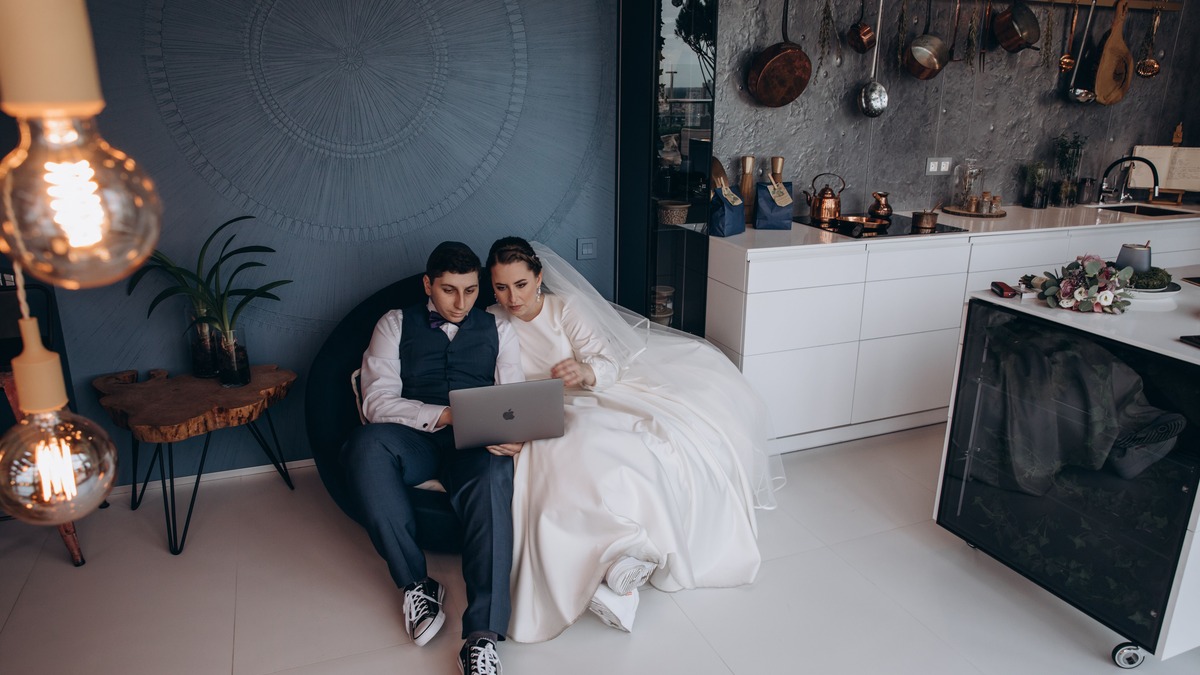 Couples increasingly plan side by side with a laptop open, using AI to draft the first version of documents they'll refine together.
Source: pexels.com
Couples increasingly plan side by side with a laptop open, using AI to draft the first version of documents they'll refine together.
Source: pexels.com
Building a Realistic Budget
Wedding budgets fall apart for a predictable reason: nobody accounts for the fees hiding inside a vendor's fine print until the invoice arrives. Zola's guide flags admin charges of 5 to 10% and vague "service charges" as common surprises, and recommends pasting a vendor contract into an AI chatbot and asking it to flag anything ambiguous before you sign.
A workable starting prompt looks like this:
"I have a total wedding budget of [amount]. My priorities are photography and food; I care less about flowers and invitations. Break this budget into categories with percentages, and flag which categories couples typically go over on."
From there, you can ask it to compare weekday versus Saturday venue pricing (weekday bookings can run about 35% cheaper), or to suggest lower-cost alternatives to a design element you found on Pinterest. If budgeting for other parts of life is new to you, the same back-and-forth approach works in our personal finance guide.
What to Watch For
AI pulls its numbers from general patterns, not your local market. Treat every estimate as a starting range to verify with actual vendor quotes, not a final figure.
Guest Lists and the Seating Chart Problem
Guest list logistics are where AI earns its keep fastest. Feed it your list with basic relationship notes, family groupings, plus-ones, and it can draft a first-pass seating chart in minutes. It's genuinely useful for surfacing options you hadn't considered, like grouping guests by how they know the couple rather than by side of the family.
It has real limits here too. Wedding planner Holly Gray of Anything But Gray Events has noted that AI "doesn't account for cost, scale, venue constraints, safety" on its own, and it has no idea that your aunt and your father's business partner haven't spoken in three years. Use it to create a starting layout, then do the human editing pass yourself.
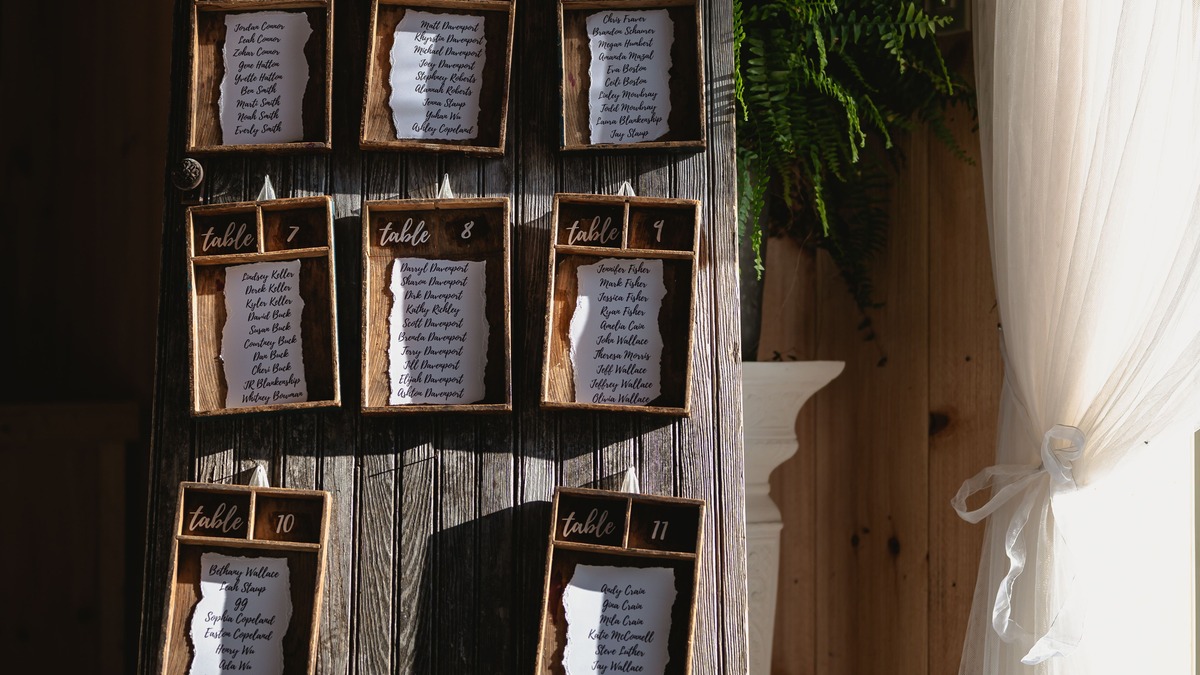 A seating chart is a good example of an AI-assisted first draft: fast to create, but it still needs a human who knows the family history.
Source: pexels.com
A seating chart is a good example of an AI-assisted first draft: fast to create, but it still needs a human who knows the family history.
Source: pexels.com
Vendor Emails and Contract Review
This is arguably the single biggest time-saver in the whole process. Instead of writing a fresh email to every florist, caterer, and photographer, draft one message with your event details and ask AI to adapt the tone and specifics for each vendor type.
A useful prompt for negotiating:
"Write a polite but direct email to a catering vendor asking whether they can match a competing quote of [amount] for the same headcount and menu, without sounding like I'm trying to lowball them."
Zola's own Contract Uploader feature, and general-purpose tools like ChatGPT or Claude, can also scan a vendor contract and flag unusual clauses. Still, this is administrative triage, not legal advice. If a contract clause truly confuses you, ask a person who reviews contracts for a living, not a chatbot.
Building the Day-Of Timeline
A day-of timeline is one of the more mechanical documents in the entire process, which makes it well-suited to AI drafting. Give it your ceremony time, photographer's shot list, and travel distances between locations, and ask it to work backward to a full schedule with buffer time built in.
Try a prompt like:
"Build a wedding day timeline. Ceremony starts at 4pm at [location]. We need hair and makeup for 2 people (3 hours), a first look 90 minutes before the ceremony, and travel time of 20 minutes to the reception venue. Include buffer time between each block."
Share the resulting draft with your photographer and venue coordinator before finalizing it. They'll know things AI won't, like how long your specific venue's turnover between ceremony and reception actually takes.
The Vow Question
The data on vows tells a different story than the rest of this guide. The same Zola report that found 54% of couples using AI somewhere in their planning also found that 63% explicitly reject it for writing their vows. Couples consistently describe vows as something that needs to feel earned, not generated.
More couples are quietly using AI to help with vows than admit it publicly, according to relationship researchers, and undisclosed use can read as a breach of trust when a partner finds out later.
That doesn't mean AI has zero role here. Wedding professionals interviewed by The Knot suggest a narrower use: write your vows yourself first, then ask AI only to clean up grammar, tighten pacing, or check that the length fits your allotted time. Feeding it your actual memories, inside jokes, and specific promises, then asking it to write vows from scratch, tends to produce something that reads as generic to anyone who knows you.
 Wedding planners recommend writing vows by hand first, then using AI only for a light editing pass.
Source: pexels.com
Wedding planners recommend writing vows by hand first, then using AI only for a light editing pass.
Source: pexels.com
Which Tool Should You Actually Use
You don't need a specialized wedding app to get most of the value described above. General-purpose chatbots cover budgets, emails, and timelines without any wedding-specific training. Our ChatGPT vs Claude vs Gemini comparison breaks down the differences if you're deciding between them; for wedding tasks specifically, any of the three handles the drafting work described in this guide.
Dedicated wedding apps add features general chatbots don't have, mostly around visual layout and guest-facing tools:
| Tool | Best for | Cost |
|---|---|---|
| ChatGPT, Claude, or Gemini | Budgets, emails, timelines, contract review | Free tier is enough |
| Zola | Registry, vendor search, wedding website | Free planning tools |
| The Knot | Vendor discovery from inspiration photos | Free core features |
| Canva | Invitations, save-the-dates, stationery | Free plan, paid for advanced AI |
| ItsaYes | All-in-one budget, timeline, and guest hub | Free, or $15 to $49 per month |
Start with whichever general chatbot you already use for other tasks. Add a specialized app only if you find yourself wanting a feature, like a drag-and-drop seating chart or a built-in registry, that a chatbot can't produce on its own.
Getting Started This Week
- Pick one chatbot (ChatGPT, Claude, or Gemini) and open a new conversation dedicated to your wedding.
- Paste in your guest count, target date, and total budget, then ask for a category-by-category budget breakdown.
- Ask it to draft one vendor email you've been putting off, then edit it in your own voice before sending.
- Save the conversation. Coming back to the same thread each time means the AI remembers your context instead of starting from zero.
The pattern that works, according to nearly every planner and couple cited in this guide, is the same one that works for event planning generally: let AI handle the blank page, and keep the decisions that involve actual people for yourself.
Sources:
✓ Last verified July 16, 2026

