
How to Use AI for Legal Documents - A Beginner's Guide
A practical, jargon-free guide to using AI tools to read, summarize, and understand legal documents - without replacing your lawyer.
 11 min read
You've just received a 20-page service agreement. Or a lease. Or a NDA before a new job. The document is dense, full of phrases like "indemnification," "limitation of liability," and "force majeure," and you need to understand what you're signing before you put your name on it.
TL;DR
- AI can summarize, explain, and flag risky clauses in contracts - saving you hours of confusion
- Tools like ChatGPT and Claude work well for personal contracts; specialized tools like goHeather or Spellbook are built for business use
- AI isn't a lawyer - it can help you understand a document, but it can't give legal advice or replace professional review for high-stakes agreements
- Takes about 15 minutes to get useful results; no coding or legal background required
This is where AI tools can genuinely help. They won't replace a lawyer for complex or high-stakes situations, but for everyday documents - apartment leases, freelance contracts, software terms of service, or basic NDAs - AI can translate the legal jargon into plain English, flag potential red flags, and help you ask better questions before you sign.
What AI Can (and Cannot) Do With Legal Documents
The limits matter, so start there.
AI tools are good at:
- Summarizing long contracts into plain-language overviews
- Explaining specific clauses when you paste them in and ask what they mean
- Flagging terms that are unusual, one-sided, or potentially risky
- Comparing two versions of a contract to find differences
- Drafting simple, standard agreements like basic NDAs or service contracts
AI tools aren't able to:
- Give you legal advice specific to your jurisdiction and situation
- Guarantee accuracy (AI systems can misread clauses or miss subtle legal implications)
- Replace a licensed attorney for complex negotiations, litigation, or high-value agreements
- Protect your privacy if you paste in sensitive personal or business information without caution
A legal AI hallucination tracker maintained by researcher Damien Charlotin had documented over 750 incidents of AI systems generating inaccurate legal information or fabricated citations by early 2026. AI errors in a legal context have real consequences. Always treat AI output as a starting point, not a final answer.
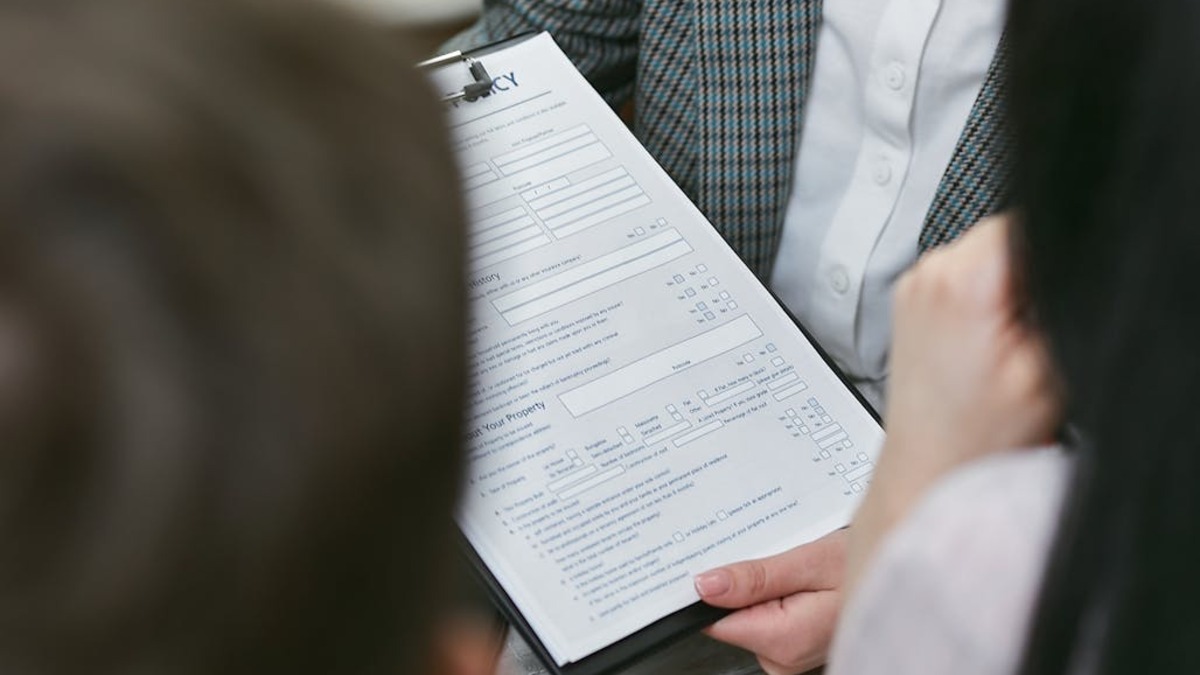 Reading and understanding what you're signing is one of the most practical uses for AI tools today.
Source: pexels.com
Reading and understanding what you're signing is one of the most practical uses for AI tools today.
Source: pexels.com
The Two Ways to Use AI for Legal Documents
Option 1: General AI Assistants (ChatGPT, Claude, Gemini)
The fastest way to get started is with a general-purpose AI assistant you probably already use. ChatGPT, Claude, and Gemini all handle legal document analysis reasonably well for everyday situations.
When this works well: personal leases, employment offer letters, freelance contracts, simple NDAs, terms of service agreements.
The main privacy risk: if you paste your full contract into a free-tier AI tool, that content may be used to train future models, depending on the platform's privacy settings. Never paste documents containing personal identifiers, financial account numbers, social security numbers, or proprietary business information into a free AI tool.
For ChatGPT specifically: the free and Plus tiers don't offer zero data retention. ChatGPT Team and Enterprise accounts include contractual guarantees that your inputs won't be used for training - so if you're handling sensitive documents regularly, that's worth the upgrade.
Claude's privacy policy is similar: Team and Enterprise plans offer stronger data protections than the free tier.
Practical workaround: before pasting any contract, remove or replace all personal identifiers (names, addresses, account numbers) with placeholders like "[PARTY A]" and "[PARTY B]". The AI can still analyze the structure and terms without needing the real names.
Option 2: Specialized Legal AI Tools
For business users, freelancers managing multiple client contracts, or anyone reviewing contracts regularly, purpose-built legal AI tools offer more reliable results. They're trained specifically on legal language and built with privacy protections that general AI tools don't provide by default.
A few worth knowing:
| Tool | Best For | Free Tier |
|---|---|---|
| goHeather | Small business, freelancers | Yes (no credit card) |
| Spellbook | Lawyers, legal teams in Word | No (paid only) |
| Harvey AI | Enterprise legal departments | No |
| LegalFly | In-house legal teams | No |
For most non-lawyers, goHeather is the most accessible starting point. It was built by lawyers, accepts PDF or Word documents, and flags risky clauses with plain-language explanations. The free tier lets you try it right away without a credit card. See our best AI legal tools roundup for a full comparison with pricing and tested results.
Step-by-Step: Reviewing a Contract With ChatGPT or Claude
This works for any general AI assistant. The example below uses a lease agreement, but the same steps apply to any contract.
Step 1: Prepare the document
If you have a PDF, copy the text. If it's a long document, focus on the sections you're most concerned about - the full lease may be 30 pages, but the termination clauses, renewal terms, and liability sections are usually where the important details live.
Replace any sensitive personal information with placeholders before you paste.
Step 2: Start with a summary prompt
Open your AI tool and use a prompt like this:
I'm going to share a contract with you. Please read it carefully and then:
1. Give me a plain-language summary of what this agreement covers
2. List the 3-5 most important terms I should know about
3. Flag any clauses that seem unusual, one-sided, or potentially risky

Here is the contract:

[paste contract text here]
The AI will return a structured summary. Read it carefully, then move on to specific questions.
Step 3: Ask about specific clauses
Most contracts contain sections you won't understand on first read. Pick any clause that confuses you and ask directly:
This contract contains the following clause. Can you explain what it means in plain English,
and tell me whether this is standard or unusual for this type of agreement?

[paste the specific clause]
Step 4: Ask about your specific concerns
Good follow-up questions to ask:
- "What happens if I need to end this contract early? What does this agreement say about that?"
- "Does this agreement limit my ability to work with competitors or other clients?"
- "What liability do I take on if something goes wrong?"
- "Is there anything in this agreement that would be difficult to undo if I sign?"
Step 5: Use the AI's output to prepare questions for a lawyer
The goal isn't to get legal advice from the AI. The goal is to understand the document well enough to have an informed conversation with a professional if needed - or to identify whether this agreement is straightforward enough that you're comfortable signing without further review.
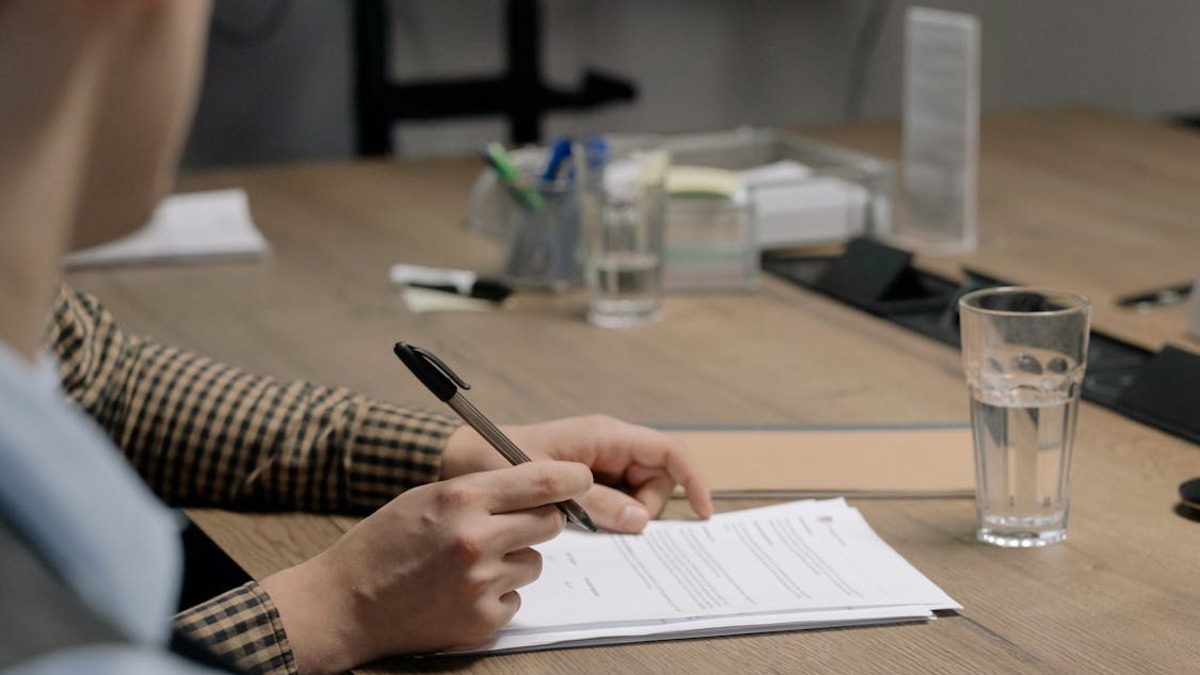 Before signing any significant contract, use AI to understand what you're agreeing to - and get professional advice for high-stakes agreements.
Source: pexels.com
Before signing any significant contract, use AI to understand what you're agreeing to - and get professional advice for high-stakes agreements.
Source: pexels.com
Common Contract Types and What to Ask
Different documents have different things worth watching. Here's a quick reference:
Apartment Lease
Focus your AI review on:
- Early termination clauses and penalties
- Rules around subletting or breaking the lease
- Security deposit return conditions
- Who's responsible for repairs
- Automatic renewal terms
Good prompt addition: "Is there anything in this lease that could cost me money I wouldn't expect, or that limits my rights as a tenant in a significant way?"
Freelance / Service Contract
Watch for:
- Non-compete and non-solicitation clauses (can these limit future work?)
- IP ownership - does the client own everything you create?
- Payment terms and late payment consequences
- Termination rights for both parties
- Limitation of liability caps
NDA (Non-Disclosure Agreement)
NDAs are common but vary widely. Key things to check:
- Duration - how long are you bound by this?
- Definition of "confidential information" - is it too broad?
- Exclusions - what information is explicitly not covered?
- Whether the NDA is mutual or one-sided
Employment Offer Letter
Before you sign:
- Non-compete scope and geography
- Arbitration clauses that waive your right to sue
- IP assignment language that might cover personal projects
- At-will vs. fixed-term employment language
AI won't tell you whether to sign. It will tell you what you're agreeing to - which is often the harder part.
Prompts That Actually Work
Good prompting makes a significant difference in the quality of what you get back. These prompt patterns are worth keeping handy. For a deeper look at crafting effective prompts, see our prompt engineering basics guide.
Summary + risk overview:
"Summarize this contract in plain English and list any clauses that seem one-sided or that I should have a lawyer look at before signing."
Plain-language explanation:
"Explain this clause to me as if I've never seen a contract before: [paste clause]"
Comparison:
"I'm comparing two versions of the same contract. Here is the original [paste] and here is the revised version [paste]. What changed and does anything stand out as significant?"
Jurisdiction check (with caution):
"This contract was written for use in [state/country]. Are there any clauses that might not be enforceable under the laws of [your jurisdiction]? Note: I understand this is not legal advice."
Always add that last line. It reminds both you and the AI of the appropriate limits of the exercise.
Privacy: The Most Important Thing to Get Right
Two-thirds of general counsels report feeling buried in low-value contract work, and AI tools have clearly found a place in legal workflows. But privacy is where many beginners make mistakes.
The rules are simple:
Never paste sensitive documents into a free AI tool without removing identifying information. Names, addresses, account numbers, employee details, and trade secrets should all be replaced with placeholders first.
Use Team or Enterprise tiers when handling documents for clients or business purposes. These plans include contractual data protections that free tiers don't.
Specialized tools like goHeather use privacy-first architecture - some automatically scrub sensitive data before it reaches the underlying AI model. This is worth paying for if you handle contracts regularly.
NDA paradox: there's an emerging concern in 2026 that uploading a document covered by a NDA into a general AI tool may itself violate the NDA's confidentiality terms. If you've signed a NDA and want to analyze the document using AI, use a tool with explicit data-isolation guarantees - or strip all identifying company and individual information before pasting.
When to Call a Lawyer Anyway
AI is useful for low-stakes, standard-form contracts where the goal is understanding, not negotiation. There are situations where professional legal advice isn't optional:
- Any contract involving real estate purchase or sale
- Business acquisition agreements
- Contracts that include arbitration clauses waiving your right to sue
- Employment agreements with significant IP assignment or non-compete provisions
- Situations where the other party has legal counsel and you don't
- Any document where the financial stakes are high enough that a mistake has serious consequences
AI tools aren't licensed to practice law and can't be held professionally accountable for errors. A lawyer can. For anything consequential, use AI to prepare for the conversation - then have the conversation.
FAQ
Can AI tools read PDF contracts?
Most specialized legal AI tools (goHeather, Spellbook, etc.) accept PDF uploads directly. General AI tools like ChatGPT and Claude require you to copy and paste the text instead. If your PDF is scanned rather than text-based, you'll need to run it through an OCR tool first to extract the text.
Is it safe to upload a contract to ChatGPT?
On the free and Plus tiers, inputs may be used to train future models - Anthropic and OpenAI's privacy policies both allow this. For sensitive documents, either remove all identifying information before pasting, or use a Team/Enterprise plan that offers zero-retention guarantees. Specialized legal tools generally offer stronger built-in protections.
How accurate is AI for contract review?
Accuracy varies. In controlled studies, some specialized AI tools have reached 94% accuracy identifying risks in NDAs, compared to about 85% for experienced lawyers. General AI tools perform below that. All outputs should be verified by a human, and high-stakes contracts should still be reviewed by a licensed attorney.
Can AI draft a contract for me?
Yes, for simple and standard agreements - basic NDAs, freelance service agreements, simple vendor contracts. Use clear prompts specifying the parties, what the agreement covers, jurisdiction, and any specific terms you need. Always have a lawyer review any AI-drafted contract before using it for a real transaction.
What's the difference between goHeather and using ChatGPT?
GoHeather is purpose-built for contract review: it accepts document uploads, uses playbooks trained on legal standards, outputs risk scores, and handles data with legal-grade privacy controls. ChatGPT is a general AI assistant that's useful for explaining clauses and summarizing documents but isn't optimized for legal analysis and doesn't offer the same document-handling workflow.
Sources:
- Your guide to AI for legal documents in 2026 - Juro
- Can ChatGPT Review Contracts? - Spellbook
- How AI Contract Review Software Works - goHeather
- ChatGPT and Claude for Lawyers: How Attorneys Use AI in 2026 - Gavel
- AI Contract Review and Analysis: What Legal Teams Need to Know - Axiom Law
- Penalties stack up as AI spreads through the legal system - NPR
- ChatGPT for Lawyers: 20+ Prompts That Actually Work - Spellbook
- AI and M&A NDAs: Managing AI Risks in Confidentiality Agreements - KJK
- Court guidance that use of open-source AI waives confidentiality - Norton Rose Fulbright
✓ Last verified May 12, 2026

