
How to Use AI for Event Planning - A Beginner's Guide
A practical guide to using AI tools like ChatGPT and Claude for every stage of event planning, from concept to post-event follow-up.
 9 min read
Planning a birthday party, a corporate conference, or a community fundraiser takes dozens of hours of emails, spreadsheet juggling, and vendor chasing. AI can shrink that time markedly - not by doing everything, but by handling the parts that drain your energy without requiring much creativity.
TL;DR
- AI handles drafts, checklists, and copy - you handle decisions and relationships
- ChatGPT or Claude cover most event planning tasks; free tiers are enough to start
- Always verify any venue or vendor AI suggests - it makes mistakes on specifics
- Takes under 30 minutes to build your first AI-assisted event plan
This guide walks through the full event planning process - from first concept to post-event follow-up - with specific prompts you can copy and use right now.
What AI Can (and Can't) Do for Your Event
AI is strong at writing tasks: drafts, checklists, timelines, email sequences, speaker bios, survey questions. Give it your event details and it generates a working starting point in seconds. That alone saves hours of staring at a blank page.
What it can't do: negotiate with a caterer, pick up that a client is uncomfortable with a venue choice, or adapt on the spot when the audio system dies ten minutes before showtime. AI works from averages and patterns. You work from the specific humans in front of you.
The division of labor that works best is simple. Use AI for everything that starts blank and needs to exist. Bring human judgment to decisions that actually matter.
According to a Bizzabo survey, 67% of event professionals already use AI for some part of their planning process, and 95% of event teams expect to increase their AI use through 2026. If you're not using it yet, you're doing more manual work than your peers.
 A planning session looks different when AI handles the first draft of every document. The conversation moves faster.
Source: pexels.com
A planning session looks different when AI handles the first draft of every document. The conversation moves faster.
Source: pexels.com
Step 1 - Define Your Event Concept
Before you touch logistics, you need a clear picture of what the event is, who it's for, and what you want people to feel when they leave. AI can help you work through this quickly when you frame the prompt well.
Try this in ChatGPT or Claude:
I'm organizing a [type of event] for approximately [number] people.
The audience is [describe audience - profession, age range, interests].
My main goal is [goal - networking, celebration, fundraising, education].
Suggest 5 different formats or themes for this event.
For each, explain the pros and cons and whether it suits a first-time
organizer with a moderate budget.
The output won't be perfect. It will give you a structured starting point and surface options you might not have considered. A nonprofit that used this approach discovered that a cocktail-style fundraiser would serve their networking goal better than the seated gala they'd originally assumed. The AI's comparison made that obvious in about two minutes of reading.
Step 2 - Build Your Checklist and Timeline
This is where AI earns its keep most clearly. A thorough event checklist covers 40 to 80 tasks. Forgetting one - like ordering the AV cables, confirming the venue's catering restrictions, or locking in a backup speaker - can create serious problems on the day.
A thorough event checklist covers 40 to 80 tasks. Forgetting one can create serious problems on the day.
Give AI your event details and ask for the full list:
Create a complete planning checklist for a [event type] with [number]
attendees on [date]. Include every task from initial planning through
post-event wrap-up, organized by category: venue, catering, marketing,
speakers, day-of logistics, and follow-up. Mark which tasks need to be
completed 3+ months out, 1-2 months out, 2 weeks out, and the week before.
You'll get 50-70 tasks in a structured format you can paste directly into Notion, Asana, or a Google Sheet.
For the timeline, add one key instruction that most people miss:
Draft a week-by-week project plan for a [event type] on [date].
Today is [today's date]. Identify the critical path items - the tasks
that would delay everything else if they slipped.
The critical path framing makes a real difference. Without it, you get a flat list that treats "order name badges" the same as "sign the venue deposit" - and those two tasks are not the same.
Step 3 - Research Venues and Vendors (With Caution)
This is where beginners get burned. AI can help you think through venue requirements, draft outreach emails, and organize quotes once you have them. It cannot reliably name specific vendors.
If you ask ChatGPT to recommend five caterers in a specific city, it will give you names. Some may be real businesses, some may have closed, some may have changed their services since the model's training data was collected. The confident-sounding answer masks real uncertainty.
Use AI for:
- Producing the criteria to assess venues (capacity, parking, AV capability, catering restrictions, accessibility, sound bleed from adjacent rooms)
- Drafting the request for proposal (RFP) email to send to venues
- Building a comparison template to organize quotes side by side
Don't use it for:
- Finding specific vendor names and contact details - use Google, Yelp, and referrals for that
- Checking venue availability - call or email them directly
- Trusting any pricing figures the AI mentions
A strong venue RFP prompt:
Draft a professional email to send to a venue requesting availability
and pricing for a corporate dinner for 150 guests. Include questions
about catering options, AV equipment, parking, accessibility,
setup and teardown time, and cancellation policy.
You get a solid starting template in seconds. Then personalize it with your actual event name and dates before sending.
Step 4 - Write Your Invitations and Promotions
Once logistics are confirmed, you need to fill the room. Invitations, save-the-dates, reminder emails, and social posts all follow patterns that AI handles well - and writing five separate emails from scratch takes hours.
A complete email sequence for a professional event usually includes:
| Timing | Goal | |
|---|---|---|
| Save-the-date | 6-8 weeks out | Claim the calendar slot |
| Formal invitation | 4-5 weeks out | Drive RSVPs |
| 2-week reminder | 14 days out | Re-engage non-responders |
| 48-hour reminder | Day before | Reduce no-shows |
| Post-event thank you | Day after | Close the loop |
Produce the whole sequence in one prompt:
Write a 5-email sequence promoting a [event type] on [date] in [city].
The audience is [describe]. Tone: [professional/warm/celebratory].
Give each email a different angle: calendar urgency, speaker highlights,
venue details, networking value, and a final reminder. Include 2-3
subject line options per email.
For social posts, specify the platform. What works on LinkedIn reads differently than what lands on Instagram. Our guide to using AI for social media content covers how to adapt tone and format across platforms.
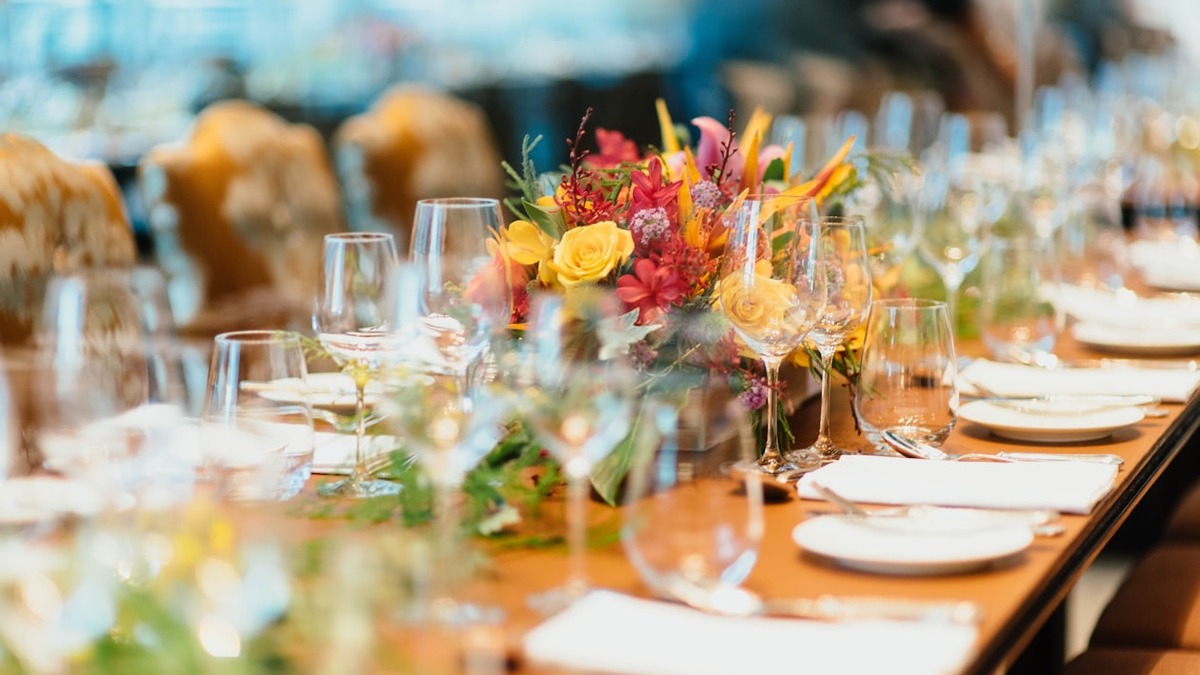 The look and feel of an event still requires human creative judgment - AI handles the paperwork so you can focus on this.
Source: unsplash.com
The look and feel of an event still requires human creative judgment - AI handles the paperwork so you can focus on this.
Source: unsplash.com
Step 5 - Prepare for the Day Itself
The week before the event, AI helps you build the documents that keep things running smoothly - especially when something goes wrong.
Run-of-Show Document
A run-of-show is a minute-by-minute schedule of exactly what happens and who's responsible. First-time organizers often skip this. Don't.
Create a run-of-show document for a [event type] running from
[start time] to [end time] on [date]. Include setup time,
guest arrival, opening remarks, [list key sessions or segments],
breaks, closing remarks, and teardown. Format as a table with
columns for: Time, Activity, Person Responsible, and Notes.
Speaker Bios
If you have speakers or panelists, you'll need polished bios for the program, the host, and your event website. Give AI the raw material - a LinkedIn bio, a short paragraph the speaker wrote - and ask it to rewrite in a consistent format at a consistent length.
Q&A Question Bank
Ask AI to generate 20 potential audience questions based on your session topics. You won't use all of them, but having them prepared means you'll never hit an awkward silence during a panel discussion.
Step 6 - Follow Up After the Event
The event is over but you're not done. Post-event follow-up - thank-you notes, surveys, and stakeholder summaries - often gets rushed because organizers are exhausted. AI makes it faster.
Thank-you emails: one prompt generates a solid base template. Personalize with a sentence or two for speakers, sponsors, and VIP guests.
Attendee surveys: ask AI to write 10-12 questions covering overall satisfaction, specific sessions, venue quality, and what attendees would change. Include at least two open-ended questions - the closed ones tell you scores, the open ones tell you why.
Stakeholder summaries: if you need to report to a client, a board, or a manager, AI can draft an executive summary once you give it the key numbers - attendance, feedback scores, budget versus actuals. Our guide to AI for meeting notes and follow-ups covers how to process session recordings and generate action items from them.
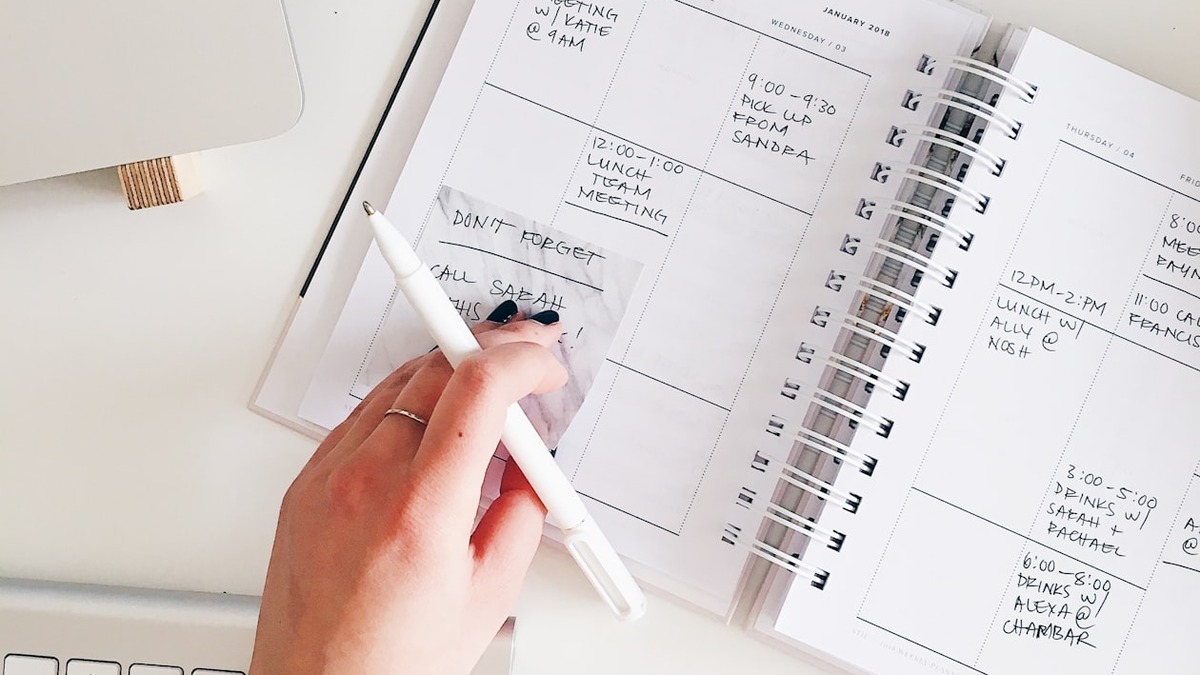 Post-event notes and follow-ups are the tasks most likely to fall through the cracks. AI drafts them while you're still wrapping up.
Source: unsplash.com
Post-event notes and follow-ups are the tasks most likely to fall through the cracks. AI drafts them while you're still wrapping up.
Source: unsplash.com
Five Tips for Better Event Planning Prompts
The quality of what AI produces for event planning depends almost completely on how you prompt it. A vague prompt gets a generic answer. A specific one gets something usable.
1. Include audience context. "An event for 100 people" is much weaker than "An event for 100 mid-career marketers at a consumer goods company, most of whom attend two or three industry events per year."
2. State your goal explicitly. Every event has a primary goal - sell more, strengthen team culture, celebrate a milestone, raise money. Tell the AI what yours is, or it will optimize for something generic.
3. Give tone guidance. "Professional but warm" and "high-energy and celebratory" produce very different output. Be specific about the atmosphere you're aiming for.
4. Ask for multiple versions. Instead of "write an invitation," ask for "three versions - one formal, one conversational, one very short." Having options is faster than editing a single draft that misses the mark.
5. Iterate rather than restart. If the first output is 70% right, tell the AI what to change: "Make this 30% shorter and remove the parking section." That's faster than starting with a new prompt every time.
If you want to build a stronger foundation for this, the prompt engineering basics guide covers the fundamentals with plenty of worked examples.
The goal isn't to hand the whole event over to AI. It's to spend your time on the parts that actually require your judgment - the relationships, the real-time decisions, the moments that make an event memorable - and let AI handle the rest.
Sources:
- Whova: How to Use AI for Event Planning in 2026 with Real Examples
- Eventtia: How to Use ChatGPT for Event Planning - Tips and Prompts
- Bizzabo: AI Tools for Event Planners - The Complete Guide
- Gevme: AI Event Planning 2026 - What's Working and What Isn't
- EventPlanner.net: The Things AI Still Can't Do for Event Planners
- vFairs: 23 Ways Event Planners Are Using ChatGPT and AI Tools
✓ Last verified June 30, 2026

