
How to Use AI for Cooking and Meal Planning
A practical beginner's guide to using AI for weekly meal planning, grocery lists, and cooking help - with real prompt templates that work.
 9 min read
Most people who try using AI for cooking do it wrong. They type "give me dinner ideas," get five vague suggestions they'll never actually make, then close the tab and forget it happened.
AI can do real work in your kitchen - if you know how to ask. With the right prompts, you can cut your weekly meal planning from an hour to under ten minutes, build a grouped grocery list automatically, and get real help when you're stuck mid-recipe.
TL;DR
- AI tools like ChatGPT and Gemini can plan full weeks of meals, generate grocery lists, and answer cooking questions - no coding or technical knowledge required
- Specific, constrained prompts produce dramatically better results than open-ended ones like "give me healthy meals"
- Takes about 10 minutes per week once you have a prompt template saved
What AI actually does well in the kitchen
Before you start, know where AI is truly useful and where it falls short.
The planning stage is where AI earns its keep. Give it your household size, dietary restrictions, time constraints, and budget, and it can produce a complete 7-day meal plan in under a minute. It can also organize a grocery list by store section, suggest meals around ingredients you already have, scale recipes for different serving sizes, and keep track of dietary needs across multiple people.
Where AI struggles is actual cooking. Recipes that AI creates from scratch can have wrong measurements, unrealistic timing, or steps that don't work in a real kitchen. The AI isn't guessing maliciously - it's producing text that sounds right, not text that's been kitchen-tested. Our AI hallucinations guide explains the mechanics behind why this happens.
The most reliable approach is to use AI for planning and scheduling, and rely on tested recipes from food sites for the actual cooking instructions.
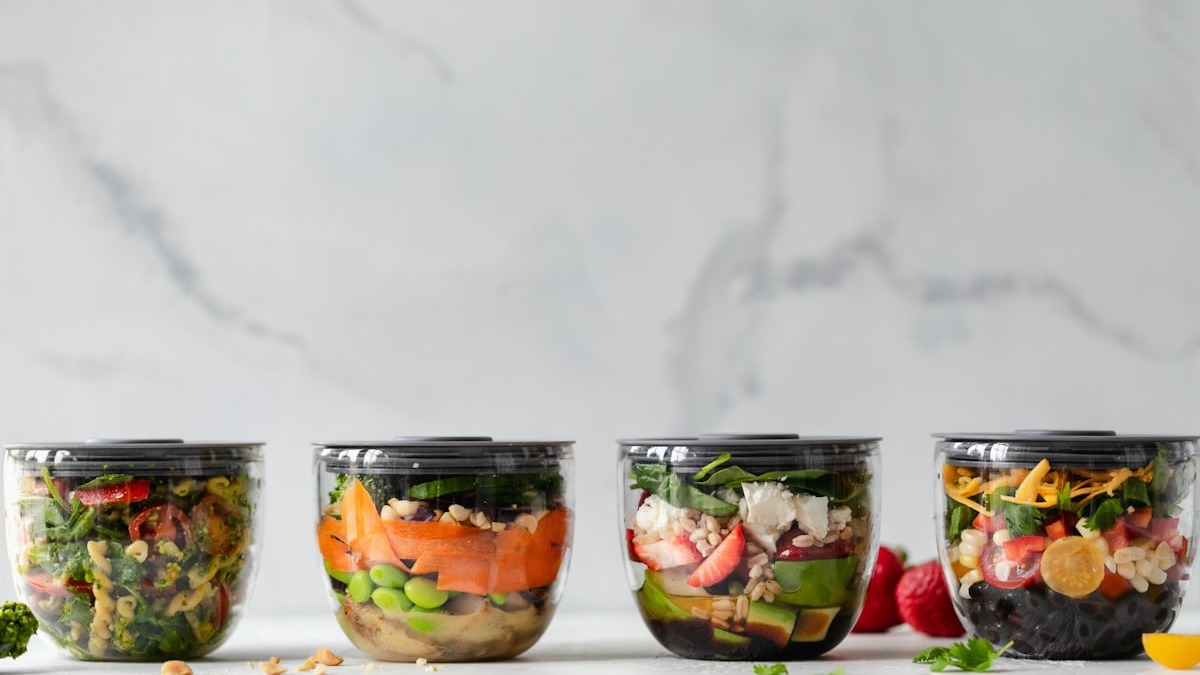 AI can plan your whole week in minutes - you still do the cooking.
Source: unsplash.com
AI can plan your whole week in minutes - you still do the cooking.
Source: unsplash.com
Picking your AI tool
Any of the major AI assistants work for meal planning. If you're not sure where to start, our model comparison guide breaks down the main options for beginners.
For this kind of task, the differences between tools are small. ChatGPT, Gemini, Claude, and Grok all handle meal planning well. What matters far more than the tool is the quality of your prompt. If you already have an account somewhere, start there.
One practical tip: if you use the same AI tool regularly, start a dedicated conversation just for meal planning. You can set your dietary preferences once at the top, and the AI will remember them for the entire session.
Step 1: Plan your week
The single biggest mistake beginners make is being too vague. "Give me healthy meals" produces generic, forgettable results. A detailed prompt that reflects your actual life gets you something you'll follow through on.
This template works well:
Create a 7-day meal plan for [number of people], with breakfast,
lunch, and dinner each day.

Constraints:
- Max 30 minutes of active cooking time per meal on weekdays
- Weekends can have longer recipes (up to 60 minutes)
- Dietary restrictions: [list yours]
- Foods I dislike: [list them]
- Budget: under $[amount] for the whole week
- I shop at: [your grocery store]

For each day, list the meal name, main ingredients, and approximate
cook time. Group similar ingredients across meals to reduce waste.
The constraints are what make this work. Time limits, budget, and household details produce a plan that fits your actual schedule rather than a hypothetical person's. Analysis from HowDoIUseAI found that specific, constrained prompts consistently beat open-ended ones - and that vague requests like "give me healthy meals" reliably produce boring results that nobody follows.
For more on writing better AI prompts generally, our prompt engineering basics guide covers the core techniques in plain language.
The fridge cleanout prompt
One of the most practical uses is figuring out what to make with what you already have. This is especially useful on Thursdays and Fridays before a weekend shop:
I have these ingredients that need to be used up this week:
[list everything in your fridge and pantry]

Suggest 4 dinners using mostly these items. Keep any additional
grocery purchases minimal. Tell me what to make first based on
what expires soonest.
A 2026 study cited by PlanEatAI found that AI-assisted meal planning cut household food waste by an average of 25%. The mechanism isn't complicated: if someone tells you which food expires first, you actually use it.
Step 2: Build your grocery list
Once you have a meal plan, ask the AI to turn it into a shopping list. Don't just ask for "a list" - ask it to organize by the way you actually move through a store:
Based on that 7-day meal plan, create a grocery list.
Organize it by store section: produce, meat/fish, dairy,
pantry staples, frozen. Combine quantities across all recipes
(so if three recipes need onions, give me the total amount).
Mark anything I might already have in a typical home pantry.
This removes real friction at the store. Instead of opening four different recipe tabs, you get one clean, grouped list.
Two important caveats: AI price estimates are rough guesses. It doesn't know what things cost at your local store, whether anything's on sale, or what's already in your pantry. Use the list as a starting point, then cross off what you have and adjust quantities based on actual shelf prices.
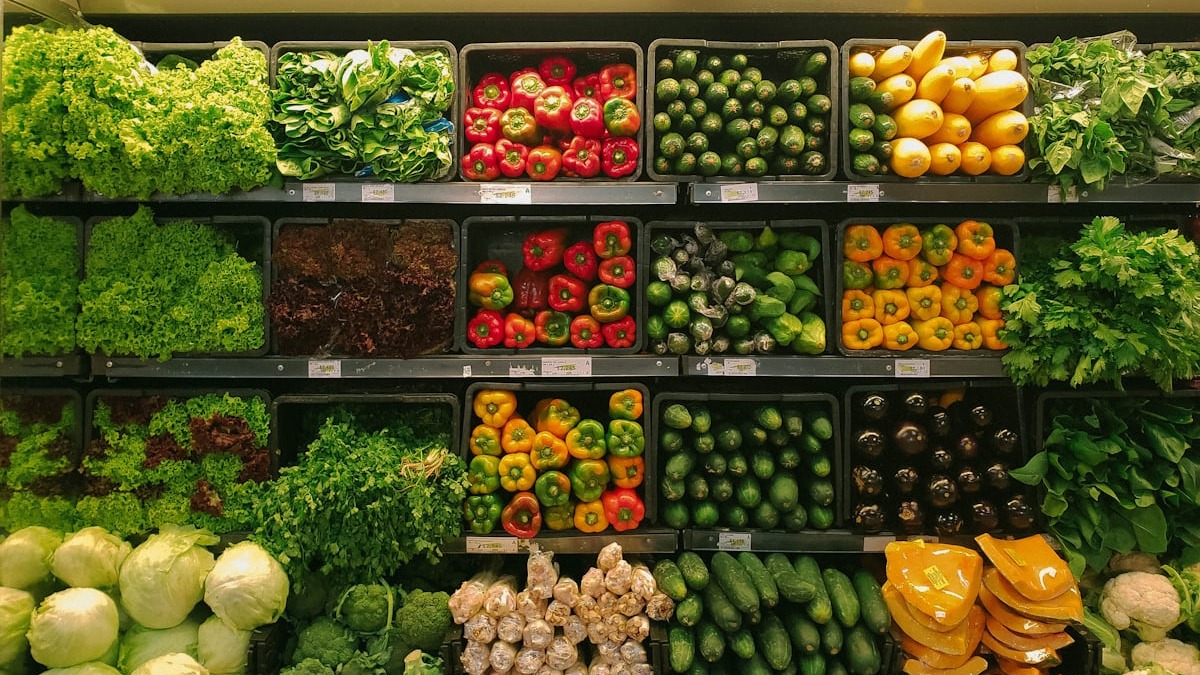 A good grocery list built from your meal plan means fewer trips and less waste.
Source: unsplash.com
A good grocery list built from your meal plan means fewer trips and less waste.
Source: unsplash.com
Step 3: Get help while you're cooking
Most people stop using AI once they leave the planning stage. That's a missed opportunity.
When you're actually cooking, AI is useful for quick questions. Ask things like:
- "This tomato sauce is too acidic - how do I fix it?"
- "I don't have heavy cream - what can I substitute?"
- "My chicken breast isn't cooked through but the outside is browning - what should I do?"
- "What internal temperature should roasted pork reach?"
Type these as regular chat messages while you cook. Keep the conversation window open on your phone or a tablet propped up in the kitchen.
AI is a planning and troubleshooting tool. The actual cooking - the timing, the heat control, the taste adjustments - that's still yours to manage.
If you'd prefer hands-free guidance, apps like SideChef integrate AI more directly and offer voice-guided, step-by-step instructions you can follow without touching your phone.
Handling multiple people and dietary restrictions
If you're cooking for people with different needs, AI handles this well when you're explicit upfront:
Plan 5 dinners for 2 adults. One person is vegetarian.
The other eats meat. Where possible, suggest meals where
you cook a shared base and add protein separately - for example,
a pasta with marinara sauce where one portion gets added chicken
and the other gets white beans.
This "shared base" approach is something AI designs well. It cuts down on cooking time and simplifies your shopping list because the core ingredients overlap.
For medically driven dietary needs - kidney disease, diabetes management, celiac disease, severe allergies - use AI only as a starting point. Verify anything critical with a registered dietitian who knows your full health history. AI doesn't, and can't.
What AI gets wrong about recipes
This deserves its own section because it catches people out.
When you ask AI to invent a recipe entirely from scratch, the result sounds authoritative but hasn't been tested. Measurements can be off. Steps can be listed in the wrong order. Cooking times can be completely wrong for your specific oven or pan. A Futurism report documented several AI-produced recipes that produced inedible results when tested in real kitchens - not because the AI was being careless, but because it had no mechanism to verify that what it wrote would actually work.
The practical fix is to use AI to find or adapt existing tested recipes rather than create new ones from scratch. "Find me a highly rated recipe for chicken tikka masala from a reputable food site" is safer than "write me a chicken tikka masala recipe." AI is also good at adapting an existing recipe - swapping an ingredient, scaling it up, or making it dairy-free - because you're working with a tested foundation.
 Keeping a weekly meal planning routine takes about 10 minutes once you have your template.
Source: unsplash.com
Keeping a weekly meal planning routine takes about 10 minutes once you have your template.
Source: unsplash.com
A sample weekly routine
Once you have your prompt template, the whole process becomes routine:
| Day | Task | Time |
|---|---|---|
| Sunday | Run meal plan prompt, review and adjust | 5 min |
| Sunday | Run grocery list prompt, export to shopping app | 3 min |
| Sunday | Shop (or order online) | - |
| Weekday | Open AI chat if stuck mid-cook | 1-2 min |
| Saturday | Fridge cleanout prompt for remaining ingredients | 3 min |
The first week takes longer because you're setting up your prompt and figuring out what constraints matter to you. After that, it's faster than most people expect.
FAQ
Can AI create recipes for specific diets like keto or vegan?
Yes, and this is one of its strongest uses. Be specific - don't just say "keto," spell out your carb target per meal and which proteins you prefer. The more detail you give, the more usable the output.
Is it safe to follow AI cooking advice for food allergies?
No. AI can miss cross-contamination risks and doesn't know your full allergy history or the severity of your reactions. For serious allergies, verify every ingredient list yourself and work with a dietitian.
Which AI tool is best for meal planning?
ChatGPT, Gemini, and Claude all work well for this. The quality of your prompt matters more than which tool you use. Start with whatever you already have an account for.
Can AI help me cook on a tight budget?
It can try, but price estimates are unreliable. Give it a weekly budget in your prompt - it'll design around that constraint - but verify actual prices at your store. One real benefit is that AI tends to minimize the number of unique ingredients across your meal plan, which does reduce costs.
What if I don't like what it suggests?
Reply in the same conversation and ask it to swap specific meals. "Replace Thursday's dinner with something using the salmon I already have" works exactly as you'd expect. You don't need to start over.
Sources:
- How to use AI for meal planning (the prompts that actually work) - HowDoIUseAI
- How AI helps meal planning in 2026 - PlanEatAI
- AI Cooking Guide 2026 - MyChefAI
- A reporter tried cooking actual AI-generated recipes - Futurism
- Best ChatGPT prompts for meal planning - MealThinker
- AI Meal Planning Guide 2026 - NumYum
- How to use AI for meal planning without replacing your dietitian - Liz's Healthy Table
✓ Last verified April 23, 2026

